
 Models
 Materials
 HDRIs
HDRIs
 Scenes
 Brushes
 Node Groups
 Printables
 Creators
 Creations
Real Wave Master
 add-on
RealWaveMaster creates procedural waves and ripples from animated objects interacting with a surface. Generate dynamic water-like deformation around boats, characters, floating objects, or any moving mesh.
RealWaveMaster turns the movement of an animated object into dynamic procedural waves across a surface. Instead of manually animating wave deformation, the plugin automatically generates ripples and wave patterns around the selected object, making it easy to create convincing interaction between moving objects and water or other wave-like surfaces.
The system is designed to work with different types of animated mesh objects. As the source object moves across or through the surface, waves are generated around it and react to its position and motion. This makes RealWaveMaster useful for boats, characters, floating objects, vehicles, creatures, and many other animation scenarios.
The workflow is simple: choose the surface, select the object that should generate the waves, and create the effect. RealWaveMaster builds the procedural setup automatically, while the main wave parameters remain available for artistic control.
Quick Start
Open Edit → Preferences → Extensions.
Choose Install from Disk and select the RealWaveMaster ZIP file.
In the 3D Viewport, press N and open the RealWaveMaster tab.
Select the surface that should receive the wave effect.
Shift-select the animated object that should generate the waves.
Click Generate Waves to automatically create the procedural wave setup.
Play the animation to preview how the waves follow and react to the moving object.
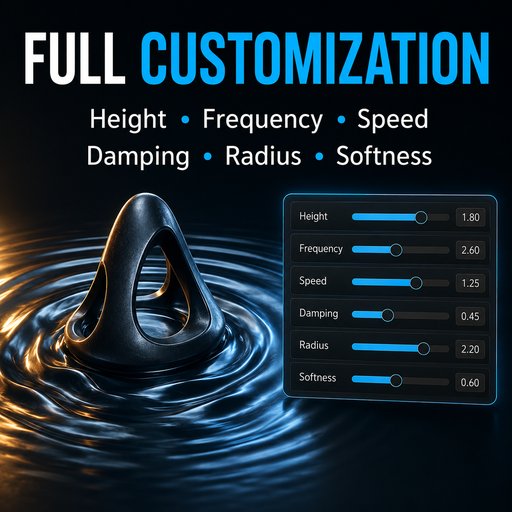
Adjust Wave Height, Wave Scale, Speed, Radius, and Falloff to control the look of the effect.
Fine-tune the propagation and deformation settings to create anything from small ripples to larger waves.
RealWaveMaster keeps the workflow procedural and non-destructive, so you can continue editing the animation, source object, surface, and wave parameters at any time without rebuilding the effect.
Key features:
Generate waves from animated mesh objects.
Procedural wave deformation around moving objects.
Waves automatically follow the source object.
Adjustable wave height and overall intensity.
Adjustable wavelength and wave scale.
Control wave speed and propagation.
Adjustable influence radius and falloff.
Control the distance waves travel from the source.
Smooth transition between affected and unaffected areas.
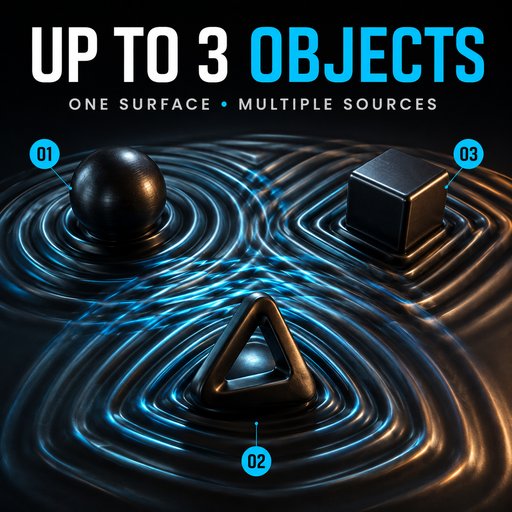
Support for multiple types and sizes of source objects.
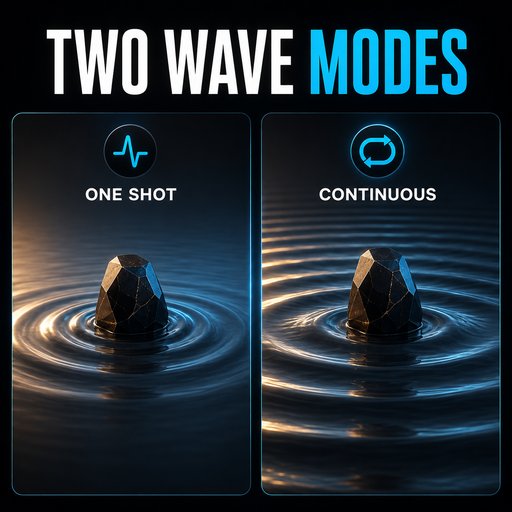
Suitable for both subtle ripples and stronger wave effects.
Non-destructive procedural workflow.
Easy controls for quickly adjusting the final result.
Designed for animated scenes and real-time preview.


