
 Models
 Materials
 HDRIs
HDRIs
 Scenes
 Brushes
 Node Groups
 Printables
 Creators
 Creations
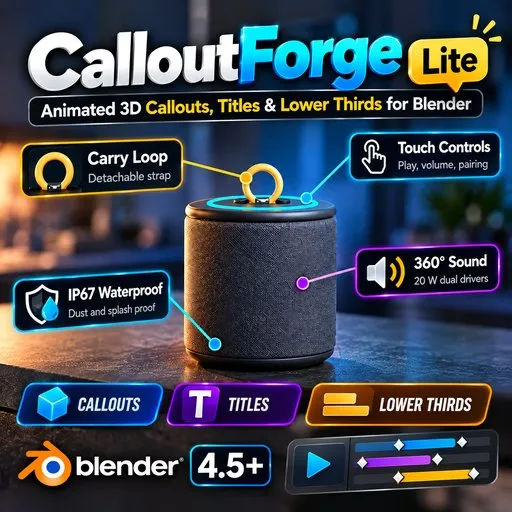
CalloutForge Lite – Animated 3D Callouts & Titles
 add-on
One-click animated 3D callouts, titles and lower thirds for Blender. 6 callout looks, 3 title looks and 4 animations, all fully editable. Same look in EEVEE and Cycles, 16:9 and 9:16. Blender 4.5 LTS to 5.1. No registration needed. Free.
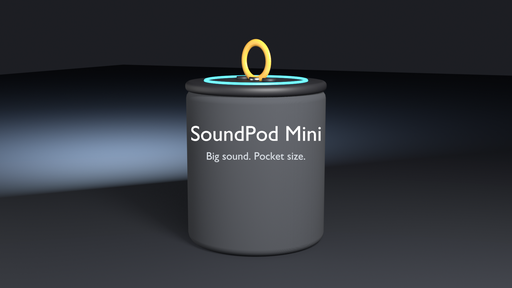
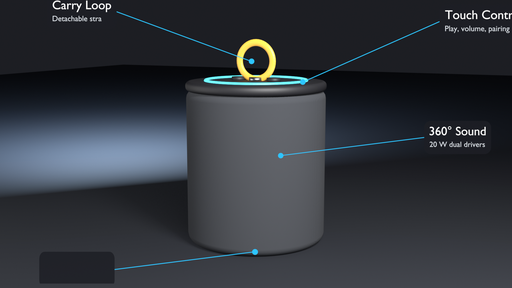
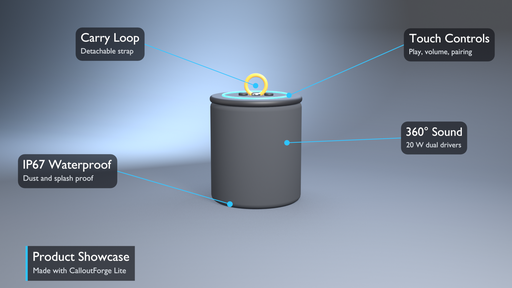
CalloutForge Lite – Animated 3D Callouts & Titles for Blender
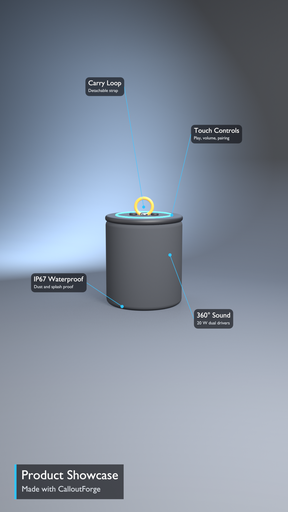
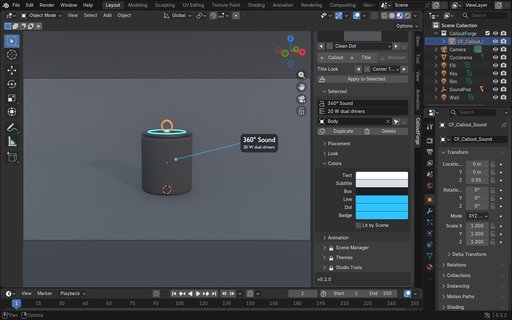
Make your renders explain themselves. CalloutForge Lite adds clean, animated 3D callouts, titles and lower thirds to any Blender scene in one click.
HOW IT WORKS
Select a part of your model and click + Callout. A professional label points right at it: the dot lands on the surface the camera sees, the label is placed beside your model, always faces the camera and follows every move of the object and the camera.
FEATURES
• One-click callouts: dot + leader line + label with title and subtitle
• 6 callout looks: Clean Dot, Elbow Tag, Underline, Ring Pill, Minimal Text, Number Badge
• 3 title looks: Center Title, Lower Third, Corner Tag – locked to the camera frame, always inside the title-safe area
• 4 animations: Draw On, Fade, Pop, Typewriter – with In and Out, start, duration and easing
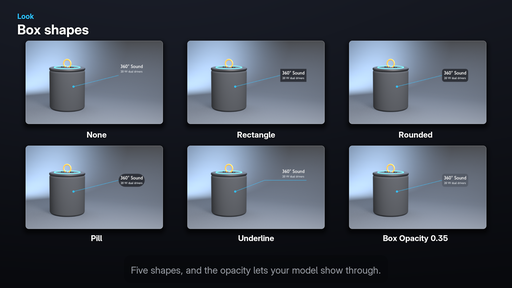
• Box shapes: None, Rectangle, Rounded, Pill, Underline – the box resizes to the text automatically
• Elbow lines, ring or circle dots, number badges, any TTF/OTF font, full color control
• Keep in Front: your model never hides a label
• Edit many callouts at once
• Works in 16:9 and 9:16 (Shorts & Reels)
• Same look in EEVEE and Cycles
• Your files still render on computers without the add-on
PERFECT FOR
Product visualization, arch-viz, game asset breakdowns, YouTube explainers and client presentations.
COMPATIBILITY
Blender 4.5 LTS to 5.1 (Windows, macOS, Linux). EEVEE and Cycles.
REQUIREMENTS
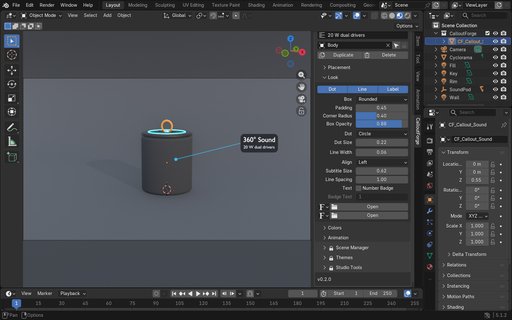
No downloads, registration or license key needed. Install the zip from Edit > Preferences > Get Extensions > Install from Disk. The add-on then appears in the 3D Viewport sidebar (N) under the CalloutForge tab.
SUPPORT
Questions or issues: [email protected]


![AnimTex - Animate Texture Transitions [BETA]](https://public.blenderkit.com/thumbnails/assets/b4b2eba28e0741768c4faa3072aa5363/files/thumbnail_8c69b4bc-abf4-432d-81d3-d88d138f8e1c.png.1024x1024_q85_crop-%2C.jpg.webp?webp_generated=1767519976)


