
 Add-ons
 Models
 Materials
 HDRIs
HDRIs
 Scenes
 Brushes
 Node Groups
 Printables
 Creators
 Creations
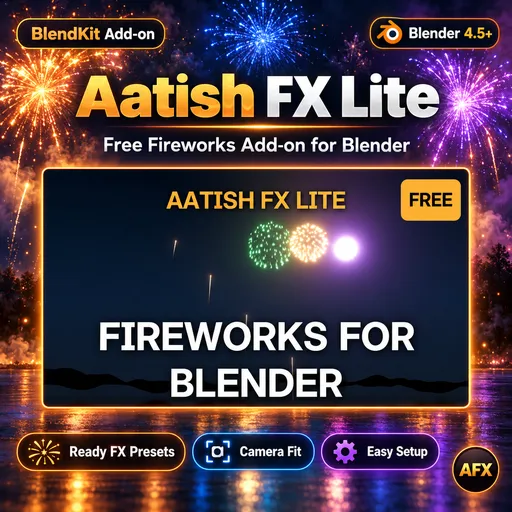
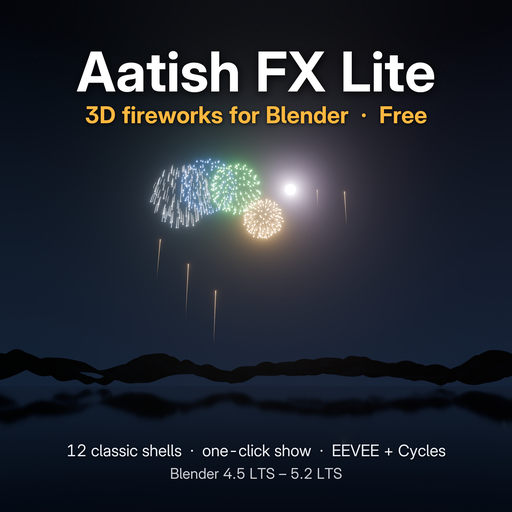
Aatish FX Lite – one-click 3D fireworks for Blender.
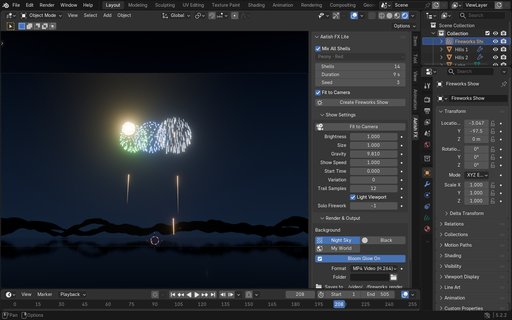
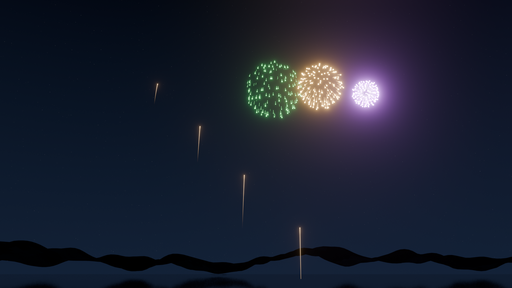
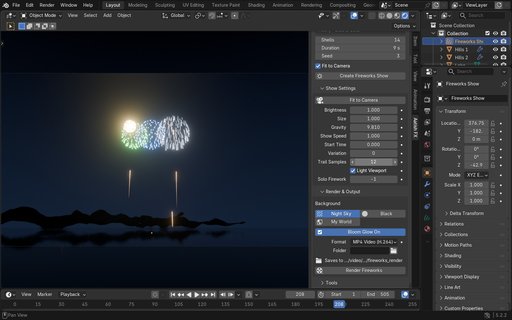
Open the Aatish FX tab in the sidebar (press N), click Create Fireworks Show, and a full fireworks show appears in front of your camera at real scale: rockets climb from the ground, shells burst with trails and a bright flash. No camera in the scene? One is added for you.
FEATURES
- 12 classic shells: peonies and chrysanthemums in many colours, two-tone, big and small
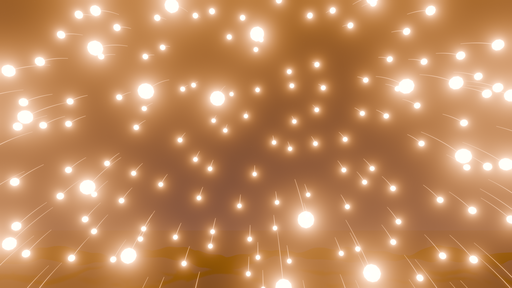
- Real 3D geometry: fly the camera anywhere, even right through a burst
- Fit to Camera: places the show in view at real scale, keeps the ground height
- Brightness, size, gravity, show speed, start time and variation; every setting can be keyframed
- Night sky, plain black or your own world, plus one-click bloom glow
- Same look in EEVEE and Cycles
- Nothing is simulated or baked: scrub to any frame, render any frame on its own
- Saved files render even on machines without the add-on (render farm friendly)
- Render straight to MP4
HOW TO USE
1. Install the zip: Edit > Preferences > Get Extensions > Install from Disk (do not unzip it)
2. In the 3D Viewport press N and open the Aatish FX tab
3. Click Create Fireworks Show
4. Switch to Rendered or Material Preview, press Numpad 0, then Space to play
5. Render & Output > Render Fireworks to save an MP4
COMPATIBILITY
Blender 4.5 LTS to 5.2 LTS, EEVEE and Cycles (CPU and GPU). Tested on Windows. Pure Python and Geometry Nodes, no compiled files.
Free. No registration or license key. GPL-3.0-or-later.


![AnimTex - Animate Texture Transitions [BETA]](https://public.blenderkit.com/thumbnails/assets/b4b2eba28e0741768c4faa3072aa5363/files/thumbnail_8c69b4bc-abf4-432d-81d3-d88d138f8e1c.png.1024x1024_q85_crop-%2C.jpg.webp?webp_generated=1767519976)


