
 Models
 Materials
 HDRIs
 Scenes
 Brushes
 Node Groups
 Printables
 Creators
 Creations
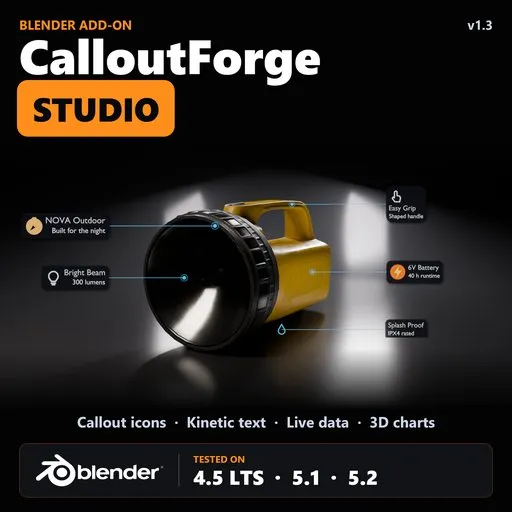
CalloutForge Studio – Callouts with Icons, Kinetic Text & 3D Charts
 add-on
Studio-grade product presentations in Blender: callouts with icons (50 built-in or your own PNG / SVG), studio lighting, kinetic text, captions, live data, 3D charts, story mode and one-click templates. Everything in Pro included.
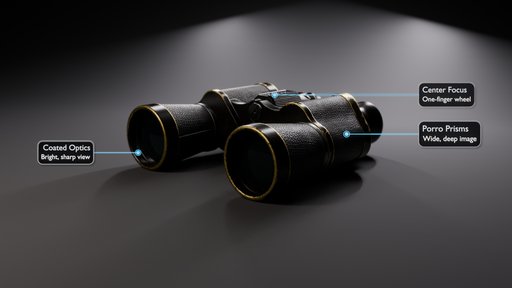
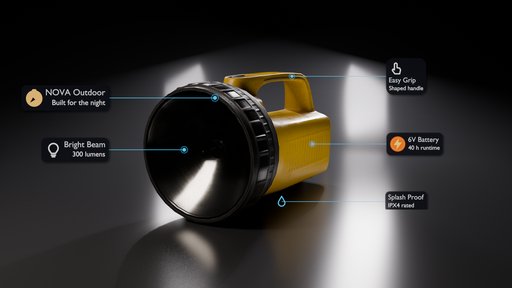
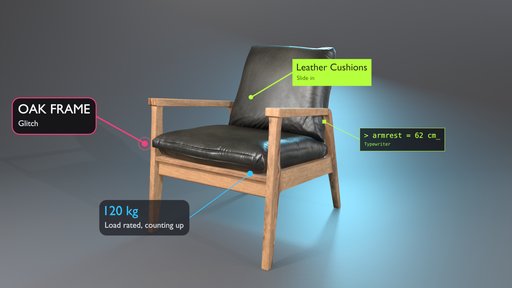
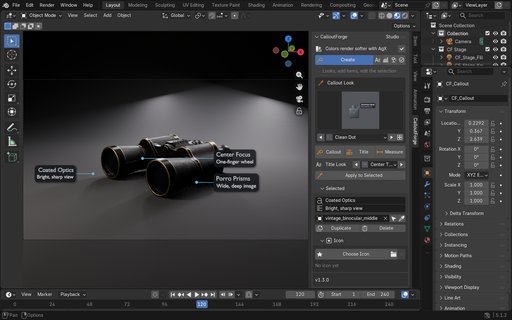
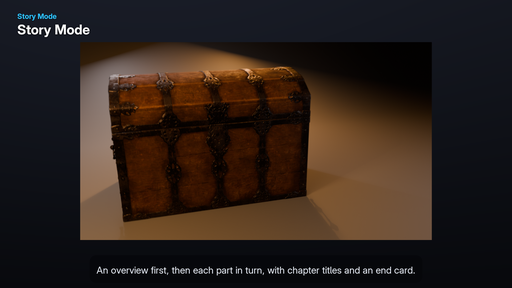
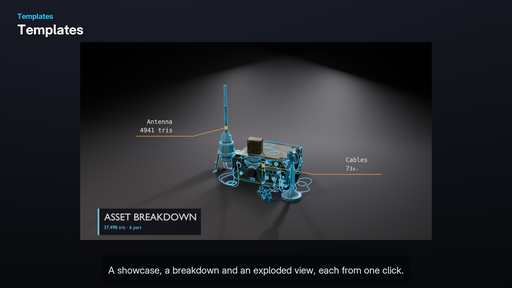
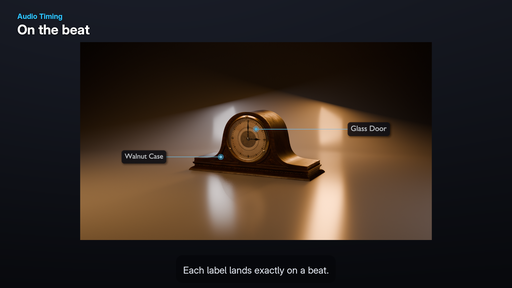
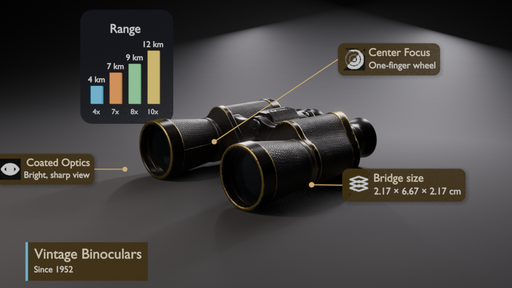
CalloutForge Studio turns any Blender model into a finished product presentation: labelled, lit, animated and ready to render. Select a part, click Callout, and an animated label with a dot, a leader line and a clean text box points right at it. Studio then adds lighting, icons, moving text, live specs, charts and one-click templates, all without leaving Blender.
NEW IN 1.3
Callout Icons
- 50 built-in line icons: battery, wifi, bluetooth, size, weight, water, eco, speed, temperature, power, shield, lock, weather, music, shopping, devices and more.
- Use your own PNG or JPG (keeps its colours, or gets tinted).
- Use your own SVG. It becomes real geometry and stays sharp at any size. Outline icon sets such as Tabler or Lucide work too.
- Place the icon left of the text, above it, or in place of the dot.
- Size, gap and colour controls. The icon animates with the label and is saved inside the .blend file.
- Icons can come from a spreadsheet (CSV "icon" column).
New tabbed interface
- Five tabs: Create, Text, Data, Scene and Finish, with custom icons. Each tab shows only its own tools.
ONLY IN STUDIO
- Presentation Stage: one click builds a studio around your model. 6 light rigs (Product Hero, Glass, Macro, Portrait, Flat Lay, Automotive), 5 moods (Neutral, High Key, Low Key, Golden Hour, Cool Tech) and a seamless curved backdrop, all sized to your model.
- Auto Layout: puts all labels in clean columns beside the model, sorted so lines never cross and boxes never overlap. Works with moving cameras too.
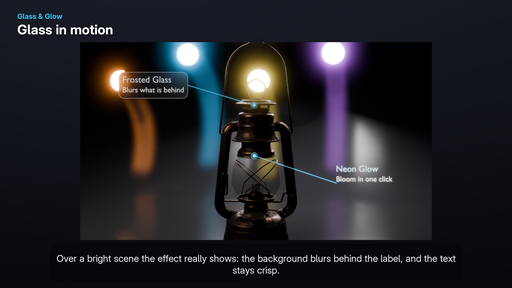
- Glass & Glow: frosted, smoked or tinted glass label boxes, neon glow with one-click bloom, and rack focus that moves the camera's focus to each callout as it appears.
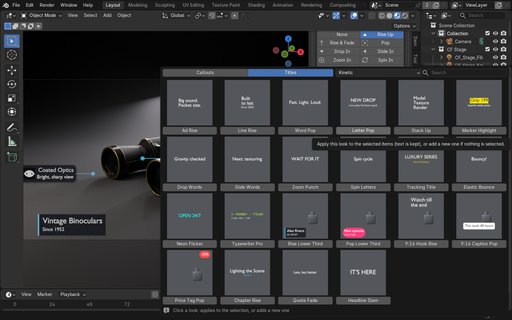
- Kinetic Text: letters, words or lines animate on their own. 13 In and 8 Out motions (Rise Up, Pop, Typewriter, Stack, Highlight Sweep and more), plus 25 ready-made recipes.
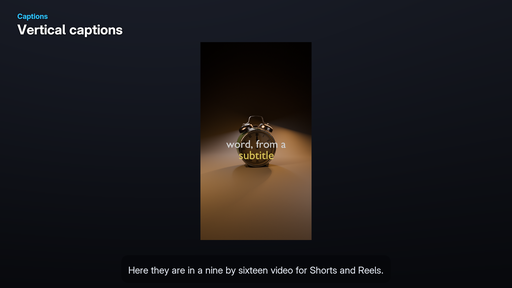
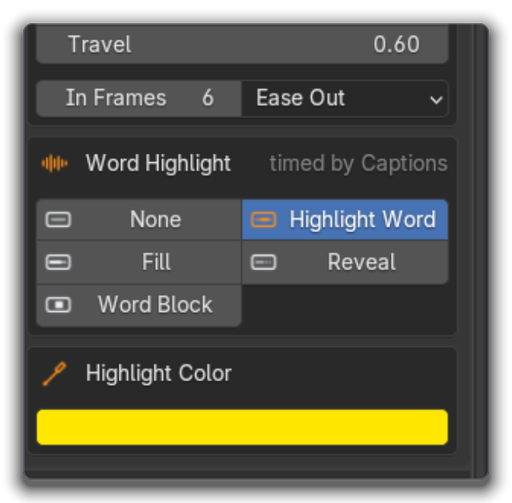
- Captions: import SRT or VTT subtitles, or build captions from plain text. Word-by-word highlight, karaoke fill, reveal or word block, with 8 looks for widescreen and vertical (9:16) video.
- Live Data: labels show real values from the model (width, height, depth, triangles, vertices, area, material, texel density) and update every frame. Auto W / H / D dimension lines.
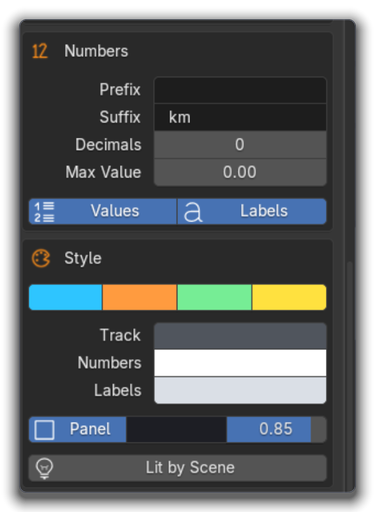
- Data Widgets: animated 3D bar charts, donuts, rings, progress bars, stat counters and spec tables. Type the values or import a CSV / JSON file.
- Story Mode: turn a list of parts into a guided explainer with camera moves, a label for each part, chapter titles and an end card, in one click. Your own camera is never changed.
- One-click Templates: Asset Showcase (turntable + live specs), Game Asset Breakdown (wireframe + triangle counts), Exploded View, Spec Sheet (front and side views with dimensions) and Room Labels for arch-viz.
- Audio Timing: labels land on the beat of your music, or after each pause in a voice-over.
- Readability Check: finds text that is too small, low contrast, too short on screen, outside the safe area or overlapping, then fixes it in one click.
- Languages, spreadsheets, Brand Kit and Batch Tools: keep every language in one scene and render them all, import and export CSV, save your colours, fonts and logo as a brand file, restyle and retime many labels at once, and export web hotspots.
EVERYTHING IN PRO IS INCLUDED
Smart Occlusion (labels hide on their own when their point goes behind the model), 40 callout looks and 15 title looks, style editor, Pick Anchor, Multi-Target, measurement lines, 20 animation styles, 8 colour themes, Scene Manager and the pie menu (Shift+Alt+C).
MADE FOR
Product visualization and ads, arch-viz and interior presentations, game asset showcases and breakdowns, YouTube explainers, Shorts and Reels, technical and educational videos.
COMPATIBILITY
- Tested on Blender 4.5 LTS, 5.1 and 5.2 (Windows).
- EEVEE and Cycles. Built with Geometry Nodes, everything stays editable.
- No internet connection and no extra Python packages needed.
- Files made with Studio still open and render in the free CalloutForge Lite.
- Only one CalloutForge edition runs at a time: if Lite or Pro is enabled, Studio switches it off for you.
Try it free first: CalloutForge Lite is free on BlendKit.


