
 Models
 Materials
 HDRIs
 Scenes
 Brushes
 Node Groups
 Printables
 Creators
 Creations
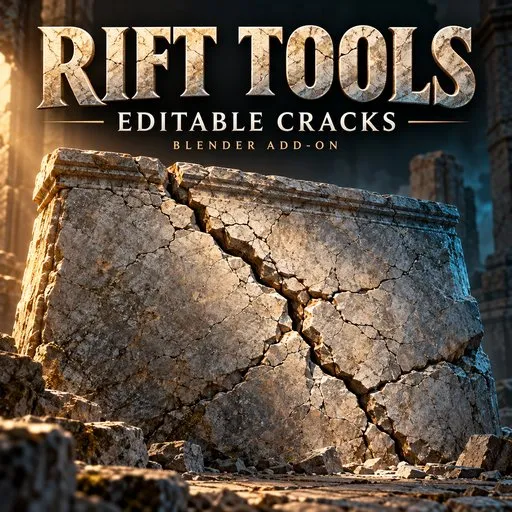
Rift Tools — Editable Cracks & 14 Glass Fracture Patterns for Blender
 add-on
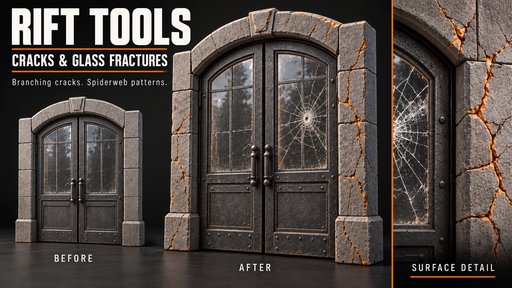
Bring damage and character to your 3D models with Rift Tools, a Blender add-on for creating branching cracks, radial impacts, shallow grooves, and fractured panels.
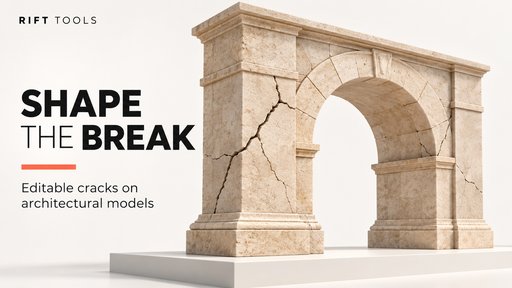
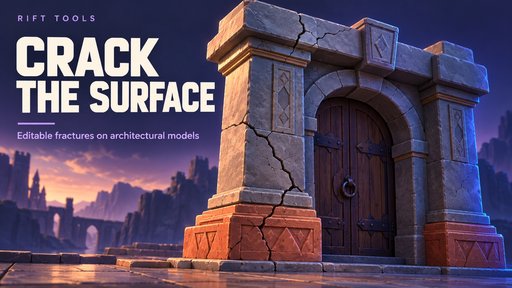
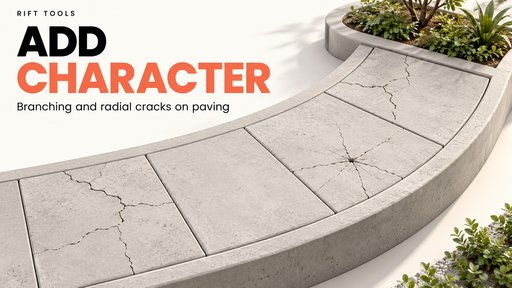
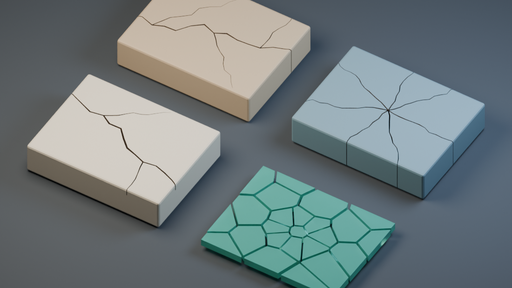
💥 Rift Tools — Give Every Surface a Story
🪨 Editable Cracks · 🪟 14 Glass Patterns · 🧩 Separate Mesh Pieces
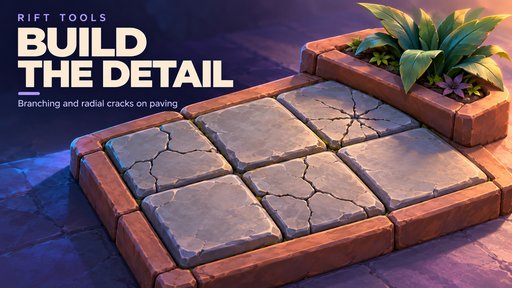
A split across an ancient stone slab. A jagged impact on a wall. A glass panel fractured into dozens of individual pieces.
Rift Tools brings these details into a practical Blender sidebar workflow. Create branching cracks, radial impacts and shallow grooves, or break a flat panel using one of 14 fracture patterns. Adjust the controls, explore variations and keep your source object available for another pass.
✨ What’s New in Version 1.2
🟢 Crack Open Meshes and Planes
Create cracks on solid meshes, open meshes and zero-thickness surfaces without adding thickness first.
Work with a simple plane, an open box or a curved sheet. Rift Tools handles the surface automatically so you can start shaping the damage.
🌊 Follow Curved Surfaces
Turn off Cut Through and enable Follow Curved Surface to fit a shallow crack to the visible surface of your object.
Place damage where you need it, then move or rotate the crack control to refine the result. If you edit the source geometry later, use Refit to Surface.
🪟 Four New Glass Patterns
Version 1.2 expands the glass breaker from 10 to 14 patterns:
🕳️ Create an Impact OpeninG⚒️ Create Editable Cracks
Build a jagged line with branches, or switch to a radial impact pattern. Adjust the crack before baking it into a static mesh.
- 📏 Width and length — control the size of the break.
- 🪚 Through-cuts and grooves — choose a full cut or shallow surface detail.
- 🌿 Branches and impact rays — shape the paths around the damage.
- 🎛️ Jaggedness, segments and taper — refine the character of the crack.
- 🎲 Seed and variation — explore repeatable shapes.
- 🎨 Interior material — assign a material to newly exposed faces on solid cuts.
Add multiple cracks to the same source and select the control you want to edit.
📍 Place Damage Where You Need It
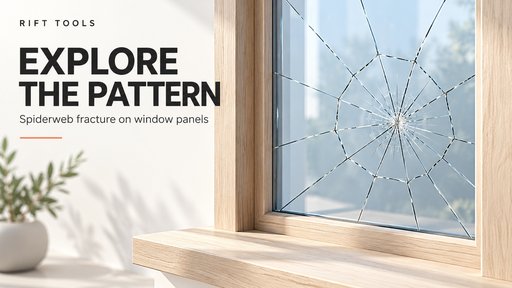
🪟 Explore 14 Glass & Panel Patterns
Use the Natural, Punched, Tempered, Edge and Multi-hit presets for a quick starting point, then adjust the settings to suit your asset.
🎛️ Fine-Tune the Fracture
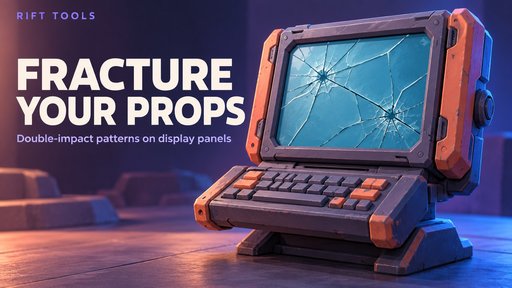
Shape the result with controls for target shard count, gap, seed, impact rays, core size, core fragments, cross-crack variation and secondary cracks.
Add optional thickness to open-sheet outputs, use a small bevel for edge highlights, or adjust Spread, Shard Tilt and Lift to create a static arrangement. Keep border pieces in place while moving other shards outward.
The final shard count is approximate and can vary with the pattern, clipping, gaps and other settings.
🧩 Generate Pieces and Keep Your Source
Glass fracture creates separate mesh objects organized in a collection, with origins centered on their geometry.
For cracks, choose:
- 📋 Bake Copy — create a static mesh from the evaluated result.
- 🧩 Bake + Separate Pieces — split disconnected mesh islands into individual objects.
🎨 Optional Glass Material
🏛️ Useful For
- 🪨 Stone slabs, paving and concrete panels
- 🏚️ Ruins, damaged architecture and environment props
- 🪟 Windows, display cases and fractured glass inserts
- 🖥️ Sci-fi screens and console panels
- 🎮 Stylized assets and scene details
🚀 Quick Start
📦 What’s Included
- 🧩 Rift Tools 1.2.0 installable Blender add-on ZIP
- 🐍 external CODE dependencies or network calls
- 📖 Written installation and usage documentation
- 🖼️ Example scenes and previews for open surfaces, curved grooves and glass patterns
- 📝 Changelog and validation notes
- 📜 GPL-3.0-or-later code license
⚙️ Compatibility & Useful Details
- Minimum Blender version: 4.2.0.
- Automated validation and installation checks: Blender 4.2.0, 4.5.3 LTS and 5.1.2.
- Example scenes: saved in Blender 4.5.3; use Blender 4.5 or later to open them.


