
 Models
 Materials
 HDRIs
HDRIs
 Scenes
 Brushes
 Node Groups
 Printables
 Creators
 Creations
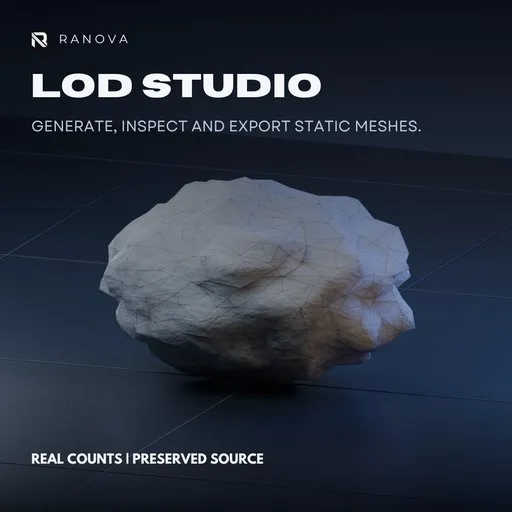
Ranova LOD Studio
 add-on
Generate, inspect and export 2–8 static mesh LOD levels in Blender. Set triangle budgets, compare wireframes and export FBX or GLB. Created by Rana Abdullah — RANOVA.
Ranova LOD Studio 2.1
Generate. Inspect. Export.
Create lighter versions of static 3D assets directly inside Blender. Previously known as One-Click LOD Generator.
KEY FEATURES
• Generate 2–8 detail levels, including an unchanged LOD0.
• Set reduction percentages or approximate triangle targets.
• Process individual meshes, selected meshes or source collections.
• Inspect wireframes and compare levels side by side.
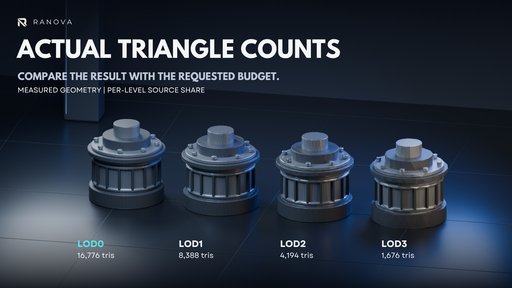
• Review triangle counts, UV layers, material slots and geometry issues.
• Apply protection weights to boundaries, seams, sharp edges and material borders.
• Export separate or grouped FBX/GLB files with engine presets.
• Save geometry reports alongside exported assets.
• Follow built-in beginner guides and tooltips.
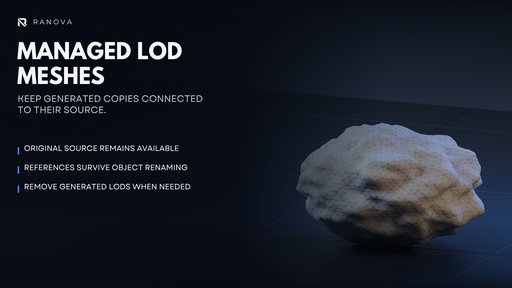
Your original source remains available. Existing export files are protected from overwrite by default.


REQUIREMENTS
Blender 4.5 or newer. Tested on Windows with Blender 5.2.2 LTS.
INCLUDED
Installable extension ZIP, workflow documentation and an optional Unity C# helper for static LODGroup setup.
INSTALLATION
Keep the ZIP zipped. Use Install from Disk in Blender Preferences, enable Ranova LOD Studio and restart Blender after replacing an older installation. Press N in the 3D Viewport, open Ranova and select Start Here.
IMPORTANT NOTES
Static meshes only. Skeletal LODs, animation transfer, texture baking and impostors are not included. Triangle targets and geometry protection are approximate; inspect results before production use.
Promotional artwork is illustrative. Pictured models are not included.
Add-on code: GNU GPL v3 or later. See LICENSE.txt.
Created by Rana Abdullah — RANOVA
https://ranova.vercel.app


