
 Add-ons
 Models
 Materials
 HDRIs
 Scenes
 Brushes
 Node Groups
 Printables
 Creators
 Creations
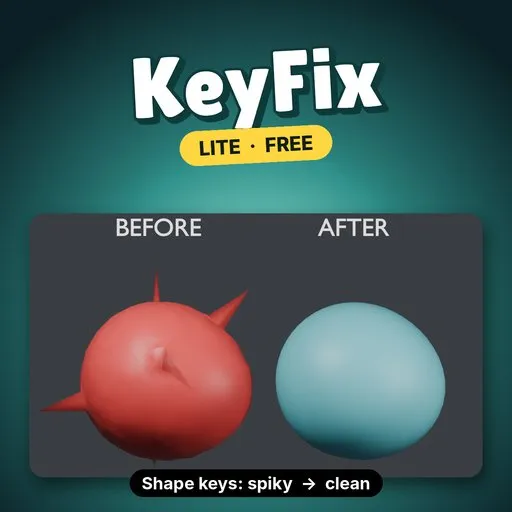
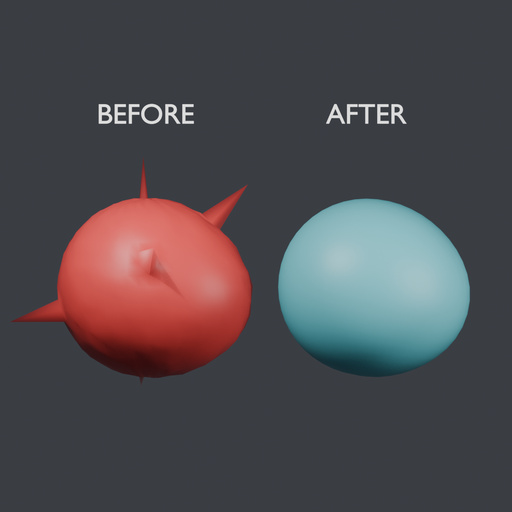
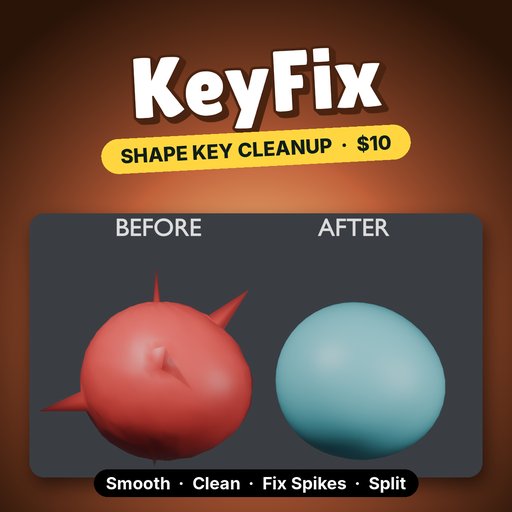
KeyFix Lite smooths a shape key's offsets instead of its positions, so a rough key gets clean without the mesh shrinking or losing its basis detail.
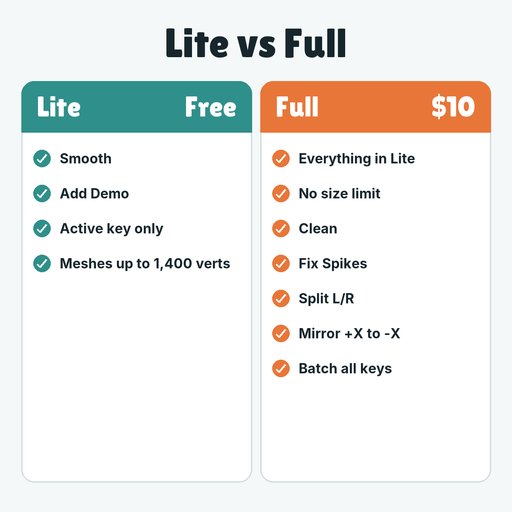
WHY FULLLite stops at 1,400 vertices and the active key. Full has no vertex cap, runs every key at once, and Fix Spikes cuts the largest spike 0.599 to 0.0062 (about 97x lower) versus 0.0116 for Smooth alone ($10).
Remove Lite, install Full, done.
- Smooth: relaxes the active key's offsets from its basis. Strength, Iterations and a Pin Boundary checkbox that holds open mesh edges.
- Add Demo: a sphere with a damaged "Smile" key to try it on.
- Undo works, and each run reports how many vertices changed.
- Limits: the active shape key only, on meshes up to 1,400 vertices (the demo size).
- Install: Edit → Preferences → Get Extensions → Install from Disk, pick keyfix_lite-0.1.0.zip.
- N panel: in the 3D Viewport press N and open the KeyFix tab.
- Add Demo: click it to get a sphere with a spiky, noisy "Smile" key, already selected.
- Buttons: in Object Mode, pick a shape key, set Strength and Iterations, press Smooth.
- More iterations flatten more. On the demo, 30 iterations left a smaller largest spike than the default 10 (see below).
- Pin Boundary keeps open edges, such as a neck seam or eyelid rim, from drifting while the inside smooths.
On the demo sphere (1,106 vertices, "Smile" key), Blender 4.5 LTS, Smooth only:
- Largest spike (a vertex's distance from its neighbours' average): 0.599 → 0.0116 at the default 10 iterations, 0.0037 at 30.
- Average vertex offset: 0.040 → 0.033 at 10 iterations. The smile shape stays.
- Time: 3.1 ms at 10 iterations, 6.0 ms at 30.
Smoothing spreads spikes out rather than removing them. The full version removes them first with Fix Spikes.
REQUIREMENTS / LIMITS- Blender 4.2 or newer (extension format). Tested on Blender 4.5 LTS.
- Mesh objects with relative shape keys, in Object Mode. The basis key itself is not edited.
- Smooth only, on the active key. Meshes over 1,400 vertices are refused. Locked keys are refused.
KeyFix is $10 and adds:
- Clean: zero vertices that barely move.
- Fix Spikes: on the demo it found all 5 planted spikes and nothing else.
- Split L/R: <key>.L and <key>.R halves that add up to the original key exactly.
- Mirror +X → -X with a tolerance for uneven meshes.
- Batch over all or selected shape keys, and meshes of any size.
Search KeyFix on Blendkit.
Remove Lite before installing the full version.
By


