
 Add-ons
 Models
 Materials
 HDRIs
 Scenes
 Brushes
 Node Groups
 Printables
 Creators
 Creations
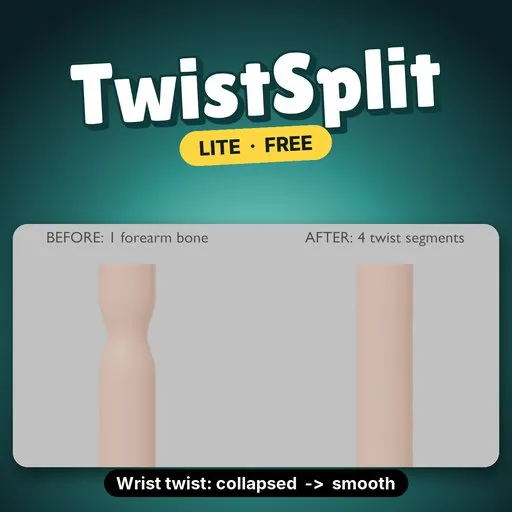
TwistSplit Lite cuts the active bone into 2 or 3 segments and splits its vertex-group weights between them, so the weights add up exactly as before.
EVERYTHING IN (LITE)- Split: replaces the active bone with segments named <bone>.seg1 to .seg3, reattaches the children, and splits the vertex group on every mesh skinned to the armature.
- Add Demo: an arm with a skinned cylinder to try it on.
- Undo works, and each run reports how many weights moved.
- Limits: 2 to 3 segments, linear falloff, active bone only.
- Install: Edit → Preferences → Get Extensions → Install from Disk, pick twistsplit_lite-0.1.0.zip.
- N panel: in the 3D Viewport press N and open the TwistSplit tab.
- Pick a bone: select the armature, make the bone active, set Segments (2 or 3).
- Split: press Split.
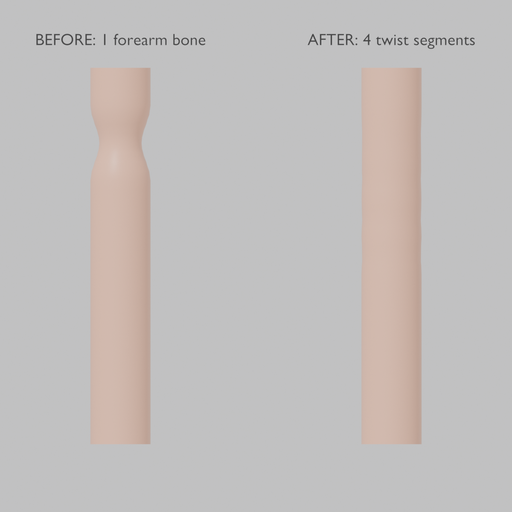
- Split the forearm into 3 and weight-paint from there. Lite does not set up twist, so the wrist still collapses (see below).
On the demo run (arm with upper arm, forearm and hand bones, 1,148-vertex skinned tube), Blender 4.5 LTS, forearm split into 3 linear segments, hand twisted 90°:
- Vertex weight sums: unchanged (largest error 0.0).
- The split took 6 ms.
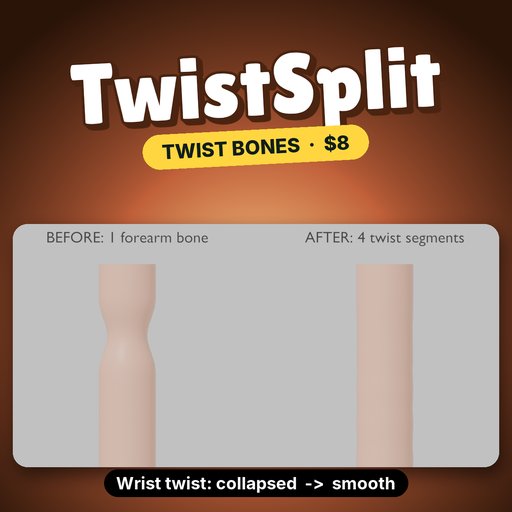
- Narrowest point of the tube at the wrist, as a fraction of the rest radius: 0.707, the same as with one forearm bone. Splitting alone does not stop the candy-wrapper collapse. The full version's twist setup does (0.981).
- Blender 4.2 or newer (extension format). Tested on Blender 4.2, 4.5 and 5.2.
- Armature in Object or Pose mode with an active bone; skinned meshes are found through their Armature modifier.
- Up to 3 segments, linear falloff, active bone only. No twist preset, no mirror, no all-selected.
TwistSplit is $8 and adds:
- Twist Preset: Copy Rotation constraints set up for you. On the demo, the wrist went from 0.707 to 0.981 of its rest radius.
- Up to 32 segments, Smooth falloff.
- All Selected Bones and Mirror to Other Side.
Search TwistSplit on Blendkit.
Remove Lite before installing the full version.
By


