
 Add-ons
 Models
 Materials
 HDRIs
 Scenes
 Brushes
 Node Groups
 Printables
 Creators
 Creations
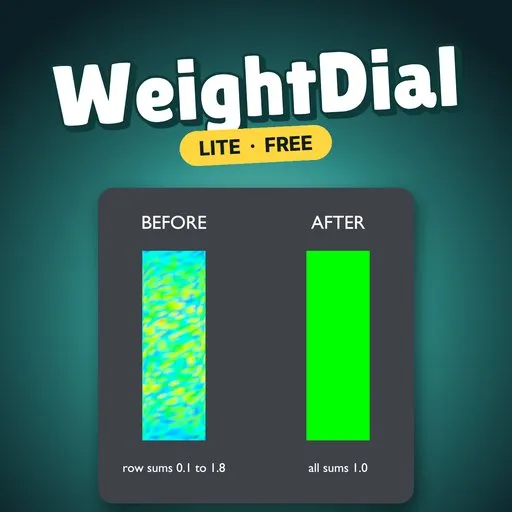
WeightDial Lite lets you type exact vertex-group weights on the selected vertices and Normalize them so every vertex sums to 1.
EVERYTHING IN (LITE)- Typed weights: each vertex group on the selection shows its average weight. Type a value and that group is set on all selected vertices.
- Normalize: rescales unlocked groups so every vertex sums to 1. Locked groups are left untouched.
- Add Demo: a 3-bone cylinder with uneven weights to try it on.
- Undo works, and each run reports how many vertices changed.
- Limits: meshes up to 3,000 vertices.
- Install: Edit > Preferences > Get Extensions > Install from Disk, pick weight_dial_lite-0.1.0.zip.
- N panel: select a mesh, enter Edit Mode, press N in the 3D Viewport and open the WeightDial tab.
- Add Demo: click it to get a cylinder with uneven weights, already in Edit Mode with vertices selected.
- Dial it in: type a weight on a group, then press Normalize.
- Lock a vertex group (the lock icon in the Vertex Groups list) to keep Normalize from changing it.
- Panel values refresh when you press Refresh Selection or run any operator.
On the demo cylinder (1,952 vertices, 40 selected, 3 bones), Blender 4.5 LTS:
- Typing 0.5 on a group sets 0.5 on all selected vertices.
- After Normalize, every vertex total is 1 within 0.000001.
- Blender 4.2-5.x (extension format). Tested on Blender 4.2, 4.5 and 5.2.
- Mesh objects with vertex groups, in Edit Mode.
- Typed weights and Normalize only. Meshes over 3,000 vertices are refused.
WeightDial: Type Exact Vertex Weights is $10 and adds:
- Limit Total: keep the k largest weights per vertex.
- Clean: zero weights below a threshold.
- Smooth: relax weights over the mesh, renormalized.
- Copy From Active: copy one vertex's weights to the whole selection.
- Mirror X: +X onto -X, swapping .L/.R group names.
- Meshes of any size.
Search WeightDial on Blendkit.
Remove Lite before installing the full version.
By


