
 Models
 Materials
 HDRIs
 Scenes
 Brushes
 Node Groups
 Printables
 Creators
 Creations
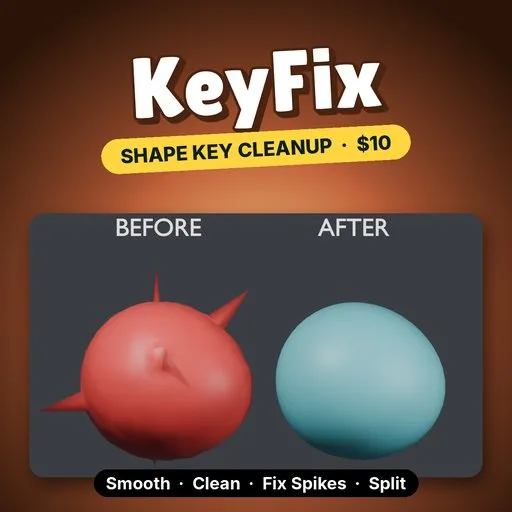
KeyFix - Smooth, Clean & Fix Shape Keys (Spikes, Split L/R, Mirror)
 add-on
Fix damaged shape keys in one panel: smooth deltas without losing volume, zero tiny moves, remove spikes, split into .L/.R halves that add up exactly, and mirror +X onto -X. Blender 4.2+.
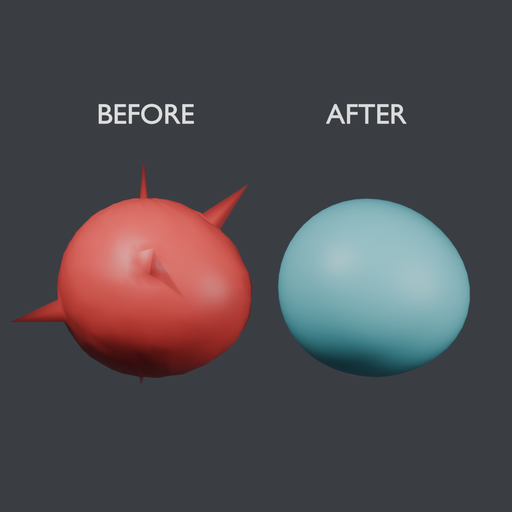
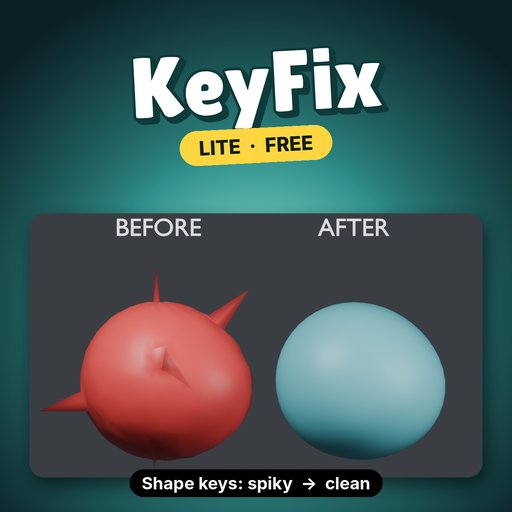
KeyFix repairs shape keys where they break: it smooths deltas without shrinking the mesh, zeroes stray vertex moves, pulls spikes back into place, splits a key into exact .L/.R halves and mirrors one side onto the other.
EVERYTHING IN- Smooth: relaxes the key's offsets from its basis, not the positions, so the basis volume and detail stay put. Strength, Iterations and a Pin Boundary checkbox that holds open mesh edges.
- Clean: zeroes vertices that move less than a threshold, so sculpting noise stops leaking into the whole mesh.
- Fix Spikes: finds vertices far from the median of their neighbours and puts them back. The edge of a deformed area is left alone.
- Split L/R: creates <key>.L (+X) and <key>.R (-X) with an adjustable crossfade width. The two halves add up to the original key exactly.
- Mirror +X → -X: copies the +X side of a key onto the -X side, with a tolerance for slightly uneven meshes.
- Batch: runs any tool on every shape key (in Blender 5.x, on the selected keys if any are selected). Locked keys and the basis are skipped.
- Add Demo: a sphere with a damaged "Smile" key to try every button on.
- Every action supports undo and reports how many vertices it changed.
- Install: Edit → Preferences → Get Extensions → Install from Disk, pick keyfix-0.1.0.zip.
- N panel: in the 3D Viewport press N and open the KeyFix tab.
- Add Demo: click it to get a sphere with a spiky, noisy "Smile" key, already selected.
- Buttons: in Object Mode, pick a shape key and press Clean, Fix Spikes, Smooth, Split L/R or Mirror +X → -X. Turn on Batch to run on many keys at once.
- Run them in the order Clean → Fix Spikes → Smooth. Smoothing first spreads a spike into a lump; removing it first leaves nothing to spread.
- Lock (the lock icon in the Shape Keys list) any key you want Batch to leave alone.
On the demo sphere (1,106 vertices, "Smile" key), Blender 4.5 LTS, Clean threshold 0.02 then Fix Spikes and Smooth at their defaults:
- Clean zeroed 659 vertices of noise.
- Fix Spikes found all 5 planted spikes and nothing else.
- Largest spike (a vertex's distance from its neighbours' average): 0.599 → 0.0062, about 97× lower.
- Average vertex offset: 0.040 → 0.028. The smile shape stays.
- Time per button on this key: Clean 1.2 ms, Fix Spikes 2.6 ms, Smooth 2.9 ms.
- Blender 4.2 or newer (extension format). Tested on Blender 4.2, 4.5 and 5.2.
- Mesh objects with relative shape keys, in Object Mode. The basis key itself is not edited.
- Mirror copies +X onto -X only. Split works across the X axis.
- Locked shape keys are skipped, and a single locked key is refused.
- In Blender 4.x Batch runs on all keys, because 4.x has no shape-key selection.
KeyFix Lite is free: Smooth only, on the active key, for meshes up to 5,000 vertices. Search KeyFix Lite on Blendkit, try it on the demo, then come back for the rest.
Remove Lite before installing the full version.


