
 Add-ons
 Models
 Materials
 HDRIs
 Scenes
 Brushes
 Node Groups
 Printables
 Creators
 Creations
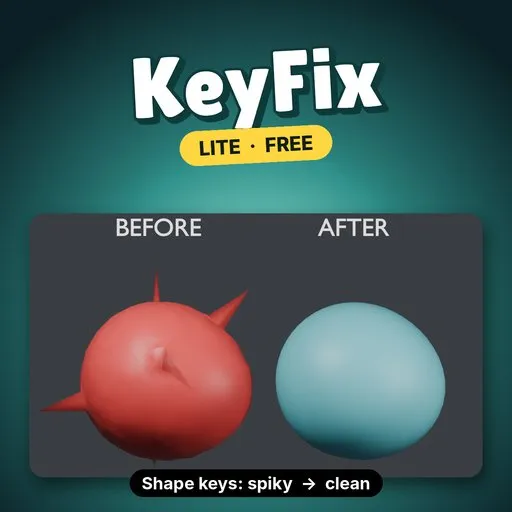
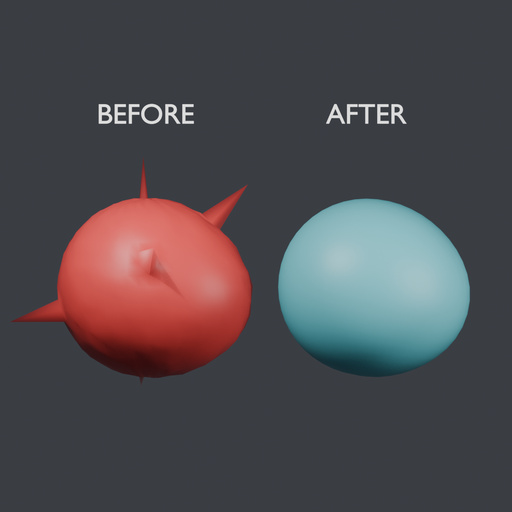
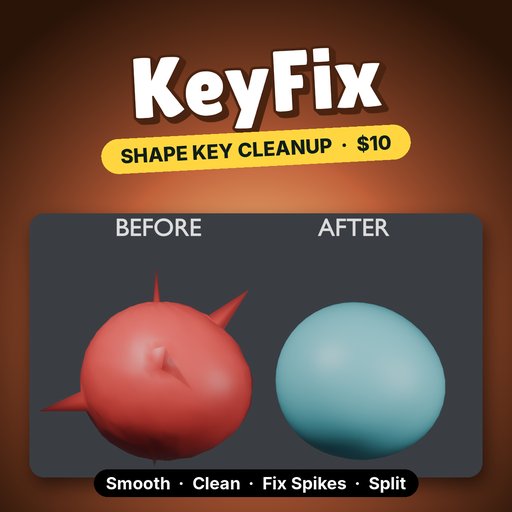
KeyFix Lite smooths a shape key's offsets instead of its positions, so a rough key gets clean without the mesh shrinking or losing its basis detail.
EVERYTHING IN (LITE)- Smooth: relaxes the active key's offsets from its basis. Strength, Iterations and a Pin Boundary checkbox that holds open mesh edges.
- Add Demo: a sphere with a damaged "Smile" key to try it on.
- Undo works, and each run reports how many vertices changed.
- Limits: the active shape key only, on meshes up to 5,000 vertices.
- Install: Edit → Preferences → Get Extensions → Install from Disk, pick keyfix_lite-0.1.0.zip.
- N panel: in the 3D Viewport press N and open the KeyFix tab.
- Add Demo: click it to get a sphere with a spiky, noisy "Smile" key, already selected.
- Buttons: in Object Mode, pick a shape key, set Strength and Iterations, press Smooth.
- More iterations flatten more. On the demo, 30 iterations left a smaller largest spike than the default 10 (see below).
- Pin Boundary keeps open edges, such as a neck seam or eyelid rim, from drifting while the inside smooths.
On the demo sphere (1,106 vertices, "Smile" key), Blender 4.5 LTS, Smooth only:
- Largest spike (a vertex's distance from its neighbours' average): 0.599 → 0.0116 at the default 10 iterations, 0.0037 at 30.
- Average vertex offset: 0.040 → 0.033 at 10 iterations. The smile shape stays.
- Time: 3.1 ms at 10 iterations, 6.0 ms at 30.
Smoothing spreads spikes out rather than removing them. The full version removes them first with Fix Spikes.
REQUIREMENTS / LIMITS- Blender 4.2 or newer (extension format). Tested on Blender 4.2, 4.5 and 5.2.
- Mesh objects with relative shape keys, in Object Mode. The basis key itself is not edited.
- Smooth only, on the active key. Meshes over 5,000 vertices are refused. Locked keys are refused.
KeyFix is $10 and adds:
- Clean: zero vertices that barely move.
- Fix Spikes: on the demo it found all 5 planted spikes and nothing else.
- Split L/R: <key>.L and <key>.R halves that add up to the original key exactly.
- Mirror +X → -X with a tolerance for uneven meshes.
- Batch over all or selected shape keys, and meshes of any size.
Search KeyFix on Blendkit.
Remove Lite before installing the full version.
By


