
 Models
 Materials
 HDRIs
HDRIs
 Scenes
 Brushes
 Node Groups
 Printables
 Creators
 Creations
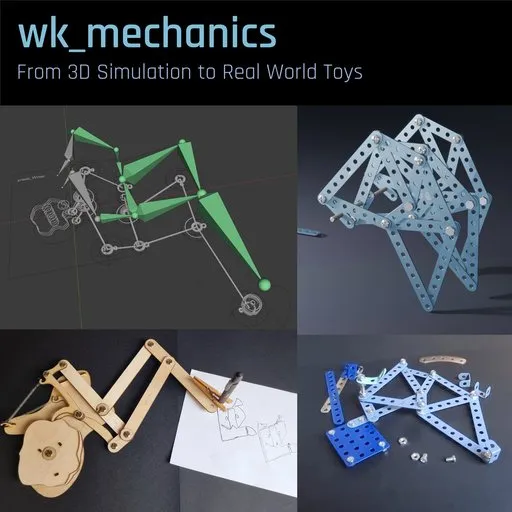
Wk_Mechanics - Mechanical Linkage, Cam Designer & Automata
 add-on
Create automata, walking machines, drawing robots, CAM-driven mechanisms and kinetic sculptures using an intuitive widget-based workflow. Test your designs in 3D, generate CAM profiles automatically, and export fabrication-ready blueprints for laser
wk_mechanics
Design, simulate and fabricate real mechanical linkages directly inside Blender.
Create automata, walking machines, drawing robots, CAM-driven mechanisms and kinetic sculptures using an intuitive widget-based workflow. Test your designs in 3D, generate CAM profiles automatically, and export fabrication-ready blueprints for laser cutting or CNC manufacturing.
Why wk_mechanics?
Designing mechanical linkages can be frustrating.
A small change in one pivot position can completely alter the behavior of a mechanism. Building physical prototypes for every idea takes time, materials and patience.
wk_mechanics allows you to experiment digitally first.
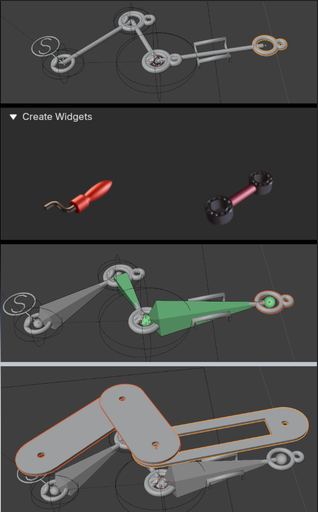
Build mechanisms from reusable widgets, test their movement instantly, generate working CAM profiles and create fabrication-ready plans without leaving Blender.
Whether you are creating kinetic art, educational projects, automata or experimental machines, wk_mechanics provides a complete workflow from concept to physical object.
Key Features
Widget-Based Mechanism Design
Build mechanical systems from modular components.
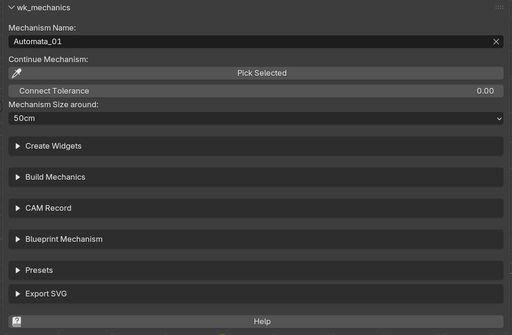
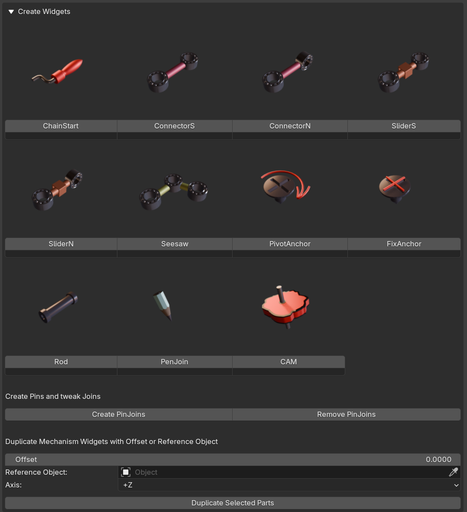
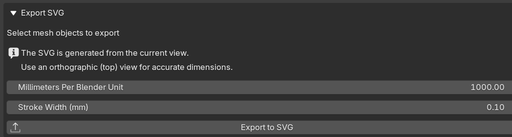
Create:
- Linkages
- Levers
- Sliders
- Walking mechanisms
- Drawing machines
- Multi-layer assemblies
- Custom automata
No manual rigging or complex constraint setup required.
Automatic Rig Generation
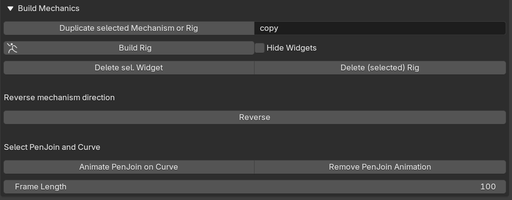
Turn a widget layout into a fully functional mechanical rig with a single click.
Test ideas, explore design variations and iterate quickly before committing to physical fabrication.
CAM Generation from Real Motion
One of the most unique features of wk_mechanics.
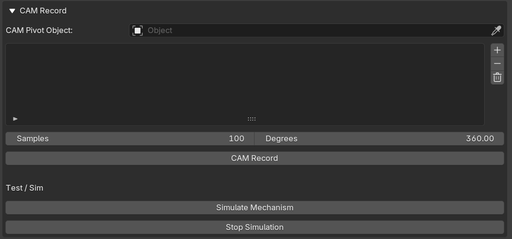
Animate a mechanism, record the resulting motion and automatically generate CAM profiles that reproduce the same movement mechanically later.
Perfect for:
- Drawing machines
- Mechanical toys
- Automata
- Motion programming
- Kinetic sculptures
Multi-Layer Mechanical Design
Real mechanisms often require multiple layers to avoid collisions and transfer motion.
Use Rod widgets and duplication tools to create synchronized linkage systems across different Z-levels while maintaining perfect alignment.
Note: Multi-layer mechanisms can become surprisingly complex. The Rod widget works well in most situations, but not every possible widget combination has been tested. If a setup refuses to cooperate, simply try inserting the Rod at a different location in the chain. There is often more than one valid way to transfer motion between layers.
Blueprint Generation
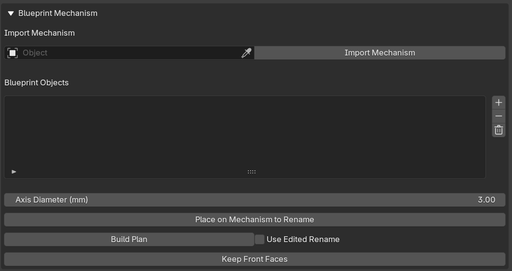
Convert mechanisms into blueprint parts which you can export as SVG and continue working on in any vector application.
Automatically generate:
- Link lengths
- Pivot locations
- Hole positions with custom diameters
Blueprints remain editable before final export.
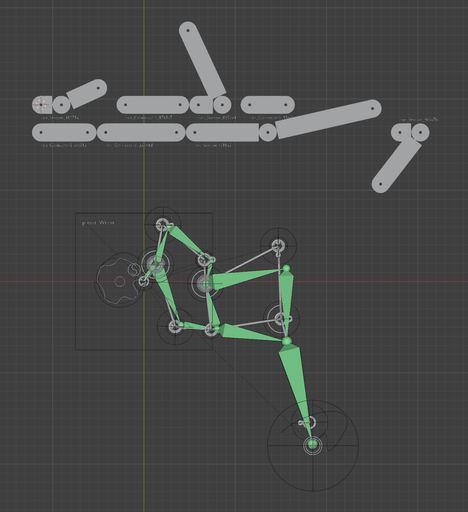
SVG Export
Export directly to SVG for:
- Vector editing workflows
- Laser cutting
- CNC machining
- Scroll saw projects
Use Blender as your mechanical design environment and your favorite vector editor for final styling and manufacturing preparation.
Typical Projects
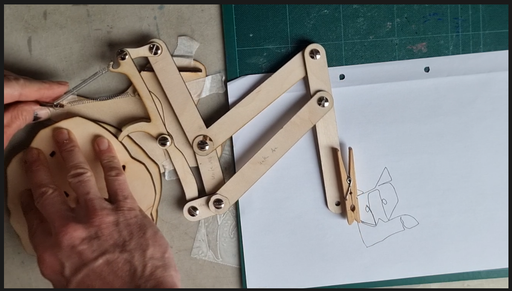
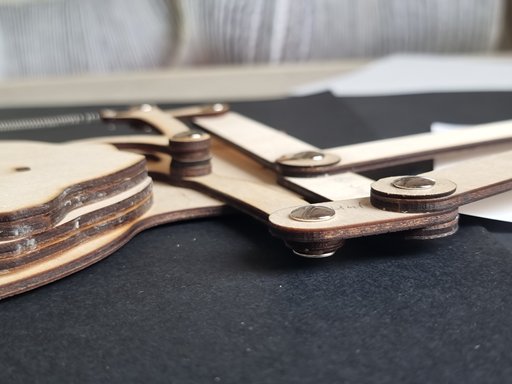
Drawing Machines
Create CAM-driven drawing systems capable of reproducing complex curves and patterns
Walking Machines
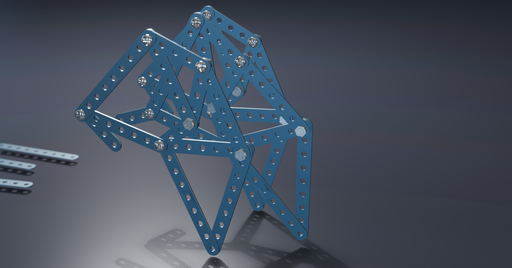
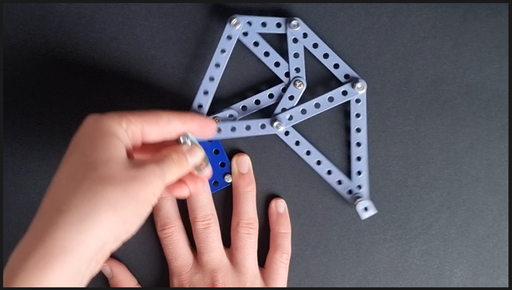
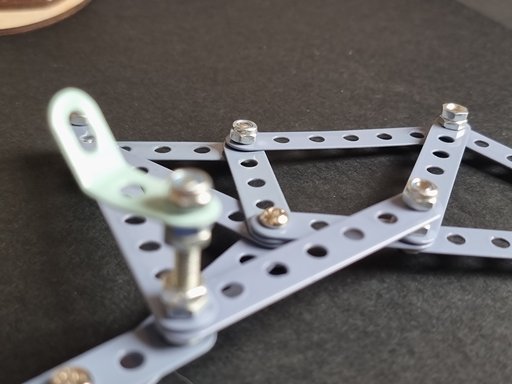
Design and test Strandbeest-inspired walkers and other mechanical creatures.
Automata
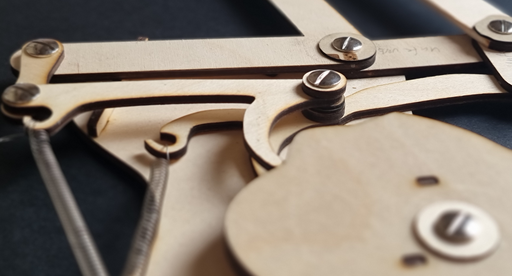
Build kinetic sculptures powered by cams, linkages and rotating mechanisms.
Mechanical Toys
Experiment with playful mechanical interactions and motion transfer systems.
Educational Models
Visualize mechanical principles for teaching, demonstrations and workshops.
Included Example Presets
Learn by modifying working mechanisms.
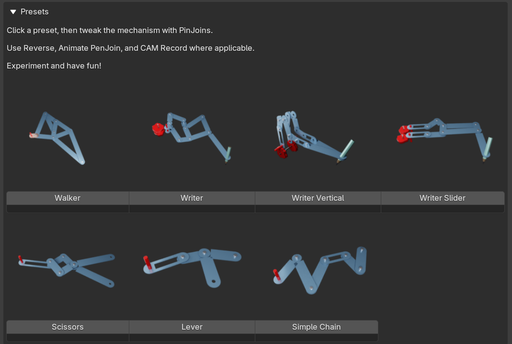
Included examples demonstrate:
Drawing machines Walking mechanisms Lever systems Scissor mechanisms Motion transfer chains CAM workflowsSimply load a preset, create PinJoins, experiment with proportions and rebuild the rig to explore new behaviors.
From Idea to Physical Object
- Build a mechanism from widgets.
- Generate a rig.
- Test the motion.
- Create CAMs if needed.
- Generate blueprint parts.
- Export SVG.
- Manufacture the result.
Who is it for?
- Makers
- Laser-cut enthusiasts
- CNC users
- Kinetic artists
- Automata builders
- STEM educators
- Blender users who enjoy engineering and invention
Known Limitations
wk_mechanics is designed to make mechanical experimentation fast and accessible. While most common linkage systems work reliably, some advanced configurations may require additional testing and iteration.
Rod Widget
The Rod widget is an advanced feature used to transfer motion between different mechanism layers.
While it works well in many situations, not every possible widget combination has been tested. If a Rod connection behaves unexpectedly, try placing the Rod at a different location in the mechanism. The same motion transfer can often be achieved through multiple valid linkage arrangements.
Very Large Mechanisms (or multi-chain)
Extremely long or highly complex linkage chains may become less reliable than smaller mechanisms.
Mechanically Impossible Configurations
wk_mechanics cannot solve every theoretically possible widget arrangement.
Some configurations are mechanically implausible and would physically lock, collide or fail to move in the real world. In these cases, Build Rig may fail or produce unexpected results.
Examples include:
ChainStart → Connector → Seesaw ChainStart → Connector → Sliderwithout additional linkage elements between them.
As a general rule, if a mechanism would be unable to move in reality, the generated rig may also fail.
Iterative Design is Normal
Mechanical design is often an iterative process.
Do not be surprised if a mechanism requires several redesigns before it behaves as intended. This is true for both physical prototypes and digital simulations.
The included presets provide examples of configurations that are known to work and are a good starting point when learning the system.


