
 Add-ons
 Models
 Materials
 HDRIs
 Scenes
 Brushes
 Node Groups
 Printables
 Creators
 Creations
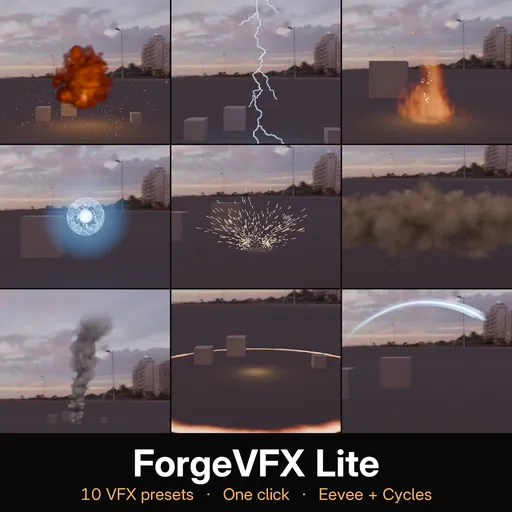
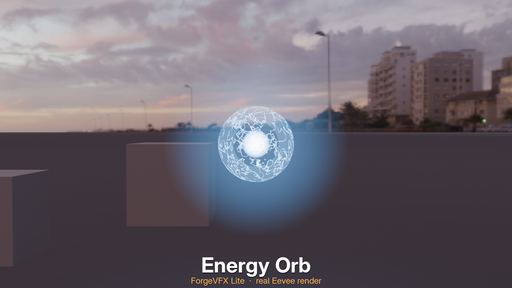
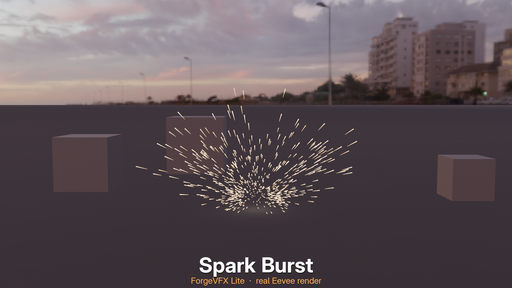
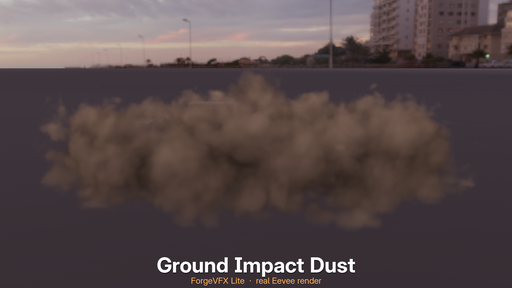
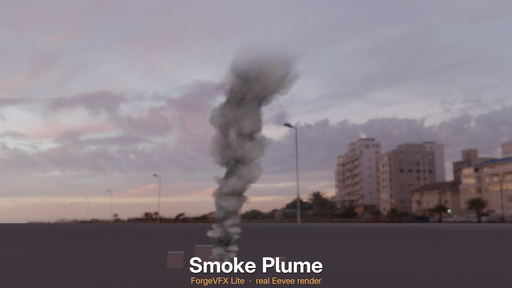
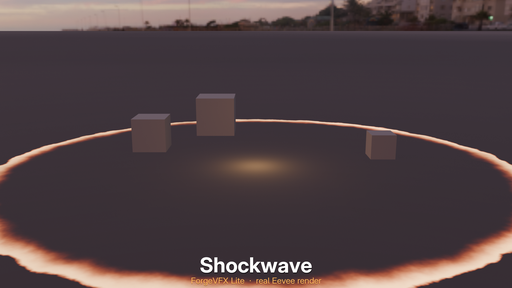
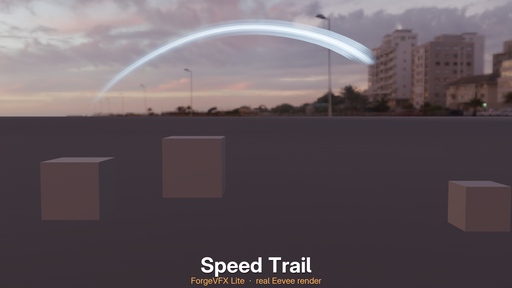
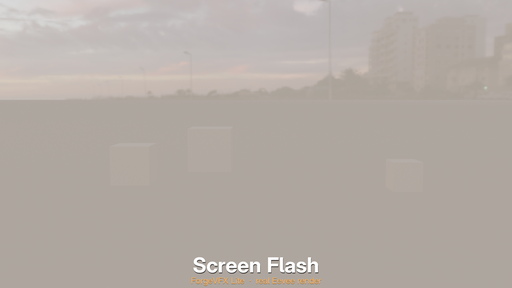
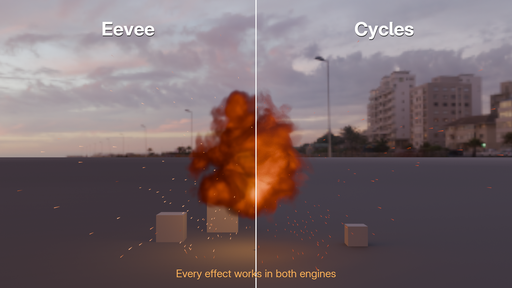
ForgeVFX Lite adds ready-made visual effects to your scene from one panel in the 3D View. Pick an effect, click once, and it starts at the current frame. Then make it your own with sliders.
Every effect is calculated from the current frame, so there is nothing to bake or simulate. Change the start frame or speed at any time without moving a single keyframe. Scrub the timeline or render any frame on its own, and it is always right.
10 effects included
Spark Burst: hot metal sparks with drag, gravity and a bounce off the ground
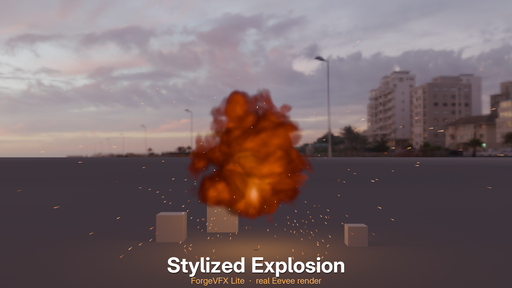
Stylized Explosion: a fireball with smoke, embers and a flash of light
Shockwave: a glowing ring that races across the ground
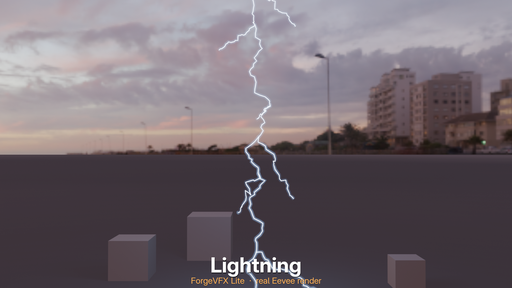
Lightning: a branching bolt that lights the scene around it
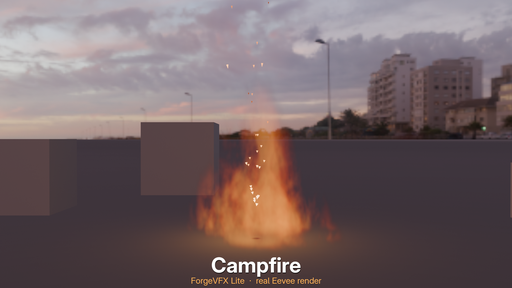
Campfire: looping flames with rising embers and a flickering light
Ground Impact Dust: a cloud of dust thrown up along the ground
Energy Orb: a glowing core in a shell of moving energy, with orbiting sparks
Speed Trail: a streak of light along a curve you can edit
Smoke Plume: a billowing column that rises, widens and leans with the wind
Screen Flash: a full-frame flash that also lights the scene
What you can do
Add in one click at the 3D cursor, or attach to the active object or bone, so the effect follows it.
Customise with sliders: start frame, speed, size, seed, colour, and each effect's own controls, such as burst force, flame height, wind or density.
Start from a look: each effect comes with a ready look to start from.
Retime freely: "Start at Current Frame" moves an effect in time. No keyframes move.
Manage your effects in one list: select, show or hide, duplicate or remove each one.
Add Glow with one button, a soft bloom around bright parts.
Engine Doctor warns you before rendering if something will spoil the result, such as no camera, an effect starting after the last frame, or soft smoke in Eevee. Soft smoke has a one-click fix.
Open the nodes: "Select Parts" selects an effect's objects, so you can edit their shader or Geometry Nodes yourself.
Saved scenes keep working: a file still renders correctly on a computer without the add-on.
Both render engines
All 10 effects are made and tested for Eevee and Cycles. For sharper smoke, dust and fire in Eevee, use the Sharper Volumes button in the panel.
Requirements
Blender 4.5 or newer. Tested on 4.5.2, 5.1.1 and 5.2.2.
Tested on Windows. It is pure Python and Blender data with no compiled parts, but macOS and Linux have not been tested yet.
Nothing else to download. No sign-up and no licence key.
How to use
Install the zip: Edit > Preferences > Get Extensions > Install from Disk.
In the 3D View, press N and open the ForgeVFX tab.
Click an effect to add it at the 3D cursor.
Switch the viewport to Rendered or Material Preview to see smoke, dust and fire, which are volumes.
Change the sliders under Controls.
Good to know
Effects are built at real-world size: an explosion is several metres tall. Pull the camera back, or use the Size slider.
Smoke, dust and fire do not show in Solid viewport mode, only in Material Preview and Rendered.
Only one ForgeVFX edition can be on at a time.
License
GPL-3.0-or-later. Every effect is our own work, made for ForgeVFX. No third-party assets are inside.


