
 Models
 Materials
 HDRIs
 Scenes
 Brushes
 Node Groups
 Printables
 Creators
 Creations
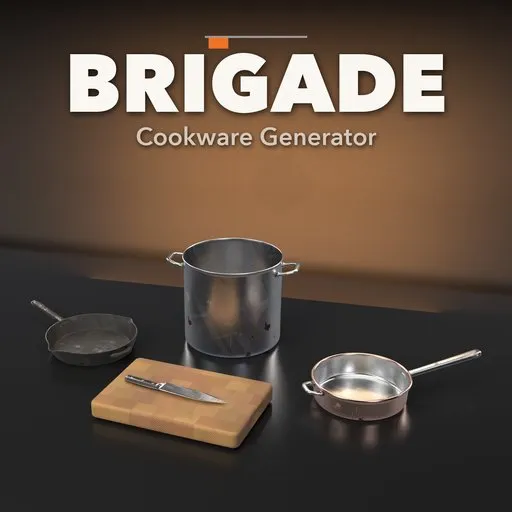
Brigade – Cookware Generator for Blender
 add-on
56 professional kitchen items, from stock pots, skillets and hotel pans to knives, butcher blocks and ladles, in New, Used or Old condition with real grease, scratches and dents.
Explore all my Blender addons
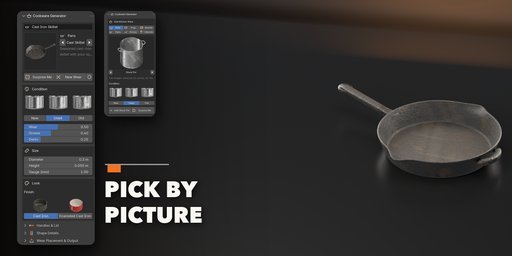
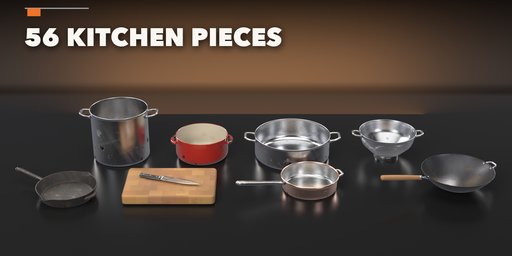
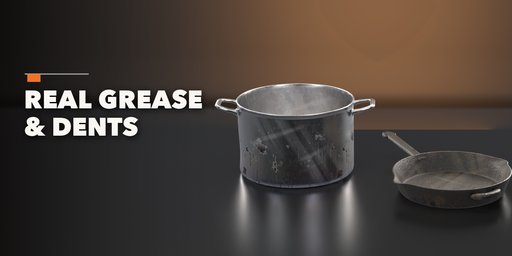
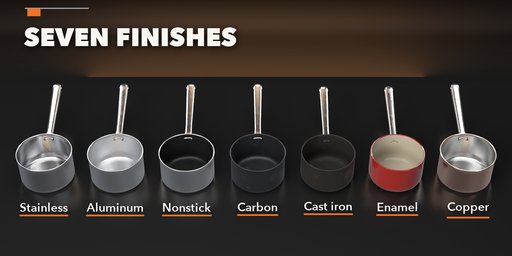
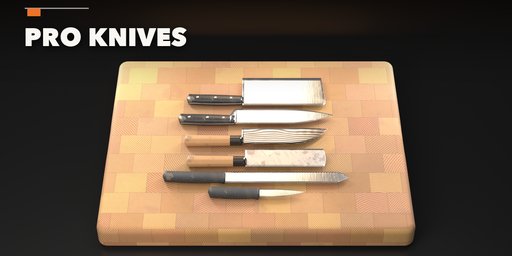
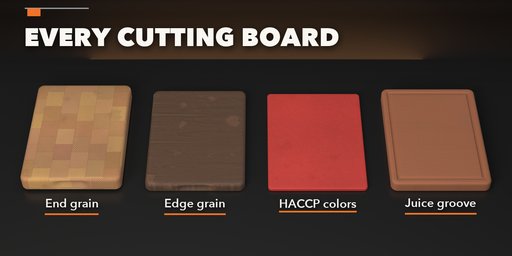
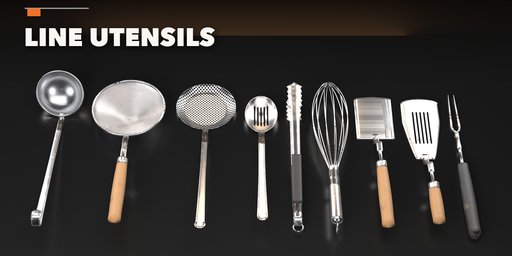
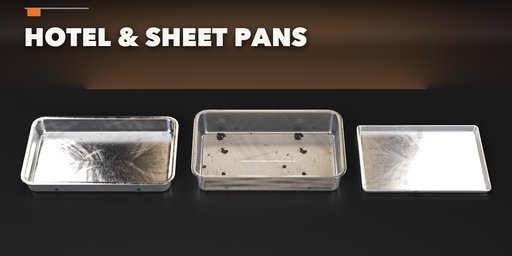
Brigade builds the whole kit of a professional restaurant kitchen inside Blender: stock pots, sauce pots and rondeaus, fry pans, woks and cast-iron skillets, hotel pans and sheet pans, chef's knives and cleavers, butcher blocks and color-coded boards, ladles, spiders, tongs and whisks. Pick one of 56 items modeled on real commercial cookware, then change its size, handle, finish and lid, and it rebuilds live.
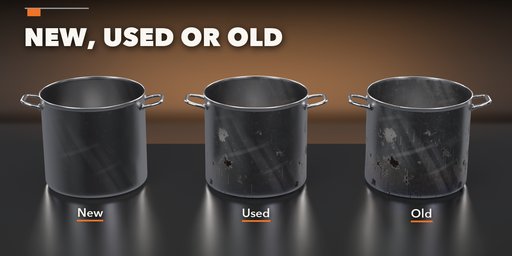
Nothing comes out looking like a catalog render unless you want it to. Choose New, Used or Old with one click: used pans get scouring swirls, water spots, fingerprints and fond; old ones get heat tint, burnt-on grease drips, a black burner ring, dents, rust on cast iron, worn nonstick and chipped enamel. Boards get knife scoring, stains and a dished middle. Wear, grease and dents each have their own slider, and New Seed moves every stain and scratch.
Every material is a photoreal PBR texture set on real-world UVs, so the look survives export to game engines.
Features
- 56 items in six families: pots, pans, prep and hotel pans, knives, boards and utensils
- New, Used and Old condition with separate wear, grease and dent sliders
- Stainless, aluminum, nonstick, carbon steel, cast iron, enamel and copper finishes
- Cast, tube, silicone, phenolic, wood and iron handles, helper handles and hang holes
- Flat, domed, glass and cast-iron lids, perforated pasta inserts, pour spouts
- Knives in stainless, carbon, Damascus and black steel with riveted, molded, wa and steel handles
- End-grain and edge-grain boards in seven woods, HACCP color-coded HDPE and rubber boards
- Surprise Me button for a random item, finish and condition
- Picture-driven sidebar, Shift+A menu and Convert to Mesh
- Works in Cycles and EEVEE
Requires Blender 4.2 or newer. Tested on Blender 4.2, 4.5 and 5.2 LTS.
How to use
Installation
In Blender open Edit, Preferences, Get Extensions, then use Install from Disk and pick the cookware_generator zip.
Usage
- Open the Cookware tab in the 3D viewport sidebar (N). With nothing selected, pick a family, click the picture to choose an item, pick New, Used or Old and click Add. Surprise Me adds a random item. You can also use Shift+A, Cookware.
- Select an item to edit it: the picture at the top changes its kind, the Condition box sets New, Used or Old and the Wear, Grease and Dents sliders, the Size box its dimensions and the Look box its finish, handle, wood or color.
- Sub-panels hold the rest: handles and lid, shape details, blade and handle, board details, utensil details, and wear placement with New Seed and Convert to Mesh.
Editing one item never changes a copy of it: duplicates get their own mesh and materials.
FAQ
Which Blender versions are supported?
Blender 4.2 and newer. It is tested on Blender 4.2, 4.5 and 5.2 LTS.
Can I make cookware look brand new or really worn?
Yes. New, Used and Old set the wear, grease and dents in one click, and each one has its own slider for anything in between. New Seed moves every stain, scratch and dent.
Do the materials work in game engines?
Yes. Every material is a PBR texture set (color, roughness, normal) on real-world UVs. Convert to Mesh gives a plain mesh ready for FBX or glTF export.
Does it work in EEVEE?
Yes, in both Cycles and EEVEE.


