
 Models
 Materials
 HDRIs
 Scenes
 Brushes
 Node Groups
 Printables
 Creators
 Creations
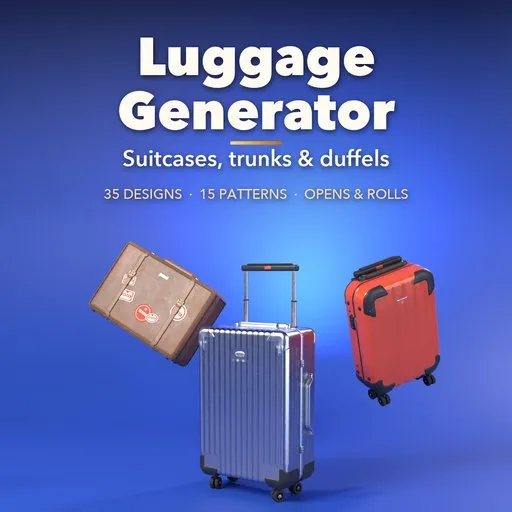
Luggage Generator
 add-on
Photoreal procedural luggage: 35 real-world designs from cabin spinners and grooved aluminium to protective cases, vintage trunks and duffels, with every part under live control.
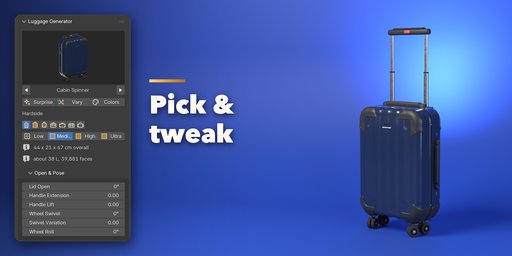
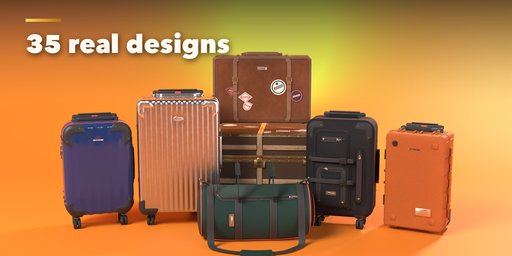
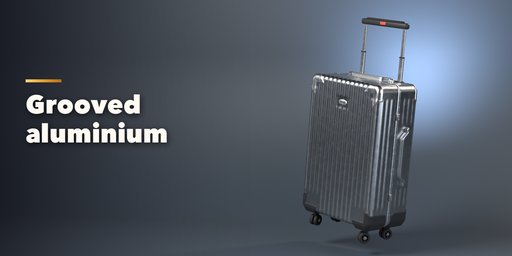
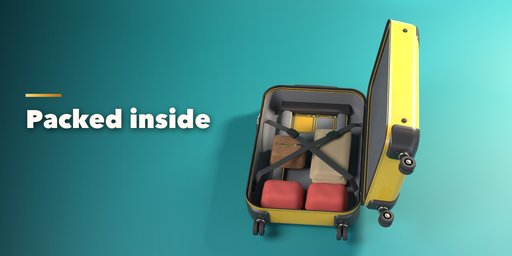
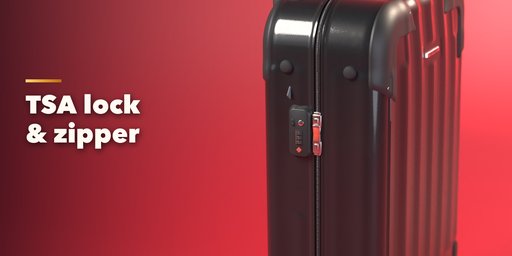
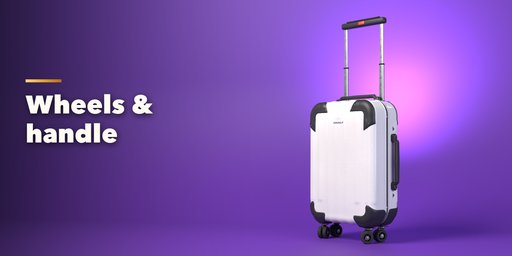
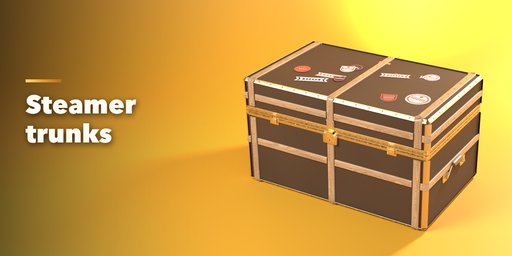
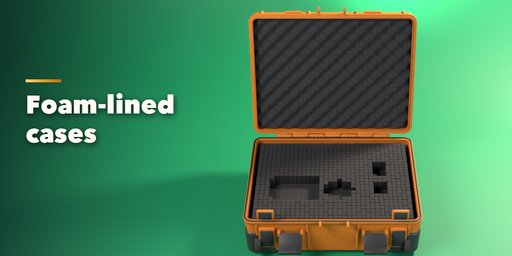
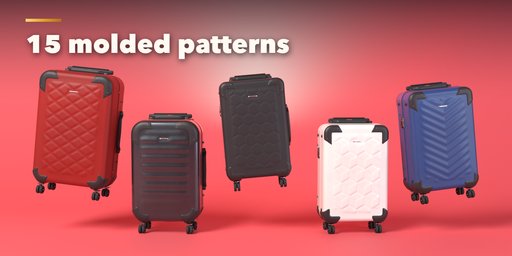
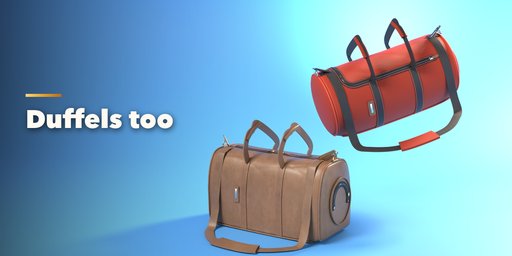
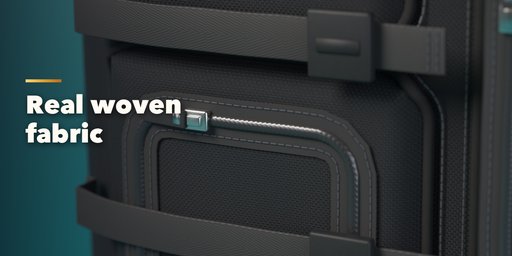
Luggage Generator builds photorealistic suitcases, trunks and travel bags inside Blender. Pick one of 35 designs modeled on real luggage, from a glossy polycarbonate cabin spinner or a grooved aluminium check-in case to a softside upright, a rugged protective case, a 1950s leather suitcase, a wood-slatted steamer trunk or a leather weekender. Then change anything: every part is a number, a choice or a switch, and the case rebuilds live.
The shell is real geometry with 15 molded patterns: grooves, ribs, bands, diamonds, chevrons, honeycomb, waves, cubes and more, wrapping over the rounded edges like real molded shells. Size, corner radius, crown, draft, lid share and bead are all yours.
The hardware is modeled one part at a time: zippers with interlocking teeth, sliders and lockable pulls, a TSA lock with numbered dials, aluminium frames with flip latches, Pelican-style double-throw latches, brass clasps and hasps, hinges, double spinner wheels with bearings, inline wheels and trunk casters, a telescopic handle with up to three stages, carry handles, corner guards, rivets, belts, name tags, airline tags and travel stickers.
Open the lid and the inside is there too: lining, mesh dividers, cross straps, compression boards, zip pockets, pick-n-pluck foam and optional packed clothes. Open the lid, pull out the handle, swivel and roll the wheels, lift the carry handles: all are instant poses you can keyframe.
Features
- 35 real-world designs: hardside spinners, aluminium, softside, hybrid, pilot case, protective cases, vintage suitcases, train case, steamer, dome and monogram trunks, footlocker and duffels
- 15 molded shell patterns as real geometry
- Zipper, aluminium frame, clasp, protective latch and trunk closures with TSA locks and an expansion gusset
- Spinner, inline and caster wheels; telescopic handles with 1 to 3 stages
- Full interior with lining, dividers, straps, pockets, foam and packed contents
- Animatable lid, handle, wheel and carry-handle poses
- 16 shell materials with image-based PBR textures that export to game engines
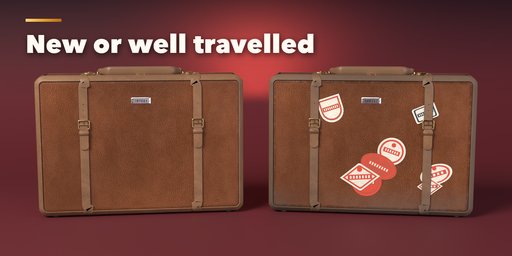
- Wear, dirt and scratches from brand new to well travelled
- Surprise, Vary and Random Finish buttons, Shift+A menu and Convert to Mesh
- Four detail levels from game-ready low poly to close-up ultra
- Works in Cycles and EEVEE
Requires Blender 4.2 or newer. Tested on Blender 4.2, 4.5 and 5.2 LTS.
How to use
Installation
In Blender open Edit, Preferences, Get Extensions, then use Install from Disk and pick the luggage_generator zip.
Usage
- Open the Luggage tab in the 3D viewport sidebar (N) and click Add Luggage, or use Shift+A, Mesh, Luggage. The case appears at the 3D cursor.
- Click the picture to pick another design. Surprise makes a random design, Vary changes the current one a little and Colors picks a new finish.
- Open & Pose opens the lid, extends the handle, lifts the carry handles and turns the wheels. Keyframe these to animate.
- Size & Shape, Shell Pattern and the feature panels (closure, wheels, handle, carry handles, trim, soft side, vintage, protective, duffel, interior) hold every setting. Materials & Condition sets the finish, colors, wear and dirt.
- Convert to Mesh keeps the case as plain meshes for export; Delete removes it with all its parts.
FAQ
Can I use the luggage in a game engine?
Yes. The materials are image-based PBR textures, the mesh has real UVs, and the Low detail level keeps the polygon count small. Use Convert to Mesh, then export as FBX or glTF.
Can I animate the lid and the handle?
Yes. Lid, telescopic handle, carry handles, wheel swivel and wheel roll are pose settings that move the parts without rebuilding, so you can keyframe them.


