
 Models
 Materials
 HDRIs
 Scenes
 Brushes
 Node Groups
 Printables
 Creators
 Creations
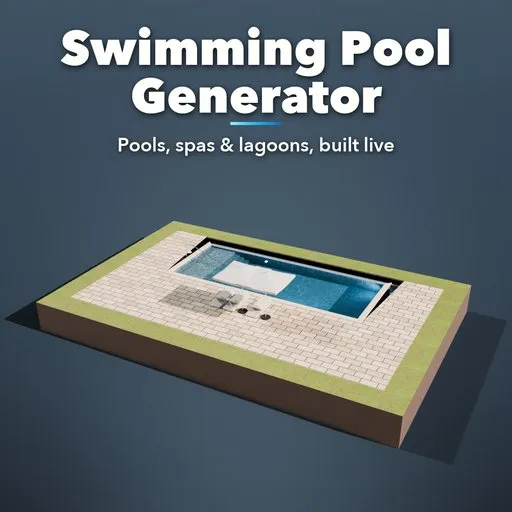
Swimming Pool Generator
 add-on
Procedural swimming pools: 38 types from backyard, infinity, rooftop and Olympic pools to spas, onsen, above-ground pools, lagoons and swim ponds, with steps, coping, water, decks and furniture.
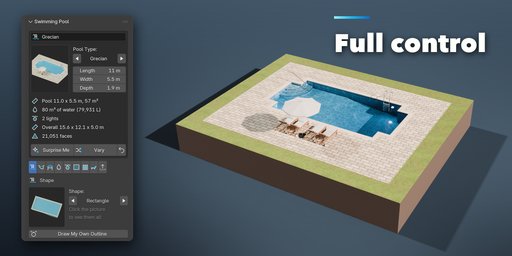
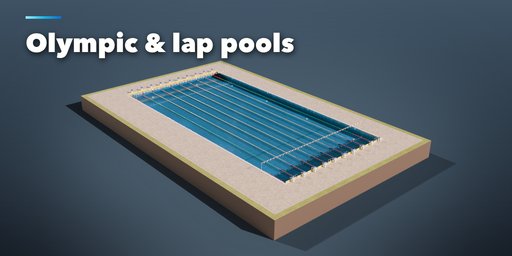
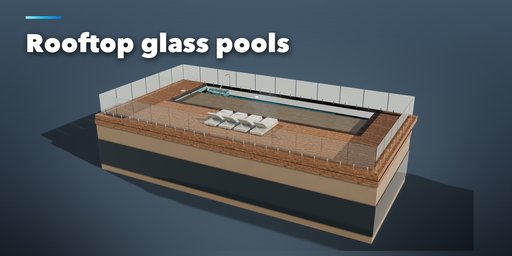
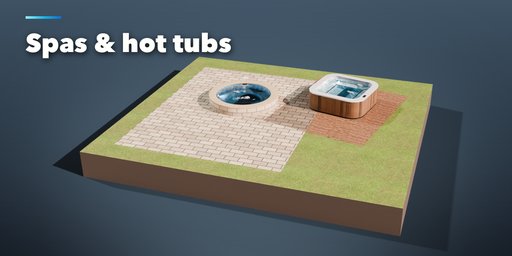
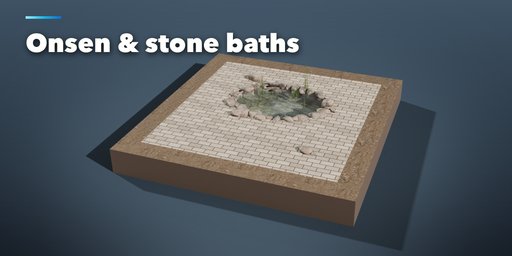
Swimming Pool Generator builds complete swimming pools inside Blender: the shell with its depth profile, steps, benches and coping, the interior finish, the water with ripples and caustics, the deck around it, and everything that belongs to a pool, from ladders and underwater lights to loungers, umbrellas, fences, lane ropes, diving boards and slides. Everything rebuilds live while you drag a slider.
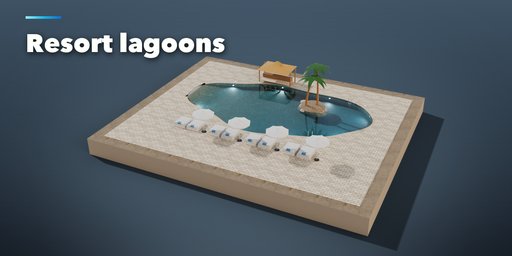
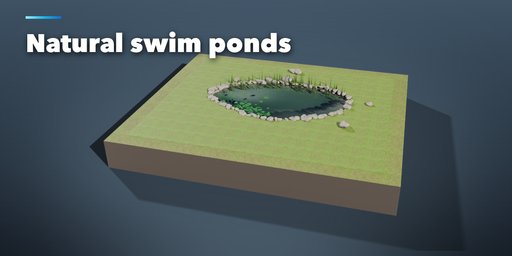
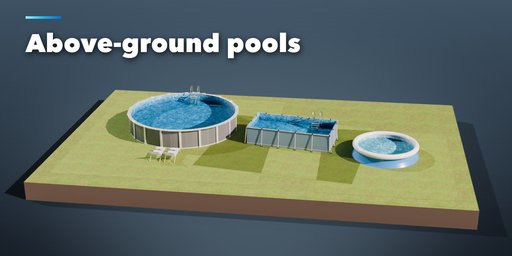
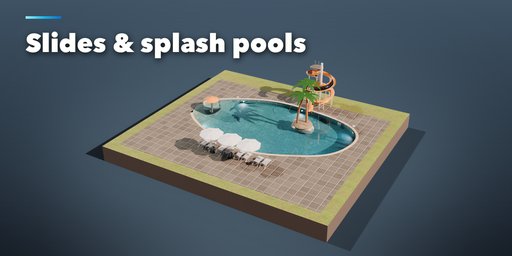
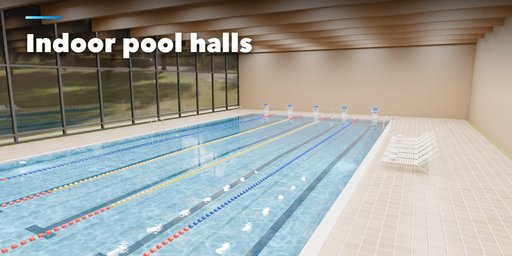
It covers every kind of pool: rectangular, Roman, Grecian, L and T shaped, kidney, oval, figure-8 and freeform backyard pools, lap pools and plunge pools, infinity edge pools with their catch basin, beach entry pools, rooftop pools with glass walls, indoor pools in a hall, 25 m and 50 m competition pools, diving pools with a platform tower, kids' pools and water parks with slides and fountains, resort lagoons with islands and a swim-up bar, hot tubs and spas, Japanese onsen and hinoki tubs, barrel tubs and ice baths, steel, frame and inflatable above-ground pools, natural swim ponds and cenotes.
Pick one of 38 pool types from a picture gallery, then change anything, or press Surprise Me for a new pool.
Your own shape
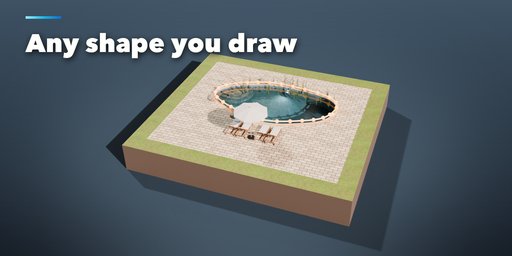
- Select any closed curve and press Pool from Active Curve: the pool, its coping and deck follow the curve
- Draw My Own Outline turns any pool into an editable curve; move a point and the pool follows live
Features
- 8 outlines, in-ground, raised, above-ground and rooftop builds, with glass walls on any side
- Flat, slope, sport, beach entry and bowl depth profiles with real depths in meters
- Full width, corner, wedding cake and side steps, tanning ledges, benches, ladders and handrails
- Coping in travertine, limestone, granite, marble, concrete, brick, tile or wood, flush gutters, rock edges and infinity edges
- Tile mosaic, plaster, pebble, vinyl liner, fiberglass, painted, stone, rock and wood interiors with waterline tiles
- Water with refraction, color, clarity, ripples, animated waves, spa bubbles and caustics, plus a game mode for real-time engines
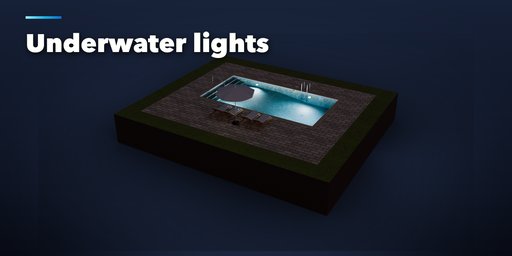
- Underwater lights, skimmers, drains, returns, spa jets and solid, solar bubble, slatted and safety mesh covers
- Lanes, lane ropes, starting blocks, touch pads, backstroke flags, diving boards, platforms, slides, fountains and islands
- Stone, concrete, wood, porcelain, brick, grass, sand and rubber decks, glass, aluminium, mesh and wood fences with a gate, and an indoor hall
- Loungers with real cushions, cloth umbrellas with ribs and valances, towels, water plants, lily pads, rocks and onsen steam
- Wear & Grime slider: dirt in corners and joints, weathering and water stains, from brand new to well used
- Game-ready: real scale, UVs, named parts, PBR materials with Poly Haven textures, three detail levels, Make LODs and Convert to Mesh
- Works in Cycles and EEVEE
Requires Blender 4.2 or newer. Tested on Blender 4.2, 4.5 and 5.2 LTS.
How to use
Installation
In Blender open Edit, Preferences, Get Extensions, then use Install from Disk and pick the swimming_pool_generator zip.
Usage
- Open the Pool tab in the 3D viewport sidebar (N). With nothing selected, click the big picture to pick one of the 38 pool types, or browse them by group, then press Add. With a closed curve selected you can also press Pool from Active Curve. Shift+A, Mesh, Swimming Pools has the same pool types.
- The card at the top shows the pool type, its length, width and depth, and what was built: water surface and volume, lights and faces. Surprise Me makes a new random pool, Vary changes the current one a little and the arrow resets the pool type.
- Draw My Own Outline (Shape tab) turns the outline into a curve and opens it for editing: move, add or delete points and the pool follows live.
- The icon tabs hold every setting: Shape (outline, size, in-ground, raised, above-ground or rooftop), Depth & Steps, Edge & Finish (coping, infinity edge, interior), Water, Equipment (lights, skimmers, jets, covers), Sport & Play (lanes, blocks, boards, slides, islands), Surround (deck, fence, hall), Furniture & Nature and Parts & Export (part visibility, detail, Convert to Mesh, Make LODs).
- Everything is built in real meters. Each part (shell, coping, water, deck, fixtures, furniture and so on) is its own named object in the pool's collection. The water's top faces are in the Water Surface vertex group, used by the wave animation.
Rendering
Water looks its best in Cycles. In EEVEE turn on Raytracing in the render settings for refraction, or switch on Game Mode in the Water tab for a simple see-through surface that also works in game engines.
FAQ
Which Blender versions are supported?
Blender 4.2 and newer. It is tested on Blender 4.2, 4.5 and 5.2 LTS.
Can I make a pool in my own shape?
Yes. Select any closed curve and press Pool from Active Curve, or press Draw My Own Outline on any pool. The pool, coping and deck follow the curve live while you edit it.
Can I use the pools in a game engine?
Yes. Everything is built at real scale with UVs, named parts and PBR materials. Turn on Game Mode in the Water tab for a single-sided, see-through water surface, then use Make LODs or Convert to Mesh to export.
Does it simulate the water?
No. The water is a mesh with a realistic material, procedural ripples and animated waves from Wave modifiers. It is not a fluid simulation, so it renders fast and stays light.


