
 Models
 Materials
 HDRIs
 Scenes
 Brushes
 Node Groups
 Printables
 Creators
 Creations
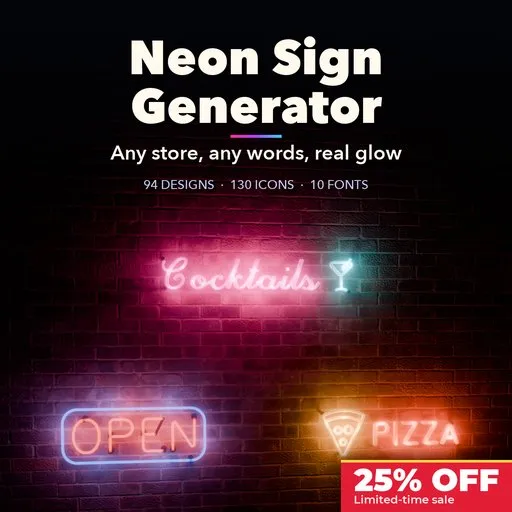
Neon Sign Generator
 add-on
Photoreal neon signs in Blender: 94 store designs, your own text in 10 tube fonts, 130 icons, glass or LED neon, backings, walls, animations and one-click glow render setup.
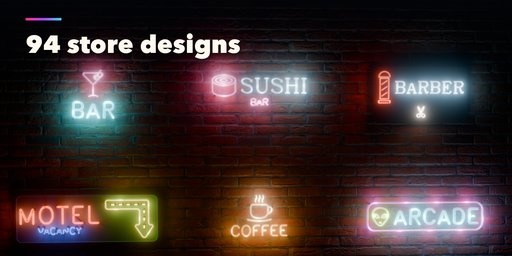
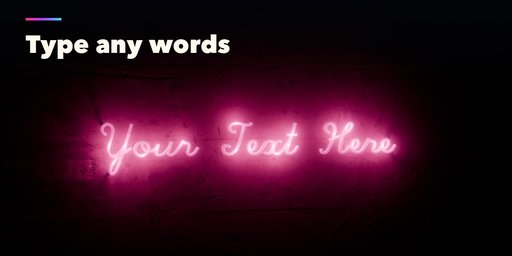
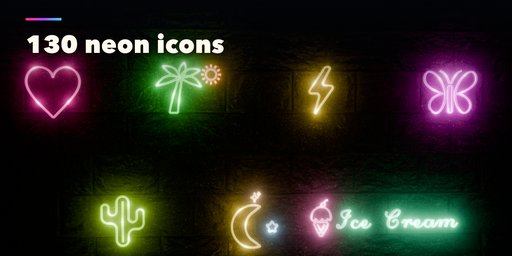
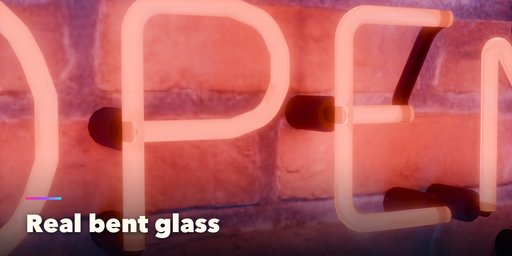
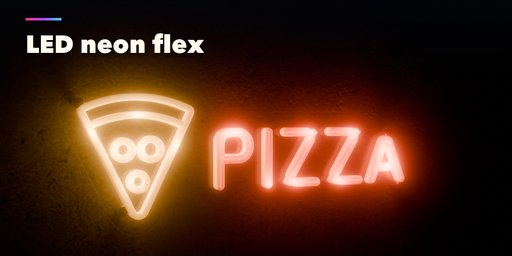
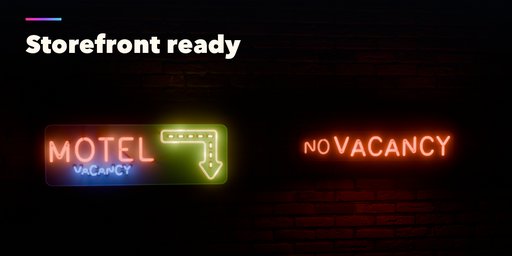
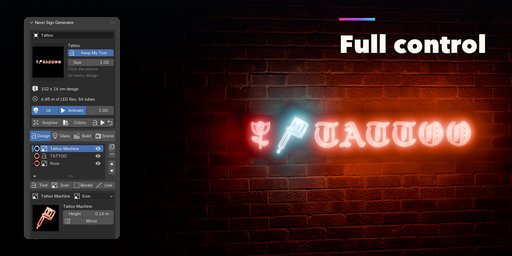
Neon Sign Generator builds photoreal neon signs inside Blender: real bent glass tubes with electrodes, supports and blacked-out jumpers, or modern LED neon flex on laser-cut acrylic. Start from one of 94 store designs, type your own words and the sign rebuilds around them, glow, backing, mounting and wall included.
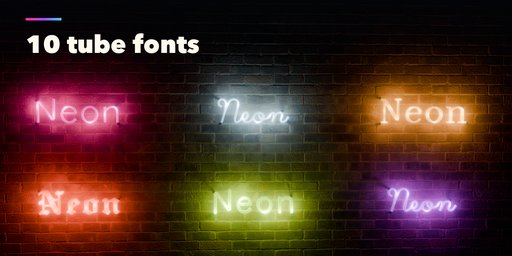
Every sign is made of simple elements you can stack: text in 10 tube fonts or any font file, 130 neon icons, borders, underlines, waves and arrows. Each element has its own color from 20 real neon gas and phosphor colors, its own size and its own animation, from a tired flicker to a marquee chase or letters that spell out one by one.
Features
- 94 ready designs for food, bars and cafes, shops, beauty, services, nightlife, home decor and quotes
- Your own text: type any words, the sign and its backing fit them automatically
- 10 tube fonts (sans, script, serif, blackletter, cursive and more) plus any font file
- 130 neon icons: food, drinks, shops, nightlife and symbols
- Glass neon or LED neon flex, single or double line letters, per letter or per word tubes
- Backings: contour cut acrylic, panels, sign cabinets, wire grids and raceways in 10 materials
- Wall, hanging and desk stand mounts, power cable and dimmer
- 8 walls to light up, most with photo textures (brick, concrete, cinder block, plaster, wood planks)
- Animations: flicker, blink, pulse, chase, spell out, broken letters and RGB color cycle
- Room lights along the tubes so the glow lights walls and objects in Cycles and EEVEE
- One-click render setup: night world, AgX look, compositor glow and a framed camera
- Convert to Mesh for editing and export to game engines with PBR materials
- Picture-based sidebar: click a thumbnail to pick a design, icon or color
Requires Blender 4.2 or newer. Tested on Blender 4.2, 4.5 and 5.2 LTS.
How to use
Installation
In Blender open Edit, Preferences, Get Extensions, then use Install from Disk and pick the neon_sign_generator zip.
Usage
- Open the Neon tab in the 3D viewport sidebar (N). With no sign selected, click a design picture to add it at the 3D cursor, or use Shift+A, Neon Sign.
- Type your own words in the text field: the sign, its border and backing fit them automatically.
- The element list holds the text, icons, borders and lines of the sign. Add, duplicate, reorder or remove them, and give each one its font, icon, color, size and animation.
- The other tabs set the glass or LED tubes, the backing and mount, the wall behind the sign and the room lights.
- Press Setup Render for the night world, glow and a camera framing the sign, then use Rendered view.
- Convert to Mesh keeps the sign as plain meshes for editing or export; Delete removes it with all its parts.
FAQ
Which Blender versions are supported?
Blender 4.2 and newer. It is tested on Blender 4.2, 4.5 and 5.2 LTS.
Can I write my own text?
Yes. Type any words in the text field and the sign rebuilds around them. You can use the 10 built-in tube fonts or pick any font file on your computer.
Does it work in EEVEE?
Yes, in both Cycles and EEVEE. Room lights along the tubes make the glow light up the wall in EEVEE too, and Setup Render adds the glow effect in one click.
Can I animate the signs?
Yes. Every element can flicker, blink, pulse, chase, spell out letter by letter, show broken letters or cycle through colors. The animation uses simple drivers and plays on the timeline.
Can I use the signs in a game engine?
Yes. Convert to Mesh turns the sign into plain mesh objects with PBR materials, ready to export as FBX or glTF.


