
 Models
 Materials
 HDRIs
 Scenes
 Brushes
 Node Groups
 Printables
 Creators
 Creations
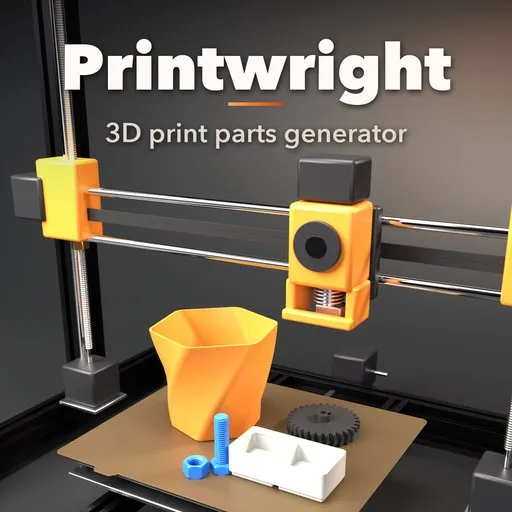
Printwright – 3D Print Parts Generator for Blender
 add-on
Generate made-to-measure print-ready parts: hooks, handles, plant pots, Gridfinity bins, cookie cutters, stands, gears, threaded bolts and project boxes, then export STL or 3MF.
Explore all my Blender addons
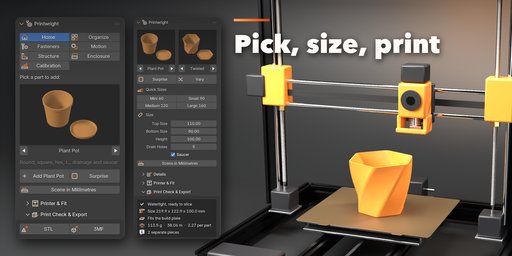
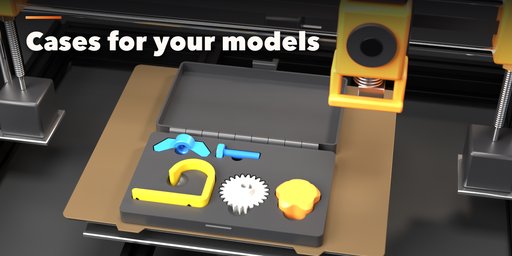
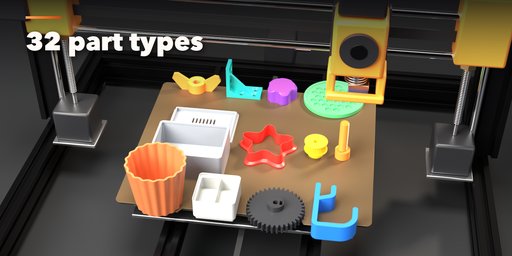
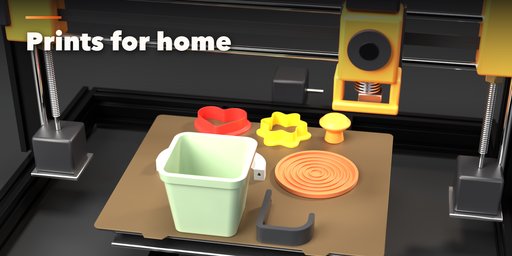
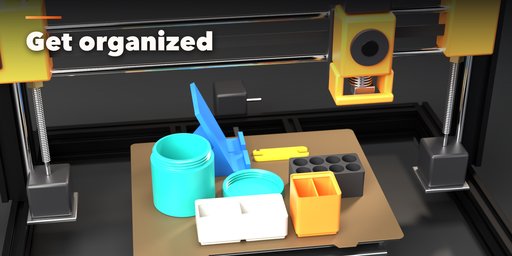
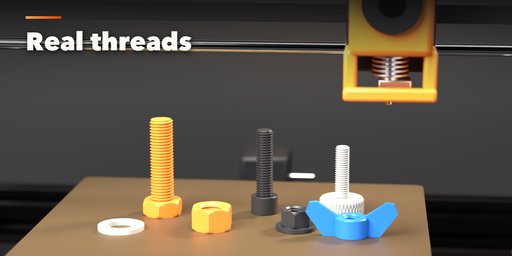
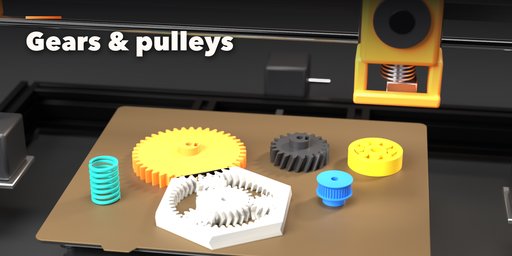
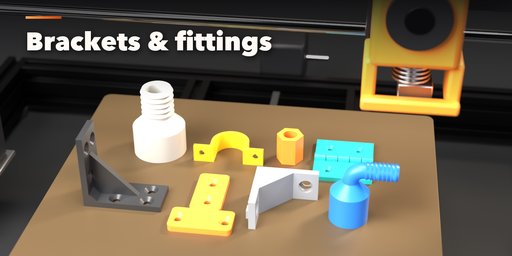
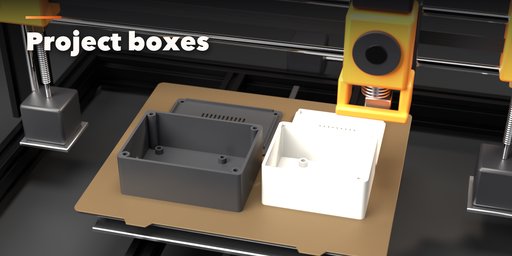
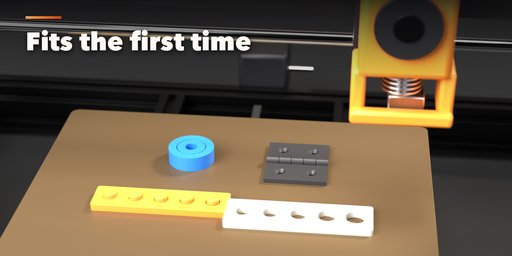
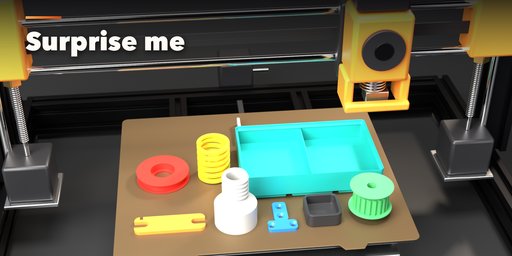
Printwright makes print-ready parts in Blender, from the things you print for your home to real engineering parts: wall hooks, cabinet handles, plant pots, Gridfinity bins, cookie cutters, phone stands and fitted cases for your own models, up to gears, bolts with real threads, timing pulleys and project boxes. Pick a part, type your own size, export an STL or 3MF and print it. Every part already knows how 3D printers behave, so it fits the first time.
32 part types, 115+ styles
- Home: wall hooks (coat, double, J, over-the-door, pegboard), cabinet handles and knobs in the standard hole spacings, furniture leg caps, plugs, risers and pads, plant pots (round, square, hex, twisted, ribbed) with drain holes and a saucer, coasters, cookie cutters (heart, star, flower, circle, scalloped, hexagon)
- Organize: Gridfinity bins and baseplates with compartments, stacking lip and magnet holes, drawer trays, screw-top jars and tins, battery holders for AA, AAA, C, D, 18650, 9V and coin cells, desk cable clips, combs, grommets and cord winders, phone, tablet and laptop stands, and Case for Models: select your own models and get a case with fitted pockets for them, a print-in-place or pinned hinge, a lift-off or sliding lid, snap or magnet latch
- Fasteners: ISO metric bolts (hex, socket cap, button, countersunk, flange, thumb screw, threaded rod), nuts (hex, square, flange, cap, thumb, wing), washers, PCB standoffs and grip knobs
- Motion: involute spur, helical, herringbone, ring and print-in-place planetary gears, gear racks, GT2 / HTD / T / MXL / XL timing pulleys, V-groove and belt wheels, print-in-place bearings, shaft couplers, hinges and springs
- Structure: L, T, U and flat brackets, 2020 / 3030 / 4040 extrusion corners, end caps and T-nuts, spacers, pipe reducers, elbows and hose barbs, pipe saddles, shaft supports and cable clips
- Enclosures: project boxes with screw, snap or sliding lids, heat-set insert posts and mounting posts for Arduino, Raspberry Pi and ESP32 boards
- Calibration: clearance and hole size tests to tune your printer
Made for printing
- Set your printer's clearance once; press, snug, slide and loose fits follow it on every part
- Hole shrink compensation, teardrop horizontal holes that print without supports, elephant foot chamfers
- Screw holes as clearance, countersunk, counterbore, slot, self-tap, heat-set insert or nut trap
- Shaft bores: round, D-shaft, keyway or hex, with set screw and captive nut slot
- Every part sits on the bed in its best print orientation
- Print check: watertight status, size, bed fit, grams of filament, length and cost
Fast to use
- No CAD skills needed: picture galleries of every part and style, one-click quick sizes (2x1 Gridfinity bin, 128 mm handle, M3x12, GT2 20T, Raspberry Pi box...)
- Made-to-measure: fit a hook to your door, a cap to your table leg, a stand to your phone case
- Surprise and Vary buttons, live rebuild as you change any value
- Exports STL and 3MF in millimetres straight from the sidebar, or turn a part into a normal mesh to edit by hand
Requires Blender 4.2 or newer. Tested on Blender 4.2, 4.5 and 5.2 LTS.
How to use
Installation
In Blender open Edit, Preferences, Get Extensions, then use Install from Disk and pick the zip.
Usage
- Open the sidebar (N) in the 3D Viewport and pick the Printwright tab, or use Shift+A, Mesh, Printwright Parts.
- Pick a part in the gallery and click Add. Click Scene in Millimetres once so 1 Blender unit is 1 mm.
- Choose a style and a quick size, then adjust the values; the part rebuilds live.
- Under Printer & Fit set your printer and clearance. Print a Tolerance Test once to find your clearance.
- Check the Print Check box and export STL or 3MF.
FAQ
Which Blender versions are supported?
Blender 4.2 and newer. It is tested on Blender 4.2, 4.5 and 5.2 LTS.
Will printed threads and moving parts actually fit?
Yes, as long as the clearance matches your printer. Print the Tolerance Test part, find the first pin that turns freely and enter that clearance under Printer & Fit; every part then uses it.
Are the exported files ready for my slicer?
Yes. Parts are watertight and placed flat on the bed. STL and 3MF are written in millimetres, whatever your scene units are.


