Add-ons
 Models
 Materials
 HDRIs
HDRIs
 Scenes
 Brushes
 Node Groups
 Printables
 Creators
 Creations
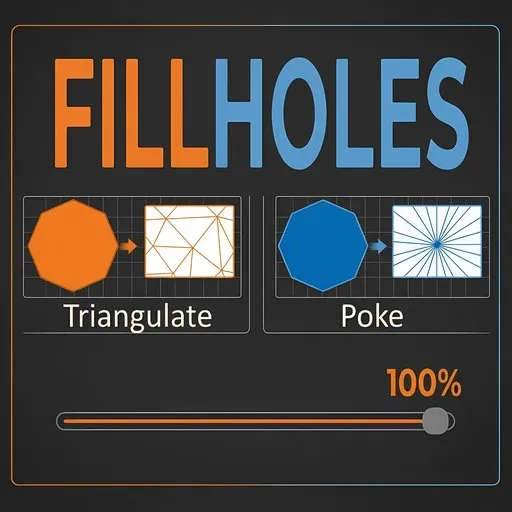
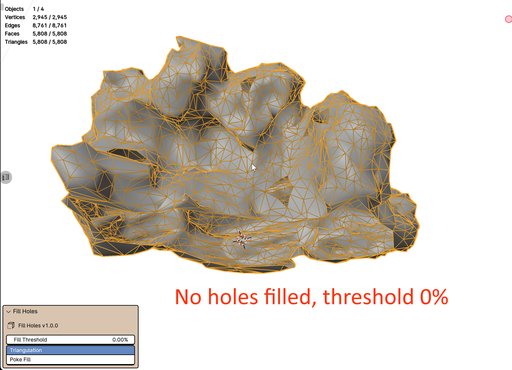
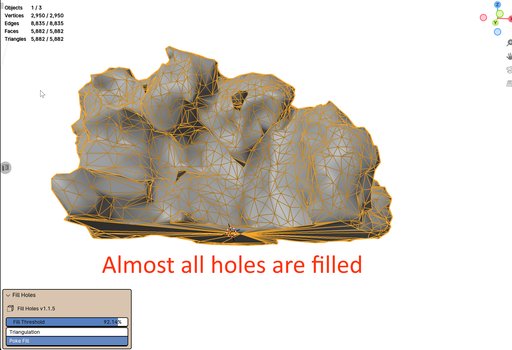
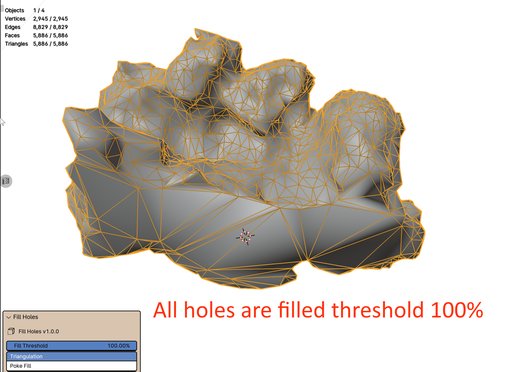
Fill mesh holes instantly with a size threshold slider and a fill method toggle. You can opt between triangulating the filled face or poking the face (creating a triangular fan). The slider allows to fill smaller to bigger holes. By default, pressing the button will result in the slider being at 100% thus filling all holes. This is similar to the fill holes method found in Agisoft Metashape software.
right click on the selected mesh and select the fill button
Tested in Blender 4.1 to latest