
 Models
 Materials
 HDRIs
HDRIs
 Scenes
 Brushes
 Node Groups
 Printables
 Creators
 Creations
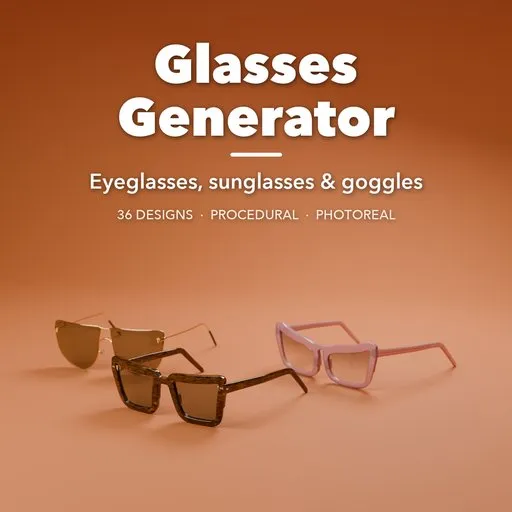
Glasses Generator
 add-on
Photoreal procedural eyewear: 36 designs from wayfarers, aviators and cat-eyes to rimless, goggles and monocles, with real lens optics, folding temples and full control over every part.
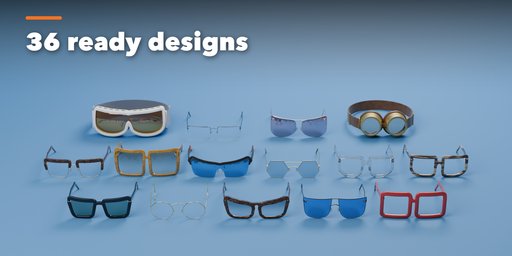
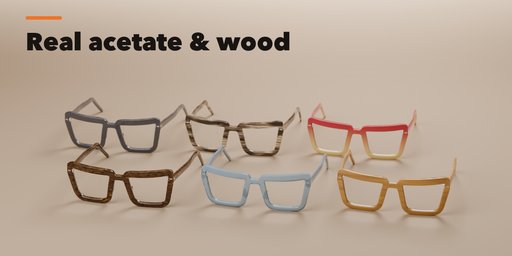
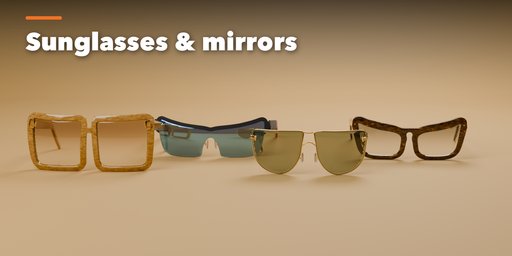
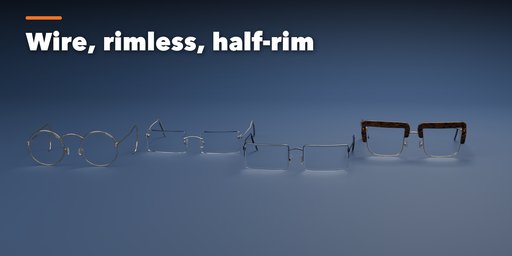
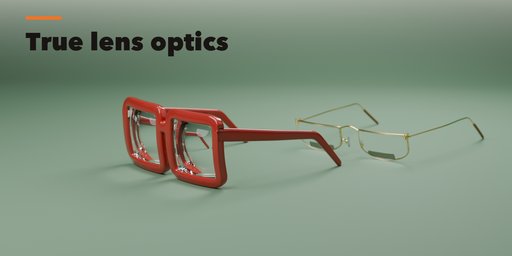
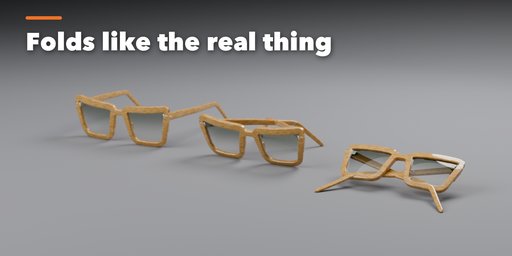
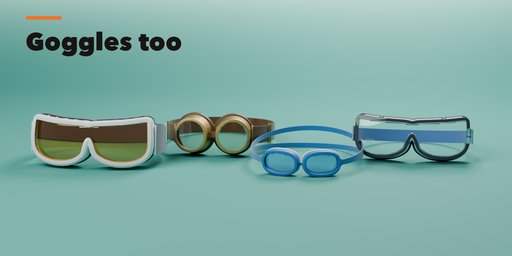
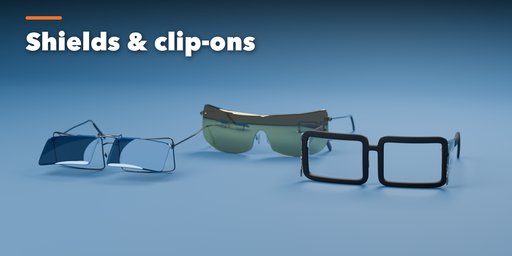
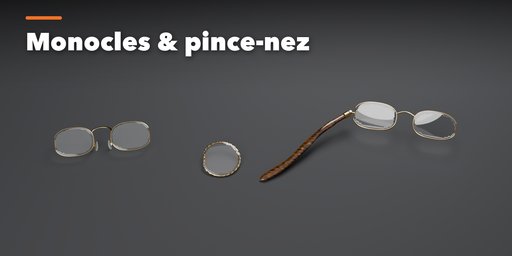
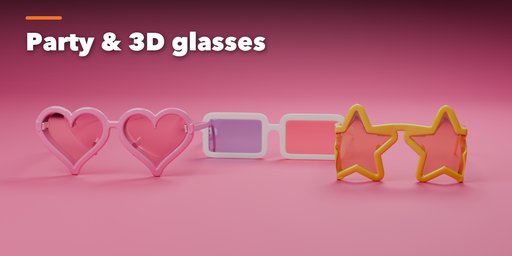
Glasses Generator builds photorealistic eyewear inside Blender. Pick one of 36 real-world designs, from a black acetate wayfarer, a gold aviator or a tortoiseshell cat-eye to rimless titanium, a browline, a sport shield, ski and steampunk goggles, a monocle, pince-nez or a lorgnette, then change anything you like. Every part stays live and editable.
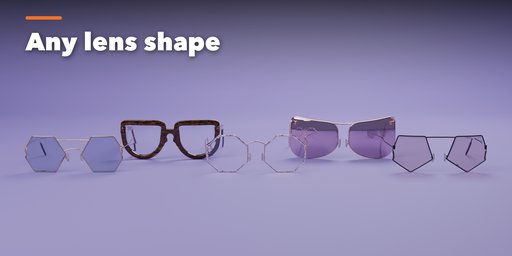
The lens outline is one advanced shape system: corners, straight edges, cat-eye lift, aviator drop, brow slope, taper, shear and rotation are all sliders, plus polygon, heart and star outlines, so you can reach any shape between the classics. Plastic fronts are modeled as one milled piece with smooth fillets, following the real base curve, wrap and pantoscopic tilt. Metal frames use round, flat, square or twisted wire in full rim, half-rim, browline, rimless or inverted half-rim builds.
Lenses have true optical thickness from the prescription in diopters and the lens index: minus lenses get thick edges, plus lenses a thick center. Add bifocal or trifocal segments, gradient, mirror, solid or red and cyan 3D tints, anti-reflective coatings, smudges and dust.
Features
- 36 presets in 6 families: spectacles, sunglasses, shields and visors, goggles, monocles and pince-nez, lorgnettes
- 21 named lens shapes, every corner and curve a slider
- Molded acetate or wire fronts, keyhole, saddle, double and brow-bar bridges, nose pads on pad arms
- Barrel, spring and hidden hinges with screws, skull, cable, library and sport temples, animated folding
- Real lens optics: prescription thickness, bifocals, tints, mirrors and coatings
- Photoreal materials: tortoiseshell, blonde havana, crystal, horn, wood, carbon, fade acetate, nine metals plus custom, rubber, foam and leather straps
- Extras: side shields, flip-up clip-ons, chains, cords and bead retainers
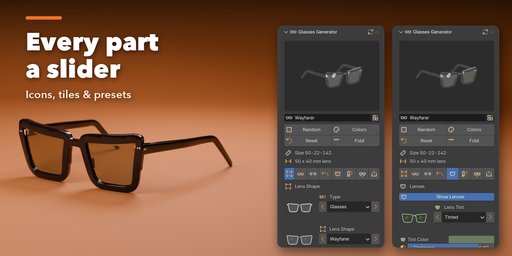
- Visual sidebar with icon tabs, picture tiles for every choice and a browser of all designs
- Works in Cycles and EEVEE; Apply as Mesh for export
Requires Blender 4.2 or newer. Tested on Blender 4.2, 4.5 and 5.2 LTS.
How to use
Installation
In Blender open Edit, Preferences, Get Extensions, then use Install from Disk and pick the glasses_generator zip.
Usage
- Open the Glasses tab in the 3D viewport sidebar (N). Pick an eyewear type from the picture tiles, or open Browse All 36 Designs. You can also use Shift+A, Mesh, Glasses, or Random Glasses.
- The icon tabs hold every setting: Shape (lens outline and size), Frame (rim, end pieces, fit and curve), Bridge (bridge and nose pads), Temples (style, length, hinges, fold), Lenses (tint, coating, prescription, bifocals, smudges), Finish (frame material, colors, metals), Extras (chains, side shields, clip-on) and Parts and Export. Goggles get their own Goggles tab.
- Use the arrows next to each choice to step through options, Random Design or Random Finish for new ideas, and Reset to Preset to go back.
- Animate Fold in the Temples tab to open and close the glasses.
- Apply as Mesh turns the glasses into plain meshes for export; Delete Glasses removes them with all their parts.
Glasses are built at real size in millimeters. Use Rendered view to see glass, acetate and metal.
FAQ
Which Blender versions are supported?
Blender 4.2 and newer. It is tested on Blender 4.2, 4.5 and 5.2 LTS.
Can I make my own designs?
Yes. Every preset is only a starting point: the lens outline, frame, bridge, temples, lenses and materials are all sliders, choices and toggles, so you can build any frame between the classics and beyond.
Can I export the glasses?
Yes. Apply as Mesh in the Parts and Export tab turns them into regular mesh objects with materials, ready for FBX, OBJ or glTF export. The parts are closed, clean meshes at real-world scale.
Does it work in EEVEE?
Yes, in both Cycles and EEVEE. The materials switch to EEVEE-friendly versions of glass and acetate automatically.


