
 Models
 Materials
 HDRIs
HDRIs
 Scenes
 Brushes
 Node Groups
 Printables
 Creators
 Creations
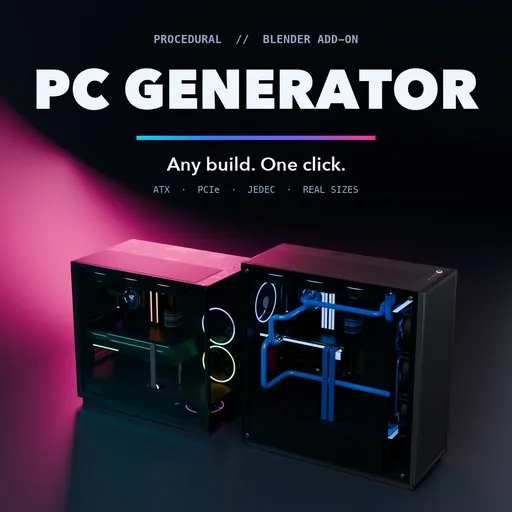
PC Generator
 add-on
Procedural desktop PCs from real hardware dimensions: 20 build presets and 13 case styles, every board, cooler, card and cable placed to standard, with realistic procedural materials and RGB.
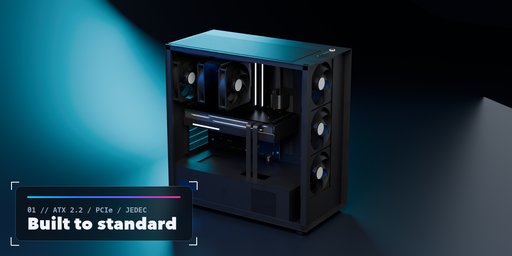
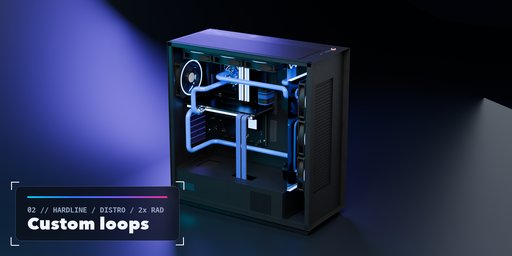
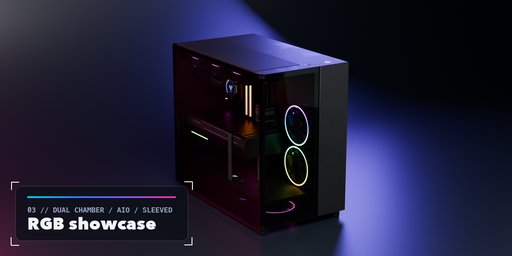
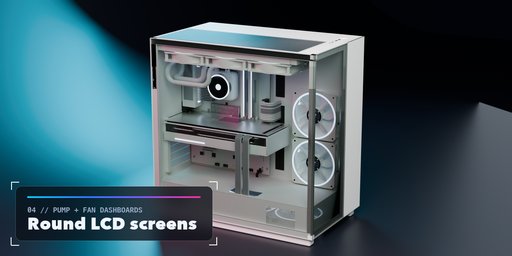
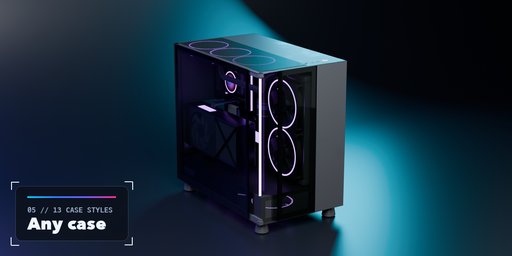
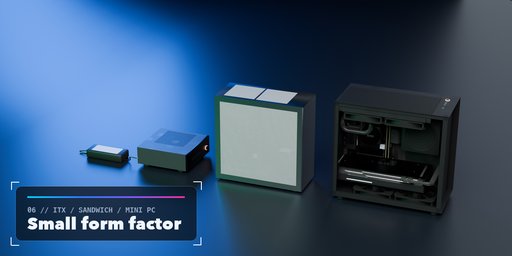
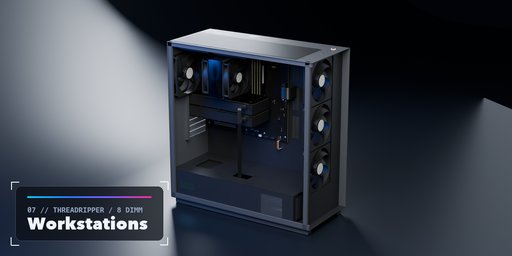
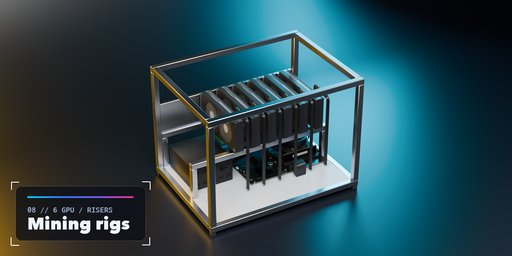
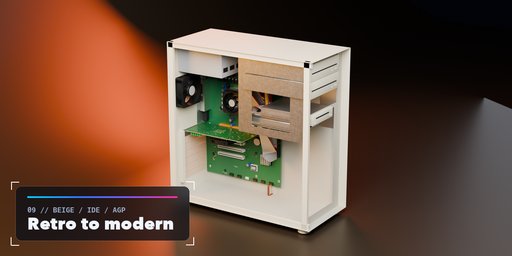
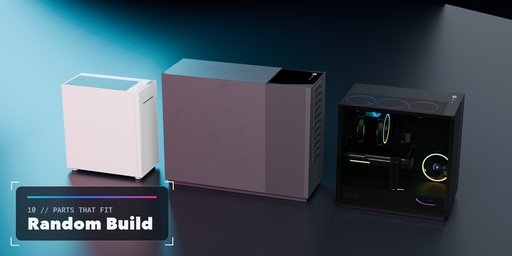
PC Generator builds complete, realistic desktop computers with one click from Shift+A > Mesh > Desktop PC. Office towers, airflow gaming builds, dual-chamber glass aquariums, panoramic cases with vertical graphics cards, hardline custom loops, Mini-ITX small form factor and sandwich builds, Threadripper workstations, Xeon tower servers with hot-swap bays, mining rigs, open test benches, living-room HTPCs, mini PCs, late-90s beige towers and sleepers: every build is generated from real hardware dimensions and stays fully editable.
Parts are placed the way the standards say. The motherboard sits on 6.35 mm standoffs at the ATX 2.2 position behind the rear I/O aperture, expansion slots follow the 20.32 mm slot lines, cards use PCI-SIG bracket and finger sizes, DIMMs are JEDEC modules and radiators, fans, PSUs and drives use their real sizes. A build algorithm sizes the case around the parts, picks radiator mounts that have clearance, spaces multiple graphics cards by their thickness and raises cooler fans over tall RAM. A clearance solver then checks the finished meshes against each other and makes room wherever two parts would touch, so any combination of case, board, cooler and card comes out physically valid.
Every surface uses a procedural PBR material: orange-peel powder coat, brushed and anodized aluminium, solder mask with copper traces and vias, nickel-plated heatpipes, thin tempered glass with a ceramic frit border, perforated mesh, braided sleeving with a real weave, RGB diffusers, coolant, wood slats and more.
Features
- 20 build presets based on real-world archetypes, plus Random Build and Random Colors
- 13 case styles: mid, full and compact towers, dual chamber, panoramic, SFF, sandwich, open bench, retro tower, desktop, mini PC, server tower and mining rig
- E-ATX, ATX, Micro-ATX and Mini-ITX boards for AM5, AM4, LGA1700, Threadripper, Xeon and legacy sockets, with VRM blocks, rear I/O, slots and headers
- Stock, single and twin tower, low-profile and retro coolers, AIO liquid coolers and custom loops with hardline or soft tubing
- Tubes are routed around every part in straight runs with 90 degree bends and fittings, the way real loops are built
- AIO pump heads with a round LCD screen showing a temperature dashboard or a wallpaper
- Graphics cards from low profile and blower to flagship flow-through and triple-fan partner cards, horizontal or vertical on a riser
- Cables wire by wire: 24-pin, EPS, PCIe and 12V-2x6, stock, sleeved with combs, or retro colored wires and IDE ribbons
- Every part is its own object; colors and RGB lighting update instantly
- Real-world scale, no image textures, works in Cycles and EEVEE
Requires Blender 4.2 or newer. Tested on Blender 4.2, 4.5 and 5.2 LTS.
How to use
Installation
In Blender open Edit, Preferences, Get Extensions, then use Install from Disk and pick pc_generator-1.0.1.zip.
Usage
- In Object Mode press Shift+A and choose Mesh, Desktop PC, then pick a preset. You can also use the PC tab in the 3D viewport sidebar (N).
- Change the preset, or press Random Build for a new build whose parts fit together, and Random Colors for a new theme.
- Use Show Panels to take the glass and front panels off and see inside.
- Under Case pick a case style, front and side panels. With Auto Size on, the case grows to fit the parts; turn it off to set your own size. The box at the top lists the build and warns about anything that does not fit.
- Under Motherboard, Cooling, Graphics Card, Memory and Storage, and Power and Fans choose the parts. Picking a card model loads its real size, which you can then change.
- Under Colors and Lighting set every color and the RGB mode.
- Click a part in the Parts list to select it. Use Make Static to turn the PC into plain objects, or Delete to remove it with its materials.
Switch the viewport to Material Preview or Rendered to see the materials and lighting.
FAQ
Does it use image textures?
No. All geometry and all materials are procedural, so there are no files to pack or relink. It works on Blender 4.2 and newer and is tested on 4.2, 4.5 and 5.2 LTS.
Are the parts copies of real products?
No. Parts follow the public standards (ATX, PCI Express, JEDEC) and typical real-world sizes, without logos or brand names.
What happens when a part does not fit?
With Auto Size on, the case grows to fit. Radiators move to a mount that has room or step down a size, and extra cards are skipped when the slots are taken. When loop tubing has no clear path, the radiator is turned around, the loop becomes CPU-only, or as a last resort the cooler steps down to an AIO or air cooler. Every change is listed as a warning in the sidebar.


