
 Models
 Materials
 HDRIs
 Scenes
 Brushes
 Node Groups
 Printables
 Creators
 Creations
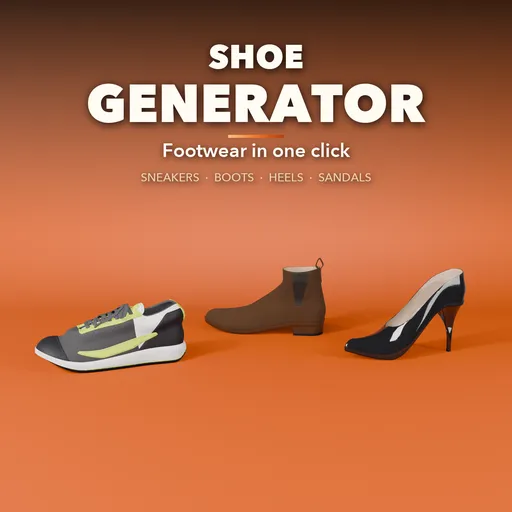
Shoe Generator
 add-on
Procedural footwear on a real last: sneakers, dress shoes, boots, heels and sandals with laces, stitching, straps, soles and PBR materials, in true EU/US sizes and mirrored pairs.
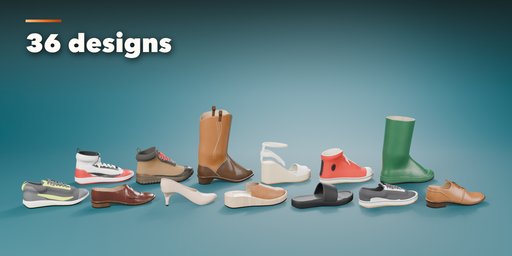
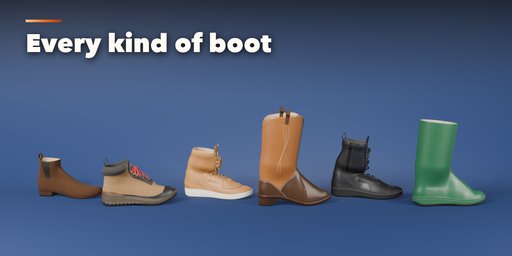
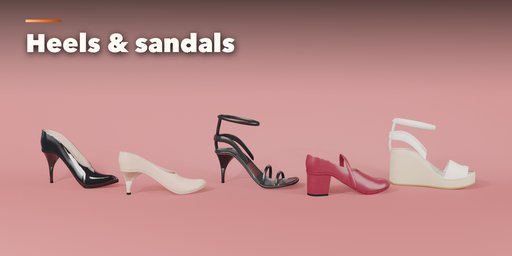
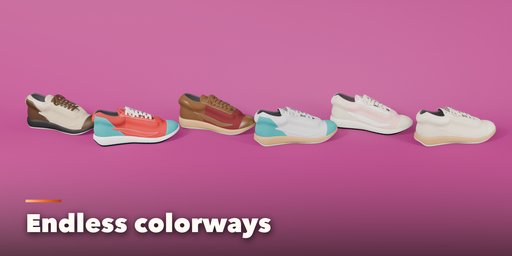
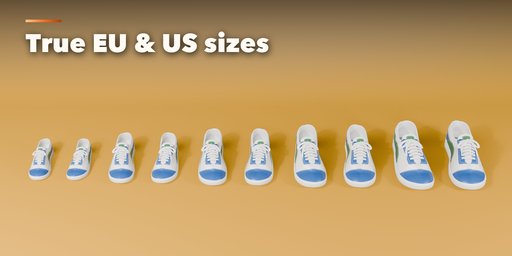
Shoe Generator builds realistic footwear in one click: running shoes, court and basketball sneakers, canvas high-tops, oxfords, brogues and loafers, chelsea, hiking, work, combat, cowboy and rain boots, stilettos, pumps, wedges, ballet flats, clogs, slippers, flip-flops, slides and sandals. Every pair is built on a real shoe last with proper EU, US and UK sizes, and the right shoe is a true mirror of the left.
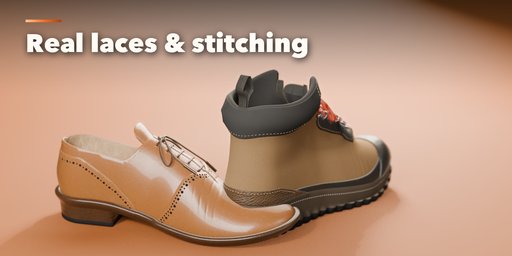
The details are modelled, not painted on: stitched overlays and mudguards, punched or grommet eyelets, laces that cross over and under on a real path with a tied bow and aglets, padded collars, tongues, heel counters, buckled straps, zippers, welts, stacked heels and molded tread.
Features
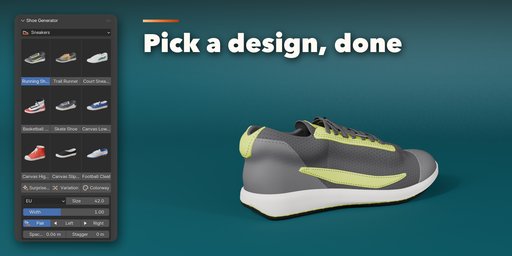
- 36 designs in five families, shown as picture tiles in the sidebar
- Real last shape with EU, US men, US women and UK sizes, left, right or both shoes
- Upper, lacing, sole and heel options in calm collapsible panels
- Randomize for new variations, Reset to go back to the design
- Photoreal PBR leather, suede, patent, canvas, mesh knit, rubber and EVA foam materials
- Rebuilds live in about a second, with Low to High detail levels
- One click photo studio and Convert to Mesh for export to games and other tools
Find it in the 3D viewport sidebar, Shoe tab. Pick a design, set the size and colors, and render.
Requires Blender 4.2 or newer. Tested on Blender 4.2, 4.5 and 5.2 LTS.
How to use
Installation
In Blender open Edit, Preferences, Get Extensions, then use Install from Disk and pick the zip.
Usage
- Open the 3D viewport sidebar (N) and the Shoe tab.
- Choose a family (Sneakers, Dress & Loafers, Boots, Heels, Flats & Sandals) and click a design picture to add a pair.
- Set the size system and size, and whether to show the left, right or both shoes.
- Fine tune the Upper, Lacing, Sole & Heel and Materials sub-panels, or press Randomize.
- Use Photo Studio for a ready lit scene, or Convert to Mesh to export.
FAQ
Which Blender versions are supported?
Blender 4.2 and newer. It is tested on Blender 4.2, 4.5 and 5.2 LTS.
Can I use the shoes in a game engine?
Yes. Convert to Mesh gives plain meshes with UVs and standard PBR materials that export to FBX or glTF.


