
 Models
 Materials
 HDRIs
 Scenes
 Brushes
 Node Groups
 Printables
 Creators
 Creations
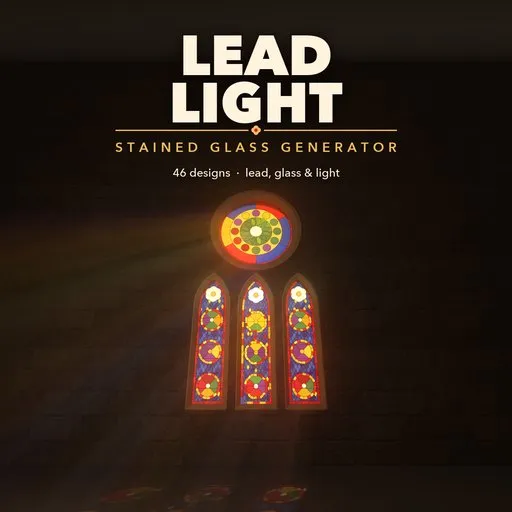
Leadlight – Stained Glass Generator for Blender
 add-on
Leaded stained glass windows in seconds: 46 designs, 18 lead patterns, picture tracing, glowing textured glass, lead came, frames and Gothic tracery.
Explore all my Blender addons
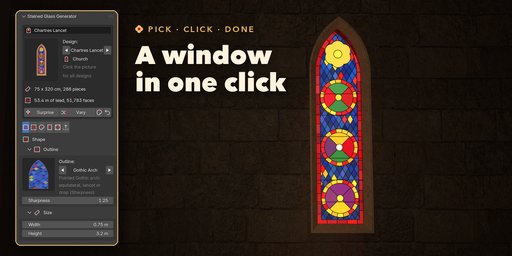
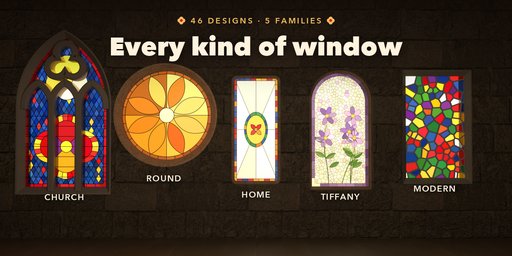
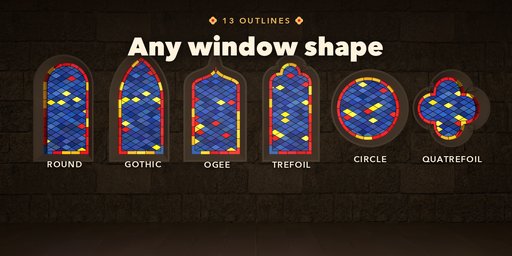
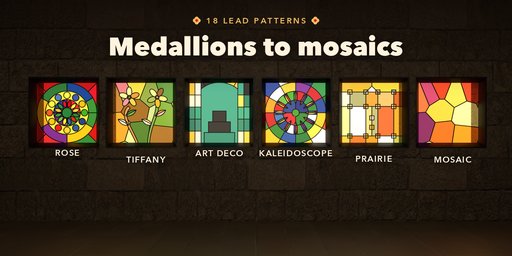
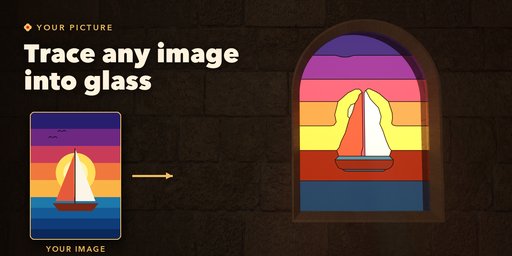
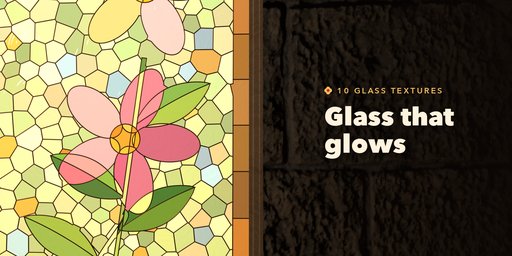
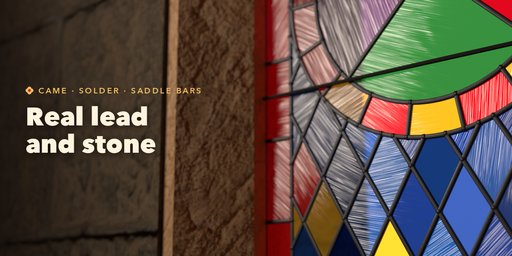
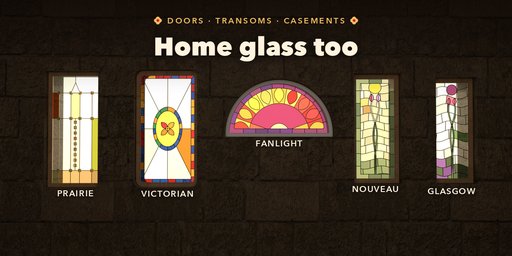
Leadlight builds leaded stained glass windows in seconds: pick a design, then change the outline, the lead pattern, the colors and the glass while the window rebuilds live. Every window is one clean mesh at real size, ready for churches, homes, castles, games and product shots.
Features
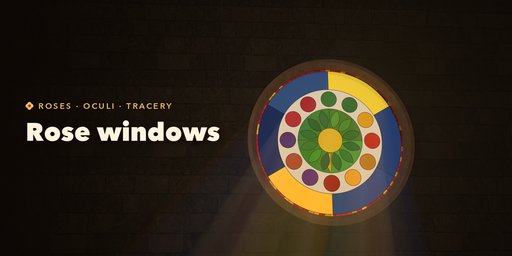
- 46 designs in five families: Gothic lancets and tracery, rose windows and oculi, Victorian and Arts & Crafts doors, Tiffany and Art Nouveau, modern and dalle de verre
- 13 outlines: Gothic, round, segmental, ogee, Tudor and trefoil arches, circles, fanlights, foils, polygons and lozenges
- 18 lead patterns: medallions, diamond quarries, roses, roundels, Tiffany flowers, Art Nouveau, Art Deco, Prairie, kaleidoscope, mosaic and more
- Trace your own picture into lead lines and glass colors
- 18 palettes taken from real windows, gradients and per-piece hand-made variation
- Ten glass textures (antique, seedy, hammered, streaky, ripple, glue chip, drapery, crackle) and opalescent glass that glows with backlight
- Round or flat lead came, Tiffany copper foil or concrete joints, with solder at every joint
- Stone, wooden and metal frames, mullions, Gothic tracery and iron saddle bars
- One-click Backlight, Surprise, Vary and New Colors; game mode material for export
Simple to use: one object at real-world size, with pictures for every visual choice in the sidebar.
Requires Blender 4.2 or newer. Tested on Blender 4.2, 4.5 and 5.2 LTS.
How to use
Installation
In Blender open Edit, Preferences, Get Extensions, then use Install from Disk and pick the zip.
Usage
- Open the Stained Glass tab in the 3D view sidebar (N) or use Shift+A, Mesh, Stained Glass Window.
- Pick a design and click Add.
- Change outline, pattern, colors, glass, lead and frame in the tabs; the window rebuilds live.
- Click Backlight on the Output tab to light the glass from behind.
FAQ
Which Blender versions are supported?
Blender 4.2 and newer. It is tested on Blender 4.2, 4.5 and 5.2 LTS.
Can I make a window from my own picture?
Yes. Choose the From Image pattern and open a picture: it is split into color areas (or a line drawing is followed) and turned into lead lines and glass colors.


