
 Models
 Materials
 HDRIs
 Scenes
 Brushes
 Node Groups
 Printables
 Creators
 Creations
Eye Generator
 add-on
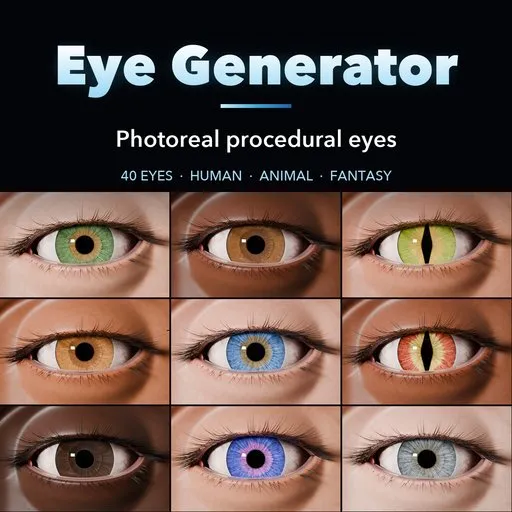
Photoreal procedural eyes: 40 human, animal and fantasy eyes with real pupil shapes, a refractive cornea, procedural irises, a look target and animatable pupils and blinks.
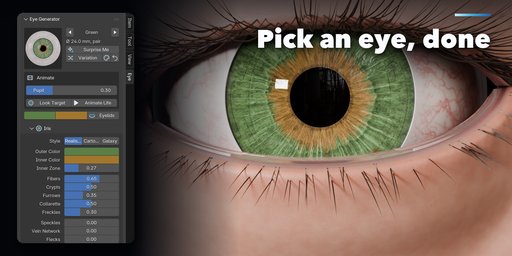
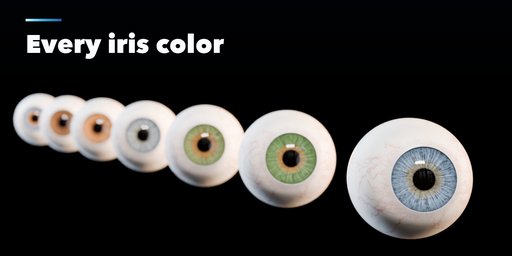
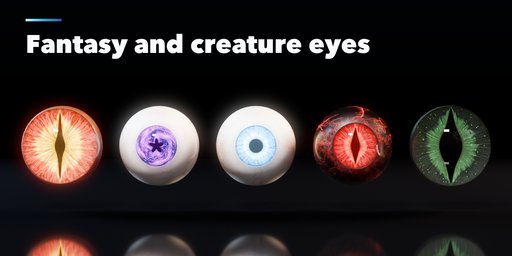
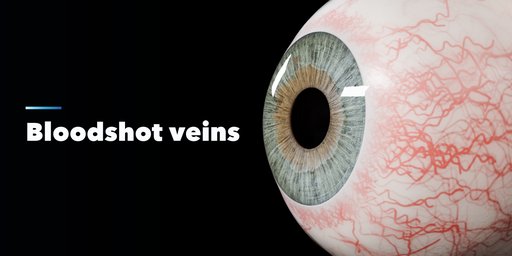
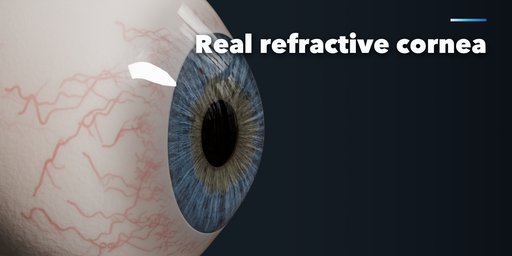
Eye Generator builds photoreal eyes inside Blender: human eyes in every iris color, animal eyes with their real pupil shapes, and fantasy eyes that glow. Pick one of 40 eyes from the picture gallery, then change anything. The eyes rebuild live, track a look target and come with animatable pupils and blinks.
Every eye is built like a real one, the way film eyes are made: a sclera with soft color, mottling and branching veins, a concave iris whose stroma, collarette and pupil margin are real geometry, a separate refractive cornea with its bulge (IOR 1.376) floating on a real gap so nothing ever z-fights, and a crystalline lens behind the pupil. Cycles refracts through the cornea and can use MNEE caustics; EEVEE gets its own transparent cornea setup.
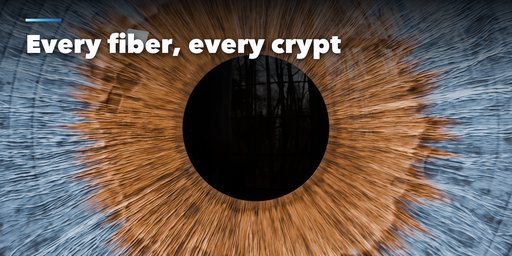
Irises are painted procedurally into high-resolution textures: radial fibers, crypts of Fuchs, contraction furrows, the collarette and pupillary ruff, limbal rings, freckles, speckles, reptile vein nets and metallic flecks, with complete, sectoral and central heterochromia. Export the textures as PNG for game engines.
Pupils
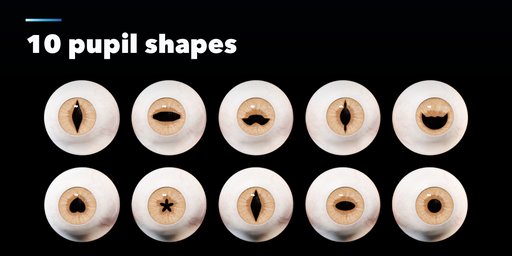
- Round, oval, cat slit, gecko slit, goat and horse bar, cuttlefish W, ray crescent, toad heart, star and diamond
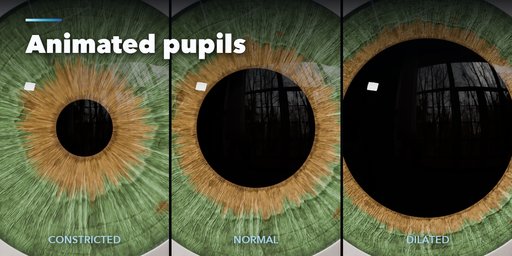
- One Pupil slider drives a shape key from constricted to dilated, ready to keyframe
Features
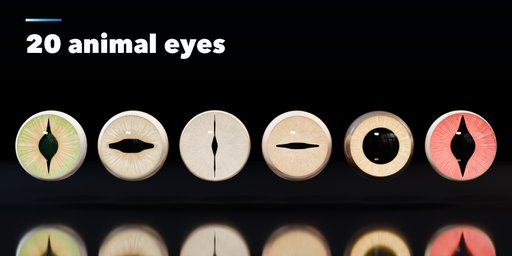
- 40 eyes: 14 human, 20 animal (cat, dog, wolf, fox, horse, goat, sheep, octopus, cuttlefish, gecko, crocodile, snake, frogs, owl, eagle, pigeon, fish, stingray) and 6 fantasy and stylized
- Look target empty that both eyes follow
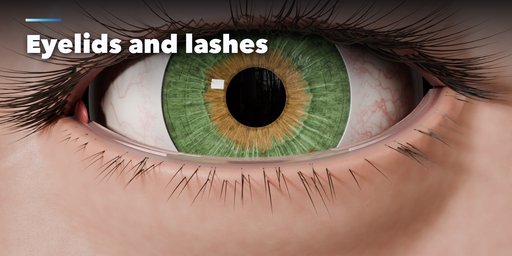
- Optional eyelids with lashes, wet margin and caruncle, with a Blink slider
- Animate Life keys saccades, blinks and a breathing pupil in one click
- Surprise, Variation and New Colors buttons
- Works in Cycles and EEVEE
Requires Blender 4.2 or newer. Tested on Blender 4.2, 4.5 and 5.2 LTS.
How to use
Installation
In Blender open Edit, Preferences, Get Extensions, then use Install from Disk and pick the eye_generator zip.
Usage
- Open the Eye tab in the 3D viewport sidebar (N). With no eye selected, click the picture to choose an eye from the gallery and press Add. You can also use Shift+A, Mesh, Eyes.
- With the eyes selected, the picture switches the eye type. Surprise Me makes a random eye, Variation changes the pattern and colors a little, and the palette button picks new iris colors.
- Pupil and Blink are animatable sliders. Look Target selects the empty both eyes follow; Animate Life keys gaze shifts, blinks and pupil changes over the scene's frame range.
- The sub-panels hold every setting: Iris (style, colors, fibers, crypts, furrows, heterochromia), Pupil (shape pictures and dilation range), Eyeball (size, cornea bulge, limbus, lens), Sclera (color, veins, eye shine), Eyelids (opening, shape, lashes) and Rig and Render (pair or single, spacing, IOR, caustics, texture size, Save Textures, Delete).
For the most realistic cornea use Cycles. Set Caustics to MNEE to let light focus through the cornea onto the iris.
FAQ
Which Blender versions are supported?
Blender 4.2 and newer. It is tested on Blender 4.2, 4.5 and 5.2 LTS.
Can I use the eyes in a game engine?
Yes. The eyes are plain meshes with Principled materials. Use Save Textures in the Rig and Render panel to write the iris, iris height and sclera maps as PNG files.
How do I animate the pupils and blinks?
Keyframe the Pupil and Blink sliders, move the Eye Target empty to change the gaze, or press Animate Life to key natural eye motion over the frame range.


