Add-ons
 Models
 Materials
 HDRIs
 Scenes
 Brushes
 Node Groups
 Printables
 Creators
 Creations
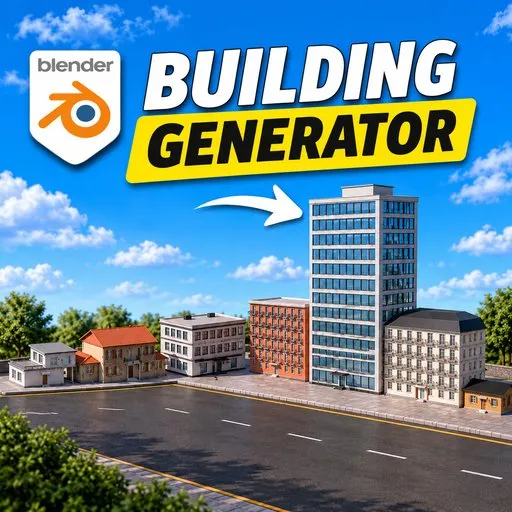
**Build Entire Buildings in Seconds
**
Procedural Building Generator creates fully editable architectural buildings straight from the 3D Viewport sidebar. Pick a building type, tweak the parameters and press Generate. No third-party add-ons or assets are required.
Works with Blender 3.6 LTS and newer (4.x)
Building Types
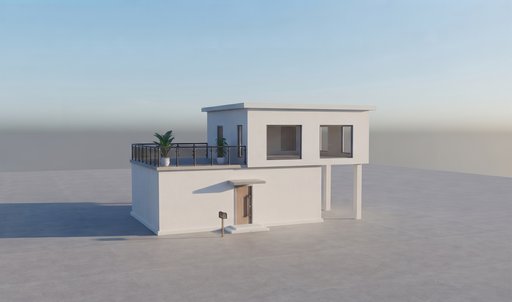
* Modern House: cantilevered upper volume, columns, terrace with glass balustrade
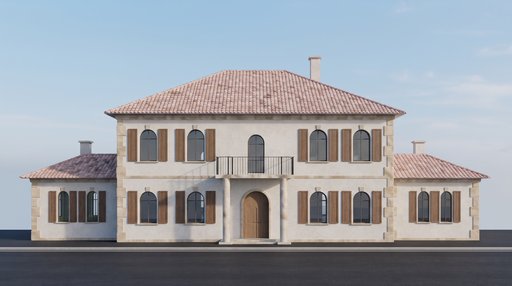
* Luxury Villa: main block with two wings, portico with columns, arched windows
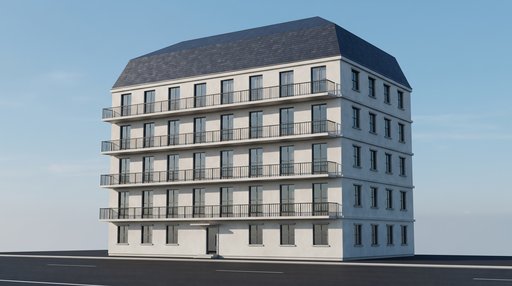
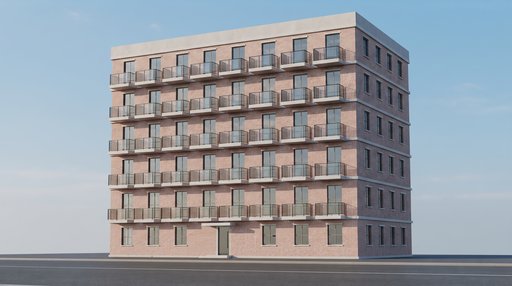
* Apartment: repeated window bays, balconies, stair core, parapet roof
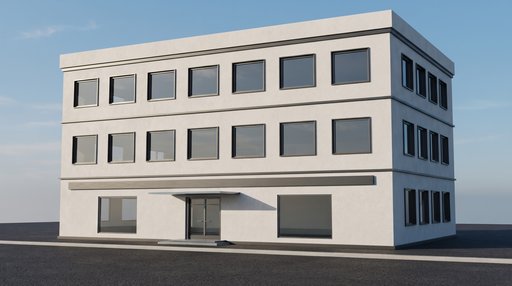
* Commercial: storefront ground floor, sign band, canopy, rooftop units
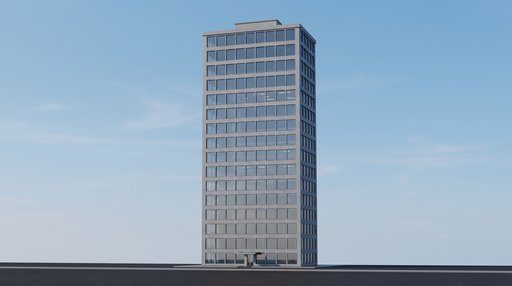
* Office: curtain-wall glazing, canopy, rooftop plant room
Features
* 1 to 20 floors with adjustable floor height, wall and slab thickness, plinth
* 5 window styles (Standard, Large glass, Sliding, Modern framed, Arched) with rectangular, arched and oval shapes
* 5 door styles (Single, Double, Glass, Modern wooden, Commercial)
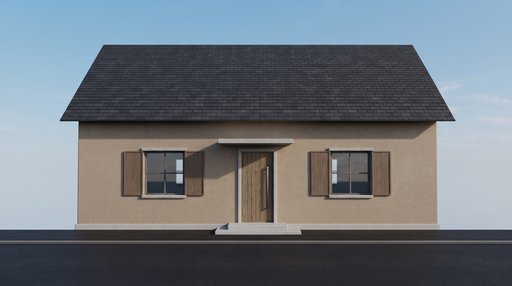
* Roofs: Flat with parapet, Gable, Hip, Mansard
* Balconies (centre, full width, per window) with glass or bar railings
* Entrance canopy or portico, steps, cornices, quoins, sills, lintels, shutters, chimney
* Procedural materials: Concrete, Brick, Stone, Wood, Glass, Metal, Plaster, with world-scale UVs
* Live Update, Randomize Design, Reset Settings and an Example Gallery
* Non-destructive: Update rebuilds in place, so there are no duplicates and your Root transform is kept
* Clean, watertight, manifold wall meshes with correct normals
* Organized output: one collection with a Root empty and six objects (Walls, Roof, Frames, Doors, Trim, Glass)
How to Use
* Install the ZIP in Preferences → Add-ons (don’t unzip it) and enable it.
* Press N in the 3D Viewport and open the Building tab.
* Choose a building type, adjust the settings and press Generate Building.
* Change anything and press Update Building, or enable Live Update.