
 Models
 Materials
 HDRIs
 Scenes
 Brushes
 Node Groups
 Printables
 Creators
 Creations
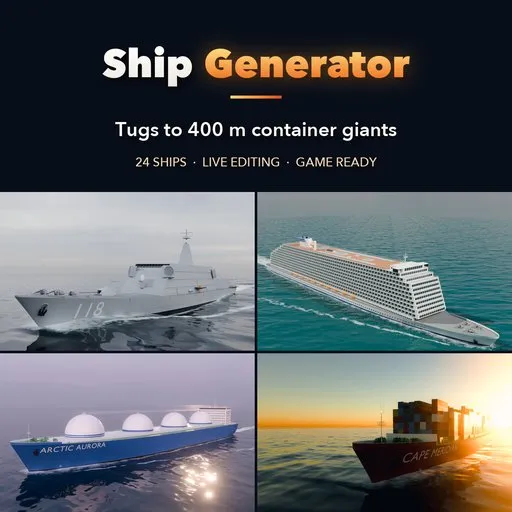
Ship Generator
 add-on
One-click procedural ships at real scale: container ships, bulk carriers, tankers, LNG carriers, cruise ships, ferries, tugs, destroyers, aircraft carriers and tall ships, with PBR materials.
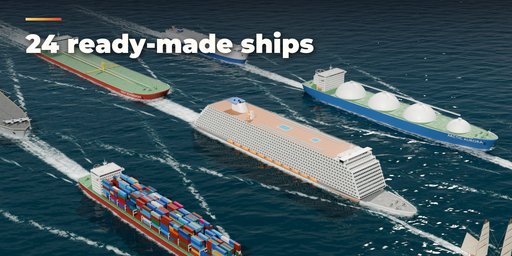
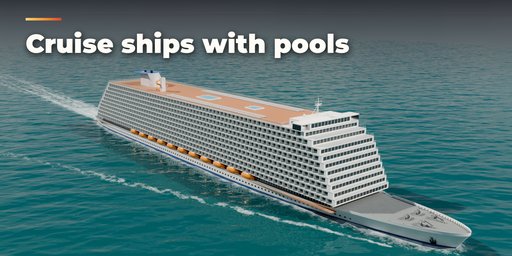
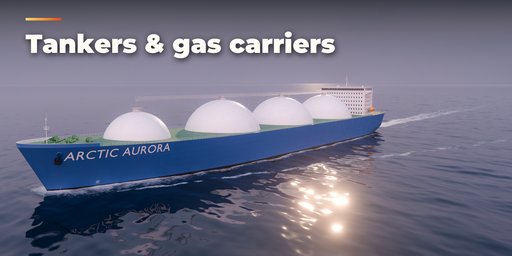
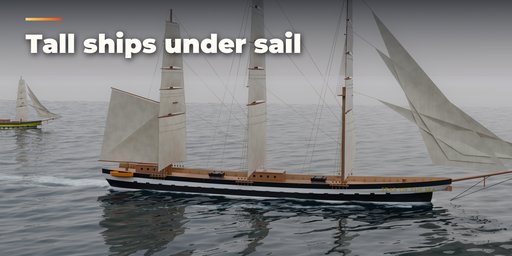
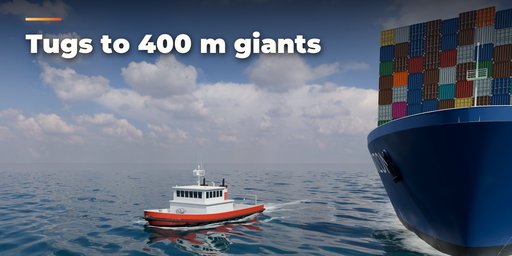
Ship Generator builds complete, detailed ships in one click, from a 30 m harbour tug to a 400 m Neo-Panamax box ship. Pick one of 24 ready-made ships from a picture gallery, press Surprise Me for a new design, or shape every part yourself and watch the ship rebuild live. Every ship is built at real size in meters, sits on the waterline at its design draft and uses physically based materials that also export to game engines.
What it makes
- Container ships with stacked, colour-mixed containers, lashing bridges and split or aft accommodation
- Bulk carriers with hatch covers, coamings and deck cranes, gearless or geared
- Oil and chemical tankers with pipe decks, manifolds, catwalks and hose cranes
- LNG carriers with Moss spheres or membrane tanks and trunk deck
- Car carriers and RoRo ships with stern ramps
- Cruise ships with many decks, balcony rows, lifeboats on davits, funnels, pools and water slides, plus expedition cruise ships and RoPax ferries
- Harbour tugs, offshore supply vessels and research vessels with A-frames and cranes
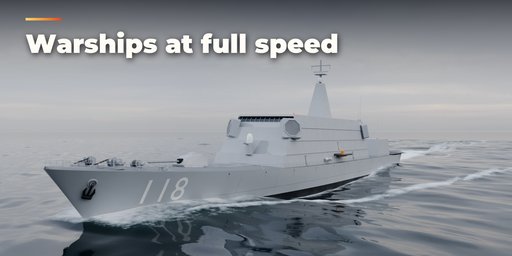
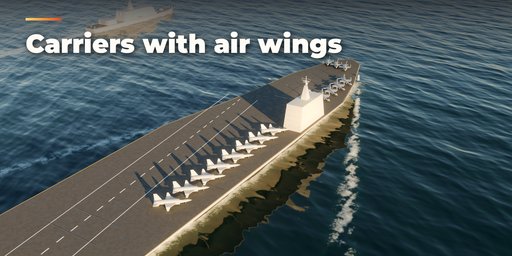
- Destroyers, frigates and corvettes with gun turrets, VLS cells, radar masts and helipads, and an aircraft carrier with island, deck markings and parked jets
- Historic ocean liners, cargo steamers, tall ships and brigs with masts, rigging and sails
Hull and detail
- Lofted hulls with bulbous bow, flare, transom or cruiser stern, propellers, rudders, bow thrusters and bilge keels
- Superstructures with windows, bridge wings, railings, masts, antennas, anchors, bollards and mooring winches
- Boot-top stripe, draft marks, Plimsoll mark, ship name and hull numbers, all without z-fighting
- Containers and other repeated parts are instanced, so even the biggest ship rebuilds quickly
Convert to Mesh turns the result into plain meshes for export.
Requires Blender 4.2 or newer. Tested on Blender 4.2, 4.5 and 5.2 LTS.
How to use
Installation
In Blender open Edit, Preferences, Get Extensions, then use Install from Disk and pick the zip.
Usage
- Open the Ship tab in the 3D viewport sidebar (N), or use Shift+A, Mesh, Ship.
- Click the picture to choose one of 24 ready-made ships and press Add.
- Use Surprise Me, Variation and New Seed for new designs, or open the sections (hull, superstructure, cargo, deck gear, paint and markings) for full control. Everything rebuilds live.
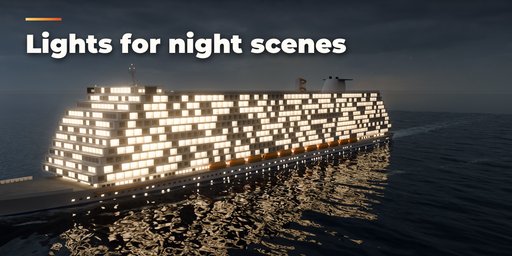
- Set Detail to Low for faster editing and fewer faces, and switch Lights on for navigation lights and deck floodlights.
- Convert to Mesh turns the ship into plain meshes for export to other software or game engines.
FAQ
Which Blender versions are supported?
Blender 4.2 and newer. It is tested on Blender 4.2, 4.5 and 5.2 LTS.
Are the ships to scale?
Yes. Everything is built in meters at the real size of each ship type, from a 30 m tug to a 400 m container ship, sitting at its design draft with the waterline at zero height.
Can I use the ships in a game engine?
Yes. Use Convert to Mesh to get plain meshes with UVs and PBR materials, set Detail to Low for fewer faces, then export as FBX or glTF.


