
 Models
 Materials
 HDRIs
 Scenes
 Brushes
 Node Groups
 Printables
 Creators
 Creations
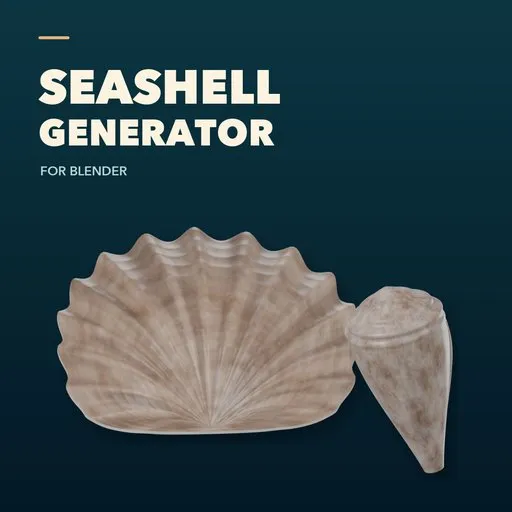
Seashell Studio – Seashell Generator for Blender
 add-on
Generate six customizable seashell forms in Blender, with condition presets, surface variation, fractures and missing pieces.
Explore all my Blender addons
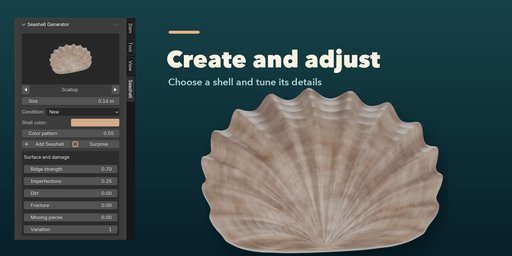
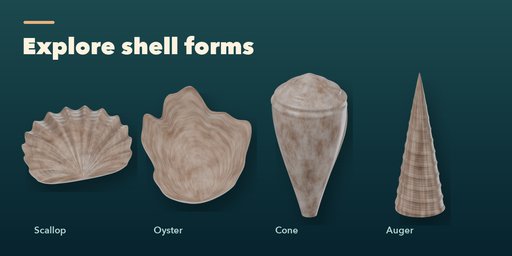
Create a collection of procedural seashells in Blender, from ribbed scallops and rounded clams to oysters, conchs, cone shells and tall augers. Choose a form from the picture gallery, set its size and color, and adjust the shape and surface in the 3D Viewport sidebar. Each shell is an editable generated mesh with its own settings.
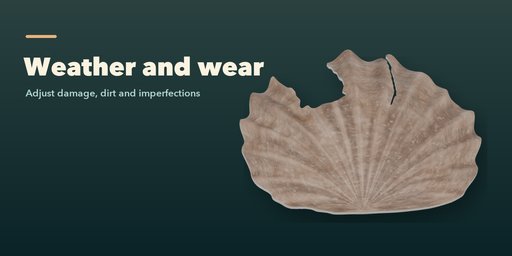
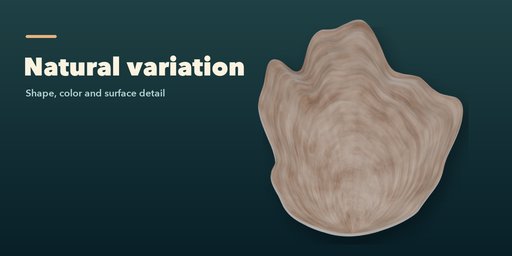
Choose New, Used or Old as a starting condition, then tune the ridges, imperfections, dirt, fractures and missing pieces independently. Use the variation seed to change the result or press Surprise for another shell. The procedural materials include growth lines, pigment and surface wear and work in both EEVEE and Cycles.
Features
- Six shell forms with pictured selection
- Size, color, pigment and ridge controls
- New, Used and Old condition presets
- Independent imperfections, dirt, fracture and missing-piece controls
- Seeded variations and a one-click Surprise action
- Separate settings for each generated shell
- Procedural materials for EEVEE and Cycles
The shell forms are artistic procedural approximations, not species-accurate scans. The conch contains overlapping whorls; inspect and repair its geometry before using it for 3D printing or other watertight-mesh workflows. Fractured edges and missing pieces are procedural approximations. Exporting the procedural materials to a game engine may require baking them to textures.
Requires Blender 4.2 or newer. Tested on Blender 4.2, 4.5 and 5.2 LTS.
How to use
Installation
In Blender, open Edit > Preferences > Get Extensions, choose Install from Disk, and select the extension ZIP.
Usage
- Open the 3D Viewport sidebar with N and choose the Seashell tab.
- With no shell selected, click the picture to choose a form. Set its size, condition, color and pattern, then click Add Seashell. It appears at the 3D cursor.
- Select a generated shell to edit its settings. Adjust ridges, imperfections, dirt, fracture, missing pieces and variation in Surface and damage.
- Surprise creates a random shell if none is selected, or changes the selected shell. Deselect to return to the add-new controls.
Procedural materials work in EEVEE and Cycles. Bake textures for export when needed. The conch uses overlapping whorls; inspect and repair it before watertight-mesh workflows.
FAQ
Which Blender versions are supported?
Blender 4.2 and newer; tested on Blender 4.2, 4.5 and 5.2 LTS.
Can I make broken or weathered shells?
Yes. New, Used and Old provide starting conditions, and you can independently adjust dirt, imperfections, fracture and missing pieces. Results are procedural approximations.
Can I export the generated shells?
The result is a Blender mesh. Procedural materials may need to be baked for another application, and the conch's overlapping whorls may need repair for watertight uses.


