
 Models
 Materials
 HDRIs
 Scenes
 Brushes
 Node Groups
 Printables
 Creators
 Creations
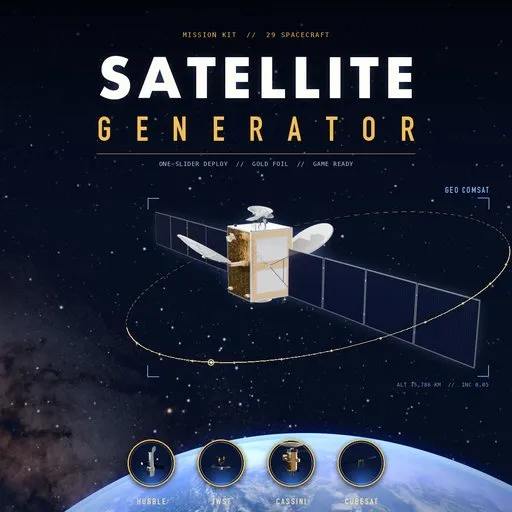
Satellite Generator
 add-on
Procedural satellites with live rebuild and a deploy animation: 29 designs from comsats, GPS and weather sats to Hubble and JWST style telescopes, deep-space probes, CubeSats and Sputnik.
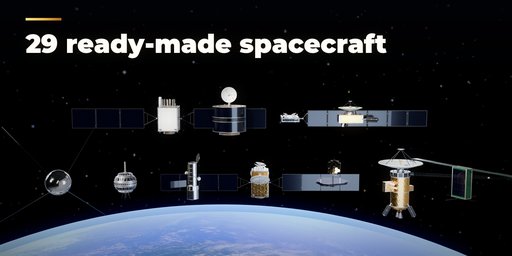
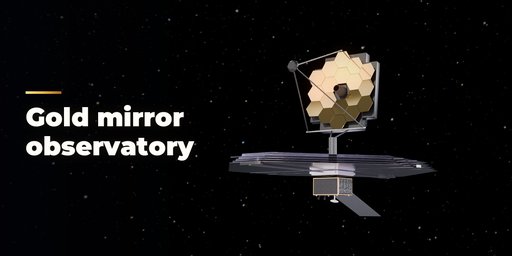
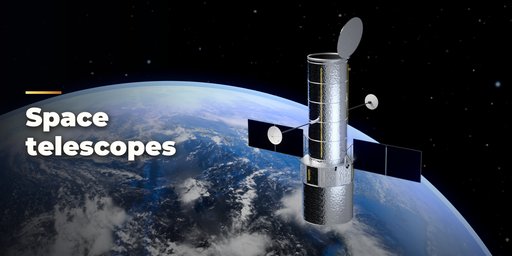
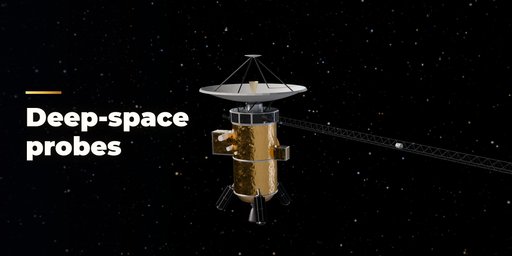
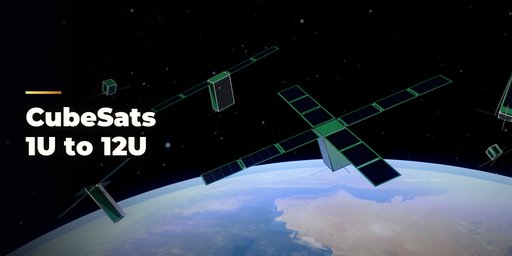
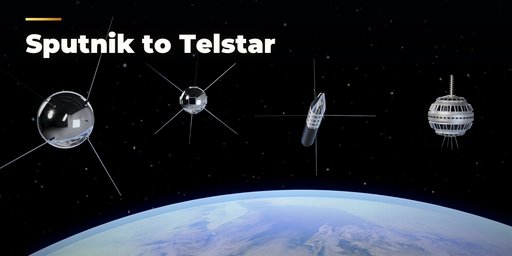
Satellite Generator builds detailed, ready-to-render spacecraft in one click, in real-world meters. Pick one of 29 ready-made designs: geostationary communication satellites with big unfolding reflectors, a high-throughput satellite, a mesh-reflector satellite, GPS and Galileo navigation satellites, geostationary and spinning weather satellites, Earth observation and radar satellites, Starlink-style flat satellites, a microsatellite, a Hubble-style space telescope, a Kepler-style photometer, a JWST-style observatory with a hexagonal gold mirror and a five-layer sunshield, Voyager, Cassini and New Horizons style deep-space probes, CubeSats from 1U to 12U, Sputnik, Vanguard, Explorer 1, Telstar and a space station module.
Then change anything and the spacecraft rebuilds live: bus size, payload, blanket quilting, radiators, thrusters, star trackers, solar wing count, panels and size, reflector count, diameter and depth, feed horns, telescope length and doors, mirror rings, probe dish, RTGs and booms, CubeSat size and deployable panels.
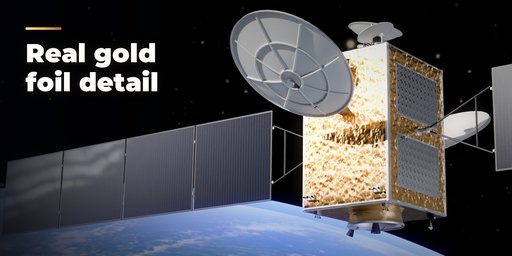
Every part is modeled to be looked at up close: crinkled gold, silver or black insulation blankets that sit clear of the structure, solar cells with grid lines under cover glass, hinges and yokes, thruster bells with valves and lines, horn clusters, helix antennas, optical solar reflector radiators, lattice booms and bolt heads.
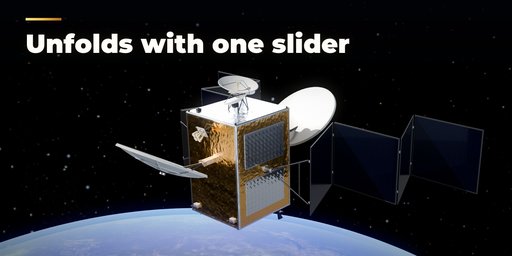
One Deploy slider folds everything for launch and unfolds it again: solar wings open panel by panel, reflectors swing out, booms and sunshields extend. Animate Deploy keys the whole sequence for you, and spinners spin.
Features
- 29 presets in 7 families: communications, navigation, Earth observation, constellations, telescopes, deep space and historic
- Box buses, spinning drums, telescope tubes, observatories, probes, CubeSats, historic satellites and station modules
- Rigid accordion wings and flexible blanket arrays, offset solid and mesh reflectors, deck dishes and phased arrays
- Deploy slider and one-click deploy animation for wings, reflectors, booms, doors, sunshields and tape antennas
- Photoreal PBR materials that also work in game engines: MLI foil, solar cells, carbon fibre, OSR mirrors, gold mirrors
- Checked for z-fighting: blankets, cells and fittings never share a face with the structure
- Surprise, Variation and Finish buttons, a picture gallery and a Shift+A menu
- Low, medium and high detail, and Convert to Mesh that keeps the hinge hierarchy for export
Requires Blender 4.2 or newer. Tested on Blender 4.2, 4.5 and 5.2 LTS.
How to use
Installation
In Blender open Edit, Preferences, Get Extensions, then use Install from Disk and pick the satellite_generator zip.
Usage
- Open the Satellite tab in the 3D viewport sidebar (N). With nothing selected, click the picture to pick one of the 29 designs, then press Add Satellite. You can also use Shift+A, Satellite.
- With a satellite selected, click its picture to switch to another design. Surprise picks a random design with random changes, Variation changes the proportions of the current one and Finish picks new foil, cell and dish colors. The arrow button resets to the design.
- Drag Deploy to fold the spacecraft for launch or open it. Stow and Open jump to either end. Animate Deploy keys the whole unfolding from the start frame; Spin turns spinning satellites.
- The closed sections below hold the details for the kind of spacecraft you picked (bus, hardware, solar wings, antennas, telescope, probe, CubeSat), the Look and the Animation timing.
- For export open Mesh & Export: set Detail to Low for game engines and press Convert to Mesh. The copies keep the hinge hierarchy and animation, or tick Join Parts for a single mesh.
FAQ
Which Blender versions are supported?
Blender 4.2 and newer. It is tested on Blender 4.2, 4.5 and 5.2 LTS.
Can I animate the solar panels and antennas?
Yes. Every wing, reflector, boom and door is its own object on a hinge. The Deploy slider poses them all, and Animate Deploy adds the keyframes for a full unfolding sequence that you can retime or edit.
Does it work in game engines?
Yes. The materials are plain Principled BSDF with image textures, the meshes have UVs, and Convert to Mesh gives you ordinary mesh objects at the detail level you choose.


