
 Models
 Materials
 HDRIs
 Scenes
 Brushes
 Node Groups
 Printables
 Creators
 Creations
Clay Studio — Clay Overrides & Viewport Colors for Blender
 add-on
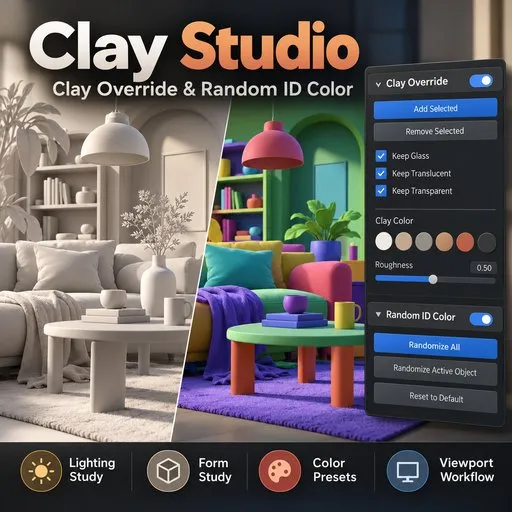
Simplify your scene and focus on lighting, shadows, and form. Clay Studio brings scene-wide clay overrides, selective object controls, and viewport colors into one compact Blender sidebar.



Features
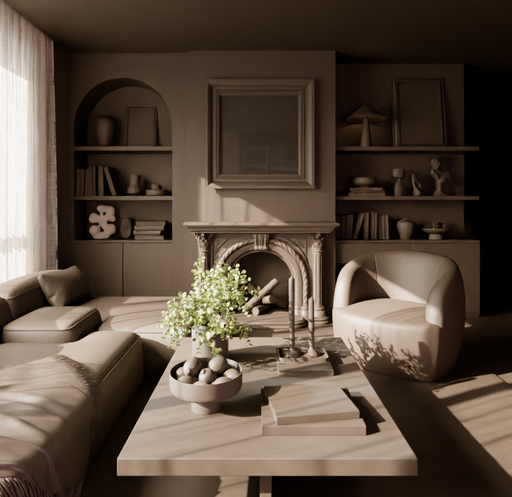
- Scene-wide Clay Override: apply clay across editable geometry and restore original materials when finished.
- Add & Remove Selected: control which objects participate in your clay study.
- Keep Material Controls: preserve glass, translucent, and transparent materials independently.
- 10 Color Presets: explore neutral grays, soft whites, warm clay tones, and charcoal with swatch previews.
- Live Color & Roughness: adjust the clay appearance directly from the sidebar.
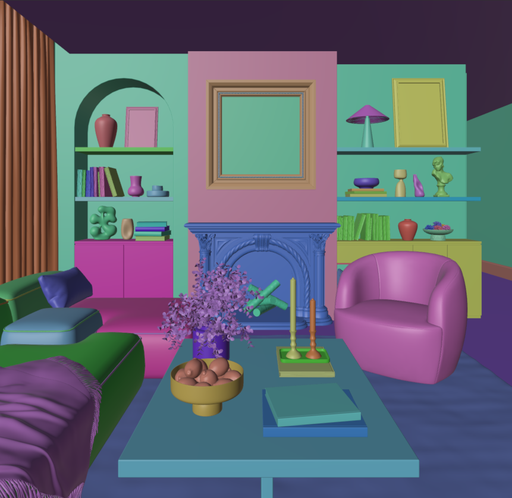
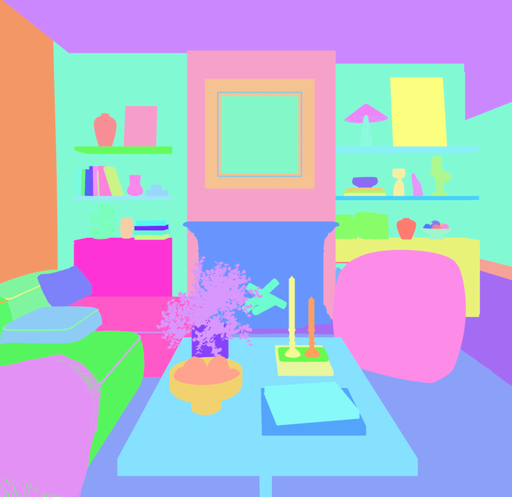
- Random ID Color: distinguish objects with random Solid-viewport colors.
- Compact Interface: two collapsible tool sections inside one Clay Studio panel.
Requirements: Blender 4.3 or later. Tested with Blender 4.3.2 and 5.0.1. No external dependencies or online services required.
Included: installable extension ZIP, Python source, English user guide, installation instructions, and changelog.
Created by Kien Trinh
Support: [email protected]
Copyright (c) 2026 Trinh Kien


