
 Models
 Materials
 HDRIs
 Scenes
 Brushes
 Node Groups
 Printables
 Creators
 Creations
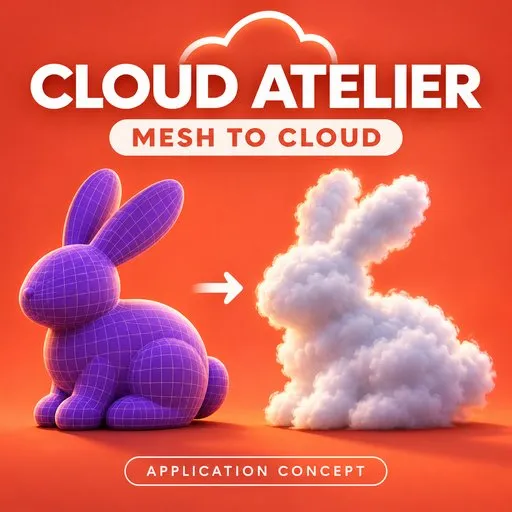
Cloud Atelier — Mesh-to-Cloud for Blender & VDB Clouds, Fog
 add-on
Cloud Atelier is a Blender add-on for creating procedural VDB clouds, adding atmospheric fog, and transforming 3D models into editable cloud forms. Build a landscape cloud bank, explore a colorful stylized look, or create cloud-shaped mesh assets—all
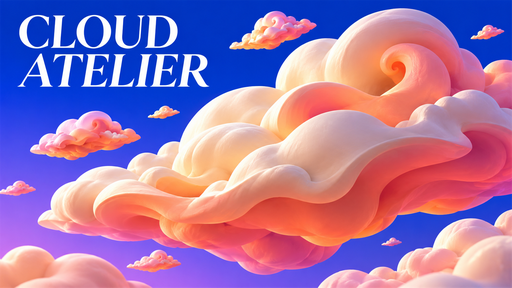
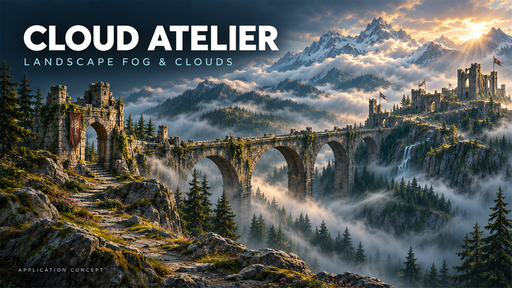
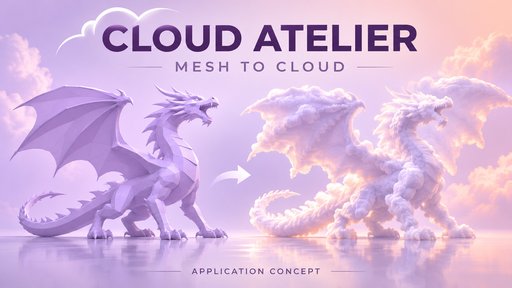
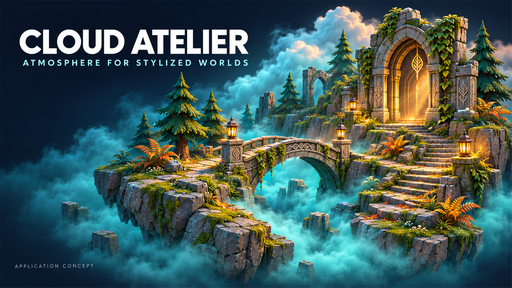
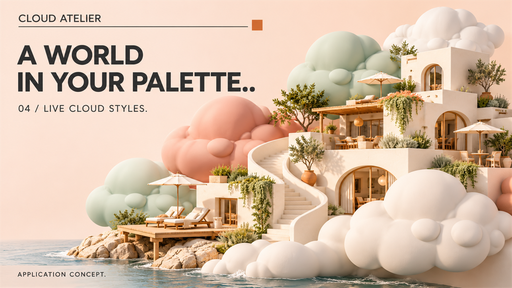
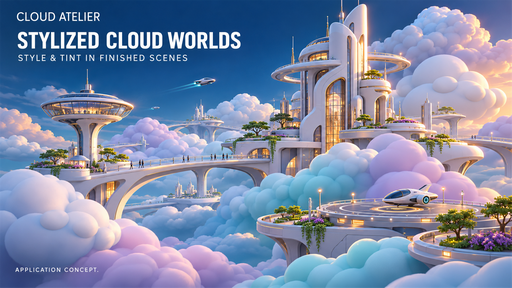
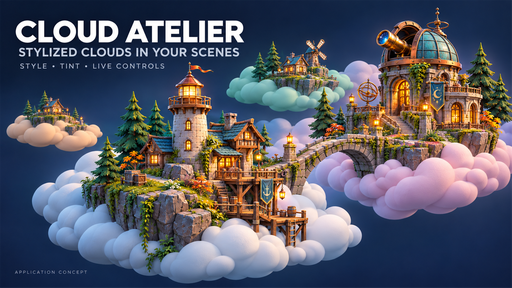
☁️ Give your scenes atmosphere, depth, and character.
Cloud Atelier is a Blender add-on for creating procedural VDB clouds, adding atmospheric fog, and transforming 3D models into editable cloud forms. Build a landscape cloud bank, explore a colorful stylized look, or create cloud-shaped mesh assets—all from one sidebar.
Combine the original VDB generation tools with automatic previews, native animation, visual preset browsers, and low/high-poly mesh outputs.
✨ Create clouds your way
☁️ 9 procedural cloud types
Explore Cumulus, Tower, Anvil, Cloud Bank, Cloud Field, Fog Layer, Feathers, Puffy, and Cyclone forms.
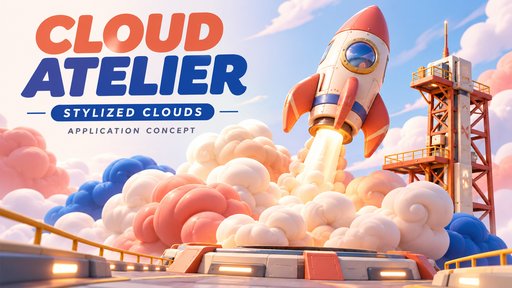
🎨 10 live cloud styles
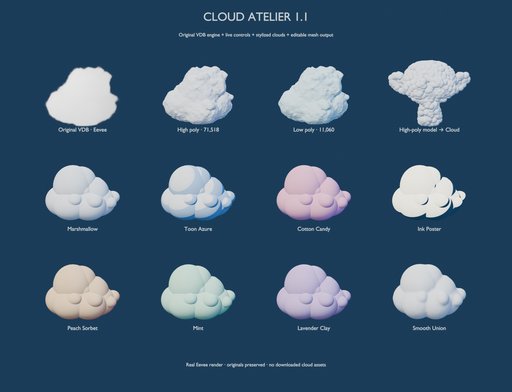
Choose Marshmallow, Toon Azure, Cotton Candy, Lavender Clay, Low Poly, Smooth Union, Soft Volume, Peach Sorbet, Mint, or Ink Poster. Adjust the tint to suit your scene.
🖼️ Visual cloud browsing
Browse rendered reference thumbnails to choose shapes and styles before refining their settings.
🧩 Turn your models into clouds
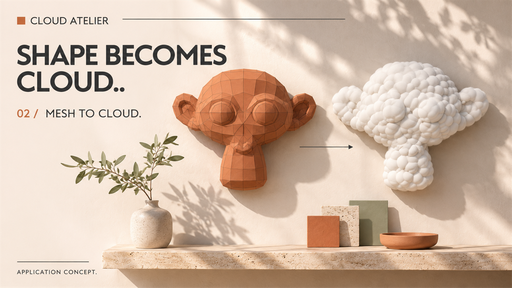
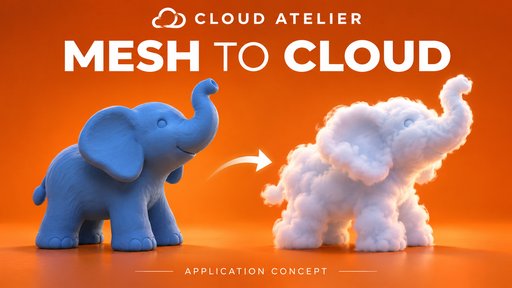
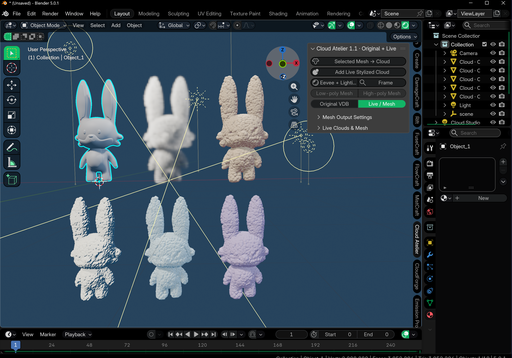
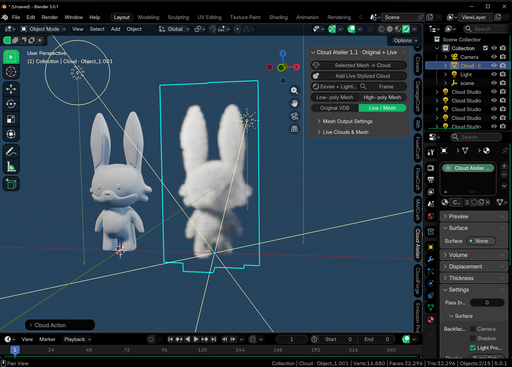
Select a model and use Selected Mesh → Cloud to create a procedural cloud interpretation of its surface.
Supports open and closed meshes, including low- and high-poly source models.
Works with extruded text, beveled curves, and metaballs that produce surface faces.
Offers puff count, puff radius, style, and tint controls.
Preserves the original model for further editing.
Use smaller, more numerous puffs to retain finer features, or larger puffs for a softer, more stylized silhouette.
⚡ See changes while you work
Automatic VDB previews rebuild the selected procedural cloud after shape edits, using a separate preview-resolution setting to keep exploration practical.
Density and look adjustments update immediately. Live stylized clouds use native Geometry Nodes for direct visual editing.
When you are ready, Update / Final Quality builds the original VDB cloud at your chosen final resolution.
🎬 Add movement without a per-frame bake
Bring clouds to life with built-in looping motion:
Fast shader flow for animated detail on original VDB clouds.
Volume deformation for native voxel displacement.
Geometry Nodes motion for live stylized clouds.
VDB sequence baking for the original procedural weather-animation workflow.
Playback speed depends on cloud resolution, scene complexity, and hardware.
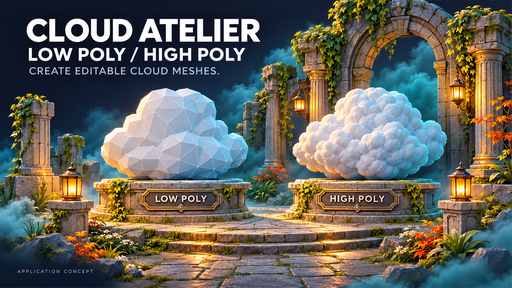
🔺 Create editable low- and high-poly meshes
Convert the current cloud pose into a separate mesh object.
Choose Low Poly for simplified, faceted geometry or High Poly to retain the available surface detail. Adjust simplification and surface threshold while keeping the original cloud preserved.
Mesh outputs are static snapshots, ready for further modeling and scene assembly.
🌤️ Build atmosphere into your scenes
Use Cloud Atelier for:
🏔️ Landscape visualization — cloud banks, valley fog, and atmospheric depth.
🏛️ Architectural scenes — localized fog around terrain and structures.
🏝️ Stylized environments — colorful cloud forms around floating islands and fantasy worlds.
🗿 Creative modeling — cloud-shaped objects, sculptures, and converted models.
🎥 Animation and motion design — looping cloud movement and baked VDB sequences.
🛠️ More tools in the same workflow
Eevee lighting setup and volume-quality controls.
Cycles-compatible cloud materials.
Original procedural presets and weather controls.
VDB import and export.
JSON recipes and recipe clipboard tools.
Linked cloud scattering.
Metaball shape creation and animation.
Original VDB surface extraction.
📦 Included
✅ Cloud Atelier 1.1.0 Blender add-on
✅ 28 rendered preview images
✅ Installation and workflow documentation
✅ GUIDE
✅ DEMO
💻 Compatibility and requirements
Designed for Blender 4.2 and newer.
VDB generation and export require Blender’s native openvdb or pyopenvdb Python bindings with NumPy support. Both tested installations provide these dependencies.
Eevee and Cycles produce different volume-lighting results. Automatic VDB shape previews require a short rebuild; higher resolutions take more time and memory.
Promotional images show illustrative application concepts. Environment models, buildings, landscapes, and props shown in those concepts are not included.


