
 Models
 Materials
 HDRIs
 Scenes
 Brushes
 Node Groups
 Printables
 Creators
 Creations
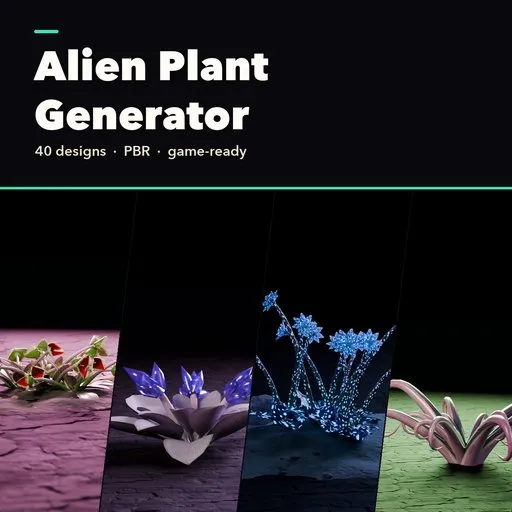
Alien Plant Generator for Blender - 40 Sci-Fi Plants
 add-on
Procedural alien plants in Blender: 40 sci-fi designs in 8 families, full control over leaves, stalks, heads, glow and age, real ground, and game export with LODs.
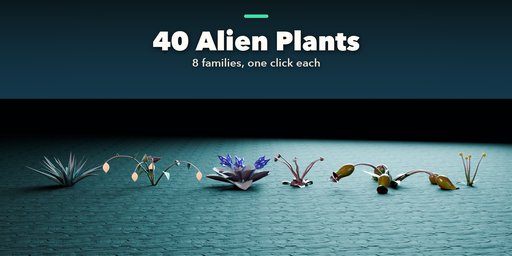
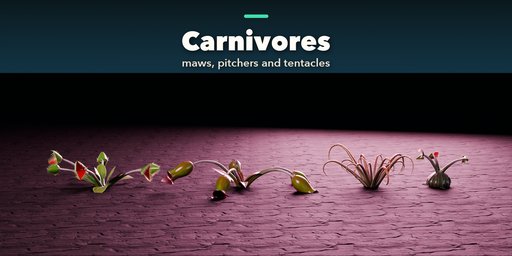
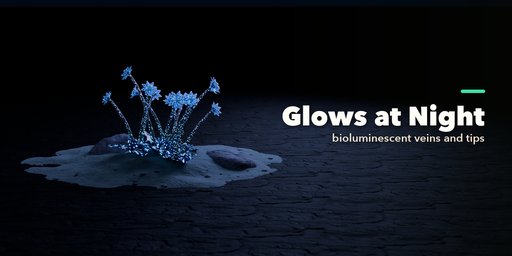
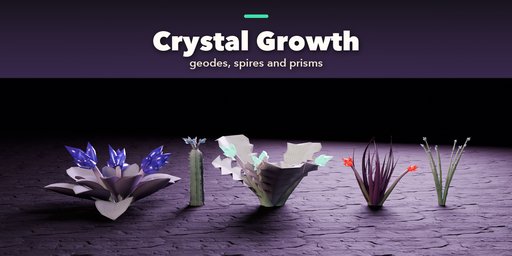
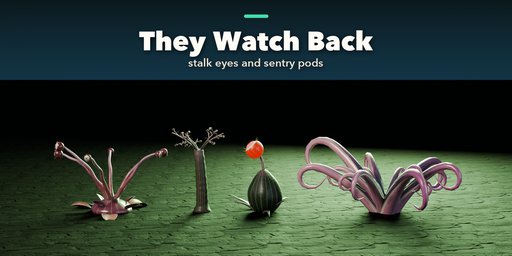
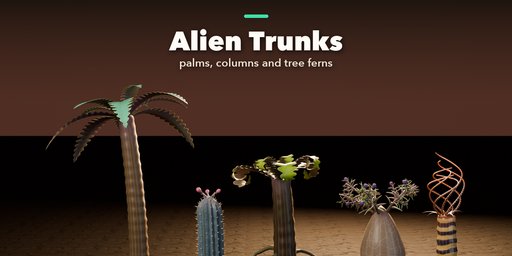
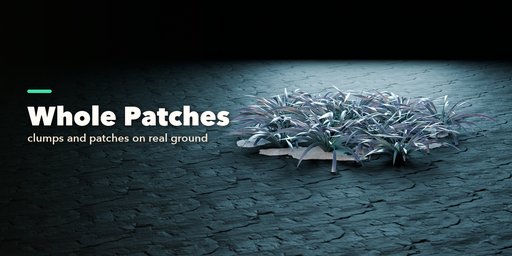
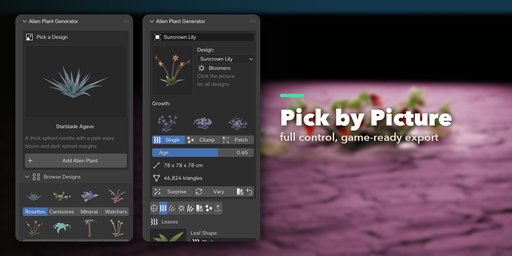
Alien Plant Generator builds sci-fi and fantasy plants in Blender with one click. Pick one of 40 designs from a picture gallery, or start from scratch, and shape anything you like: the leaves, stalks, heads, body, colors, glow, age, how many grow together and the ground they stand on.
Every plant is generated and textured by the add-on itself, with PBR materials built only from image textures, so they look right in Cycles and EEVEE and export cleanly to game engines. Nothing to download, and every texture is packed into your .blend file.
Features
- 40 designs in 8 families: rosettes, alien flowers, carnivores, glowing plants, crystal growths, trunks and columns, watchers with eyes, pods and spores
- Picture sidebar: choose families, designs and part types by thumbnail
- Full control in clear tabs: Body, Leaves, Stalks, Heads, Extras, Colors & Surface, Colony & Ground
- Bioluminescent tips, veins, spots and heads for night worlds
- One age slider from sprout to old, drooping plant
- Single plants, clumps and whole patches, each plant with its own age, size and lean
- Real ground: alien rock, cracked crust, gravel or moss, with boulders and pebbles
- Surprise and Vary buttons for endless variations
- Game export to GLB, glTF, FBX or OBJ with levels of detail, plus a one-click photo studio
Requires Blender 4.2 or newer. Tested on Blender 4.2, 4.5 and 5.2 LTS.
How to use
Installation
In Blender open Edit, Preferences, Get Extensions, then use Install from Disk and pick the zip.
Usage
- Open the Alien tab in the 3D viewport sidebar (N).
- Click the big picture to choose a family and design, then Add.
- With the plant selected, change it in the tabs: Body, Leaves, Stalks, Heads, Extras, Colors & Surface, Colony & Ground.
- Surprise and Vary make new variations from the current one; Reset to Design goes back.
- In Parts & Export choose a detail level, then Export for Games (GLB, glTF, FBX or OBJ with optional LODs), Photo Studio, or Convert to Mesh.
FAQ
Which Blender versions are supported?
Blender 4.2 and newer. It is tested on Blender 4.2, 4.5 and 5.2 LTS.
Can I use the plants in Unity, Unreal or Godot?
Yes. Export for Games writes GLB, glTF, FBX or OBJ with PBR materials, the textures, triangulated meshes and optional levels of detail.
Do I need internet or extra assets?
No. Every plant and its ground is generated by the add-on, and the textures are packed into the .blend file.


