
 Models
 Materials
 HDRIs
 Scenes
 Brushes
 Node Groups
 Printables
 Creators
 Creations
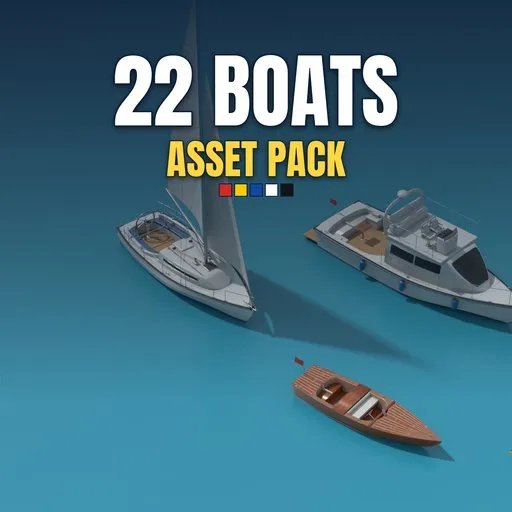
Boat Asset Pack – 22 Game-Ready PBR Boats
 add-on
22 different game-ready PBR boats: install once, then drag them from the Asset Browser or add them with Shift+A. Dinghies, canoes, sailboats, catamarans, speedboats, fishing boats and more.
Explore all my Blender addons
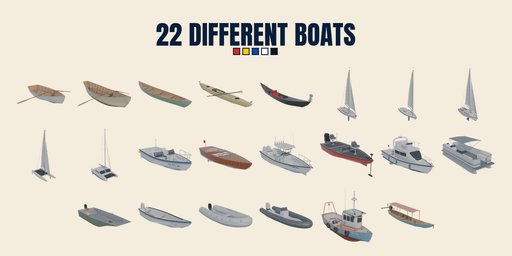
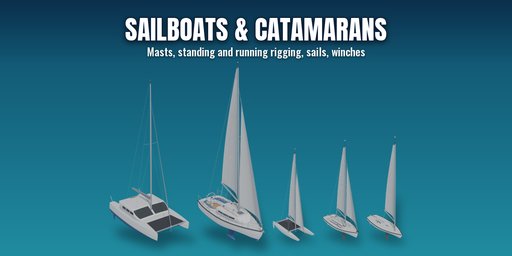
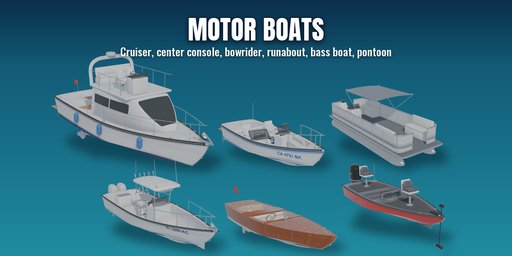
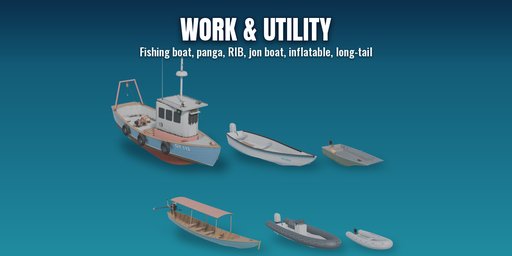
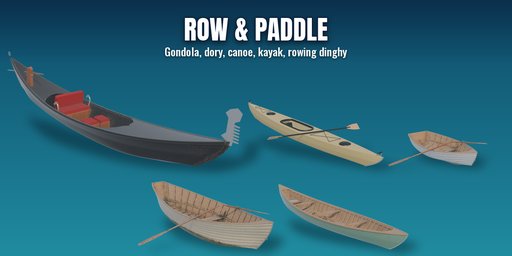
22 different boats, every one a different type, ready to drop into your scenes: small rowing and paddling boats, sailing dinghies and yachts, catamarans, speedboats, fishing boats, a cabin cruiser, a pontoon, a Venetian gondola and a Thai long-tail.
Install it like any extension. The boats then show up in the Asset Browser under their own library, and in the Add menu (Shift+A > Boats), which places the picked boat at the 3D cursor.
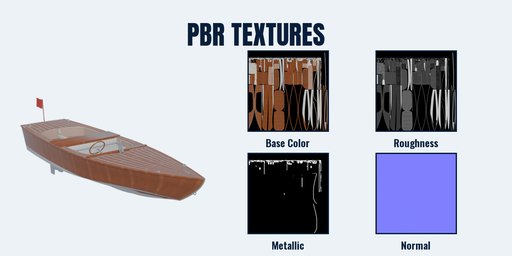
Each boat is a clean, real-world scale mesh with one non-overlapping UV map and one PBR material (Base Color, Roughness, Metallic, Normal) built from packed image textures, so it also exports cleanly to game engines. Windows and windscreens are a separate glass mesh. The origin sits on the waterline: put the boat on a water plane at height 0 and it floats at the right draft.
What is inside
- Rowing Dinghy, Wooden Dory, Canadian Canoe, Sea Kayak, Venetian Gondola
- Sailing Dinghy, Single-hander Dinghy, Cruising Sloop, Beach Catamaran, Cruising Catamaran
- Bowrider, Classic Runabout, Center Console, Bass Boat, Cabin Cruiser, Pontoon Boat
- Aluminium Jon Boat, Panga, Inflatable Dinghy, RIB Tender, Fishing Boat, Thai Long-tail Boat
Details
- 22 boats, all different types, from a 3 m inflatable to a 12 m cruising catamaran
- Real detail: cleats, rails, winches, fenders, seats, consoles with gauges, steering wheels, motors, masts, rigging and sails
- Photoreal PBR textures (metal/roughness), 2K or 4K per boat, packed into the .blend
- New, used and old looks with light dirt and wear baked in
- Real-world meters, waterline at the origin, bow facing forward
Works in Blender 4.2 and newer (tested on Blender 4.2, 4.5 and 5.2 LTS).
How to use
- Edit, Preferences, Get Extensions, the arrow menu at the top right, Install from Disk, and pick the downloaded zip (do not unzip it).
- Add a boat with Shift+A, Boats, or open an Asset Browser and pick the Boat Asset Pack library, then drag a boat into the scene.
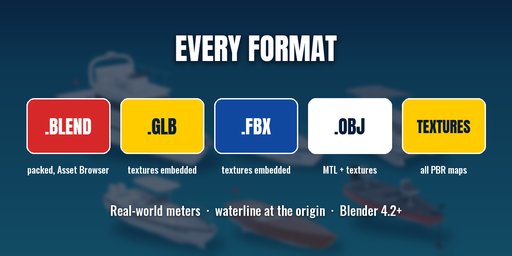
- Each added boat is a normal collection you own: move it, edit it, or export it to GLB/FBX for a game engine.
Disabling or uninstalling the extension removes its Asset Library entry again.
FAQ
How do I add a boat?
Shift+A, Boats, then pick one: it is placed at the 3D cursor. Or open the Asset Browser, choose the Boat Asset Pack library and drag a boat in.
Can I use the boats in a commercial game or render?
Yes. Use them in personal and commercial renders, animations, games and apps. You may not resell or share the models or textures themselves as assets.
Do the materials work outside Blender?
Yes. Every boat uses one standard metal/roughness PBR material built from image textures, which glTF and FBX export read directly.


