
 Models
 Materials
 HDRIs
 Scenes
 Brushes
 Node Groups
 Printables
 Creators
 Creations
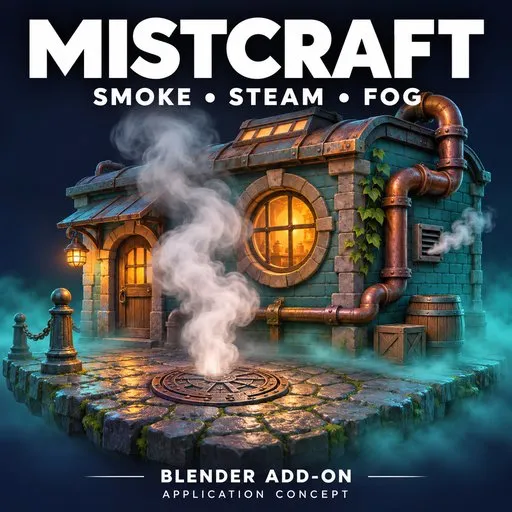
MistCraft — Procedural Smoke, Steam & Fog & Smoke for Blender
 add-on
Add rising steam, drifting fog, billowing smoke, and swirling volumes directly to your Blender scenes.
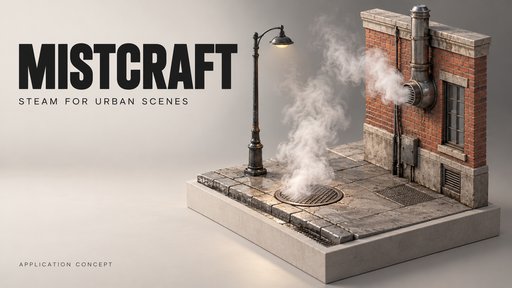
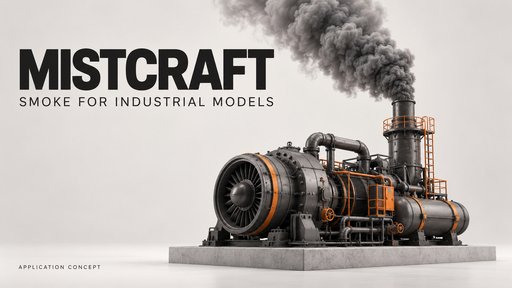
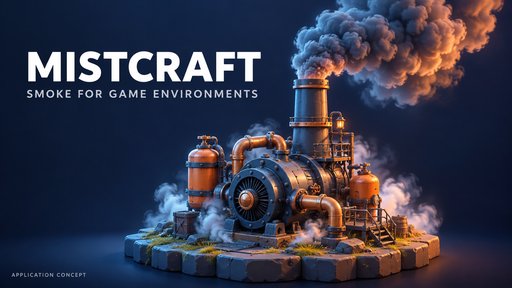
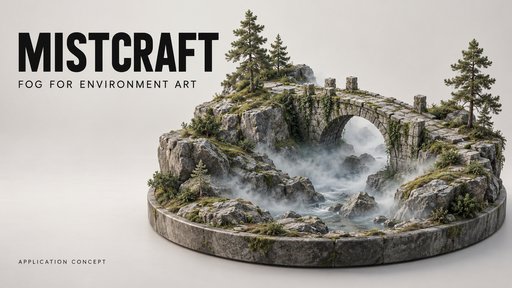
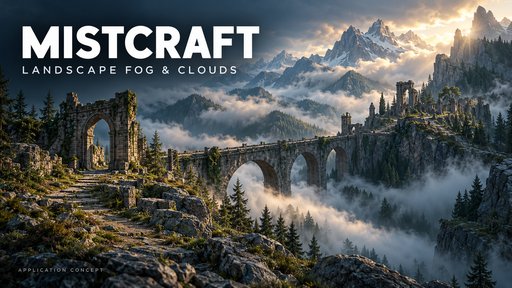
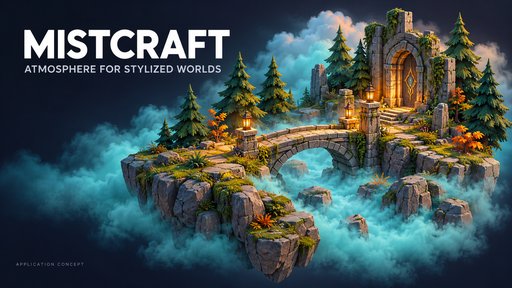
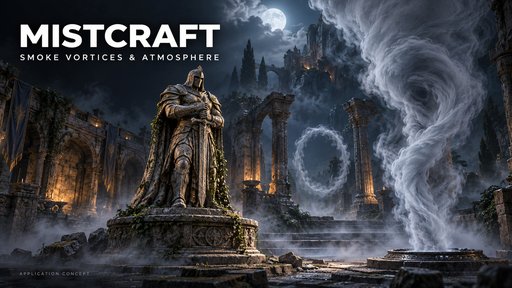
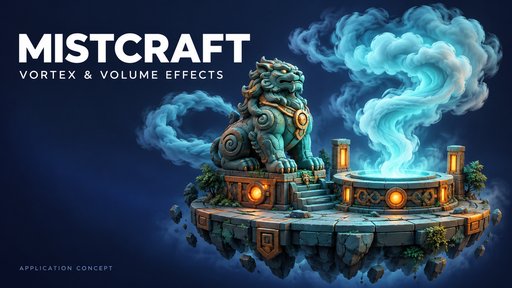
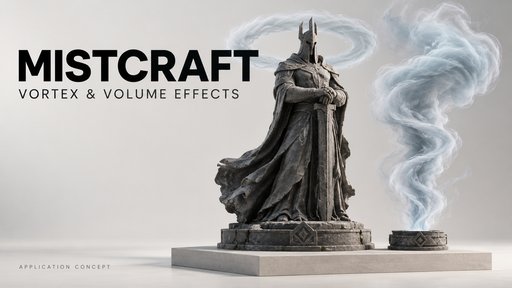
🌫️ MistCraft — Add Atmosphere to Your Blender Scenes
Create rising steam, drifting ground fog, billowing smoke, suspended clouds, and swirling atmospheric effects with MistCraft.
Add vapor to industrial vents, soften a forest environment with mist, or place a smoke plume beside a detailed 3D model. Choose a preset, position the effect, and refine its appearance from Blender’s sidebar.
✨ 48 Procedural Presets
Explore eight categories:
- 🌁 Ground Fog
- ♨️ Rising Steam
- 🏭 Smoke Plumes
- 💨 Low Steam
- ☁️ Clouds & Atmosphere
- 🏜️ Dust & Sand
- 🌪️ Rings & Vortices
- 🎨 Wisps & Color
Adjust the seed and settings to create variations for your scene.
⚡ Fast Cards & Detailed 3D Volumes
Choose the workflow that suits your shot:
Fast Cards
Place transparent smoke elements for background atmosphere, steam sources, and camera-focused compositions.
3D Volumes
Create spatial atmosphere that responds to scene lighting and can be viewed from different angles.
Convert the selected effect between modes as your shot develops.
🔬 Shape the Detail
Control the large billows and smaller density features separately:
- Micro detail and frequency
- Edge erosion and fine wisps
- Clumping and turbulence
- Source width, expansion, and dissipation
- Swirl motion and hollow vortex cores
- Smoke-ring radius and thickness
Use Draft, Detailed, or Full Wisps volume modes to balance detail and rendering cost.
🎬 Animate Without a Simulation Bake
Control loop length, speed, phase offset, rise, wind, and swirl directly from the panel.
Stagger the timing of copies to avoid synchronized motion, and keyframe supported appearance controls to develop the effect throughout your shot.
🎨 Refine Color & Lighting
Adjust density, opacity, tint, secondary-color variation, and density-masked glow.
Use scene lighting and anisotropy to reveal volume depth, or keep Fast Cards unlit for a consistent element appearance.
🖥️ Eevee & Cycles Workflows
Fast Cards include Smooth Alpha and Match Eevee / Cycles settings for a close match in their direct appearance.
A Dithered / Passes option remains available for transparency workflows that need it. Lighting, reflections, overlap, and render passes can still differ between engines.
📷 Camera Facing & Independent Variations
- Upright and full billboard camera tracking
- Reproducible variation seeds
- Independent duplicate materials and controls
- Scatter variations around the selected effect
- Live adjustments through the MistCraft sidebar
📦 Included
- 48 procedural presets with rendered previews
- Original demonstration scene
- Volume Lab demonstration scene
- GUIDE
- Offline documentation and an illustrated PDF usage guide
🛠️ Compatibility
Designed for Blender 4.2+, with recorded installation and rendering checks in Blender 4.2.0 and 5.0.0.
Supports Eevee and Cycles. No additional packages or external footage downloads are required.
Please note: MistCraft creates art-directed procedural atmosphere. Fluid collisions, debris particles, and VDB export are outside its scope. Promotional environment models are not included.


