
 Models
 Materials
 HDRIs
 Scenes
 Brushes
 Node Groups
 Printables
 Creators
 Creations
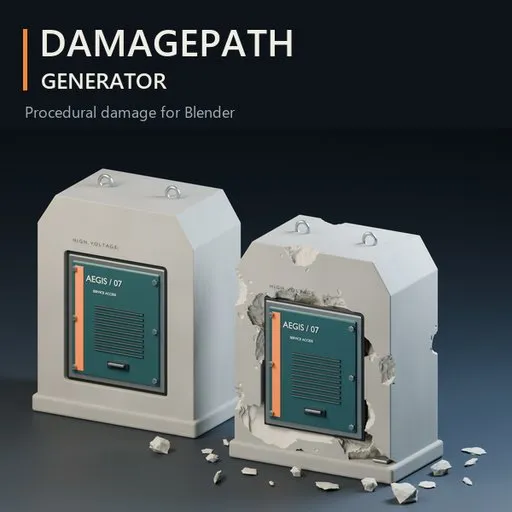
DamagePath Generator
 add-on
Create procedural cracks, scratches, chipped edges and detailed debris in Blender. Apply damage across an entire object or draw paths directly on its surface, with adjustable presets and protection masks.
Add damage where your model needs it.
DamagePath Generator creates procedural damage with real mesh geometry. Add character to props, concrete structures and environment assets through chipped corners, branching fractures, surface scratches and scattered debris.
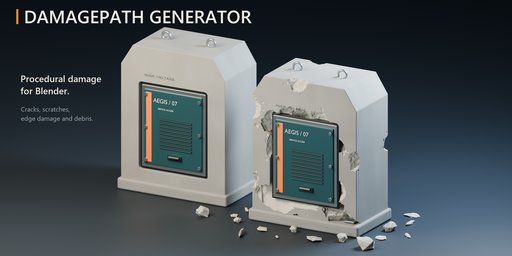
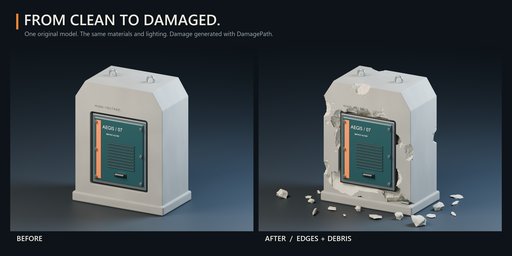
Add damage where your model needs it.
DamagePath Generator creates procedural damage with real mesh geometry. Add character to props, concrete structures and environment assets through chipped corners, branching fractures, surface scratches and scattered debris.
Four independent generators
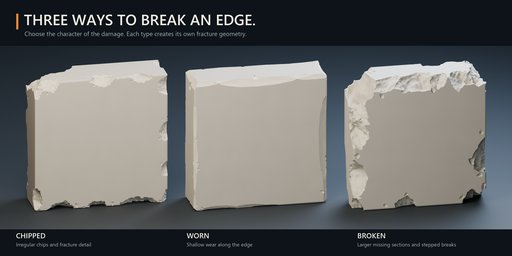
- Edges: Chips, Wear and Breaks — from shallow wear to larger missing sections along edges and corners.
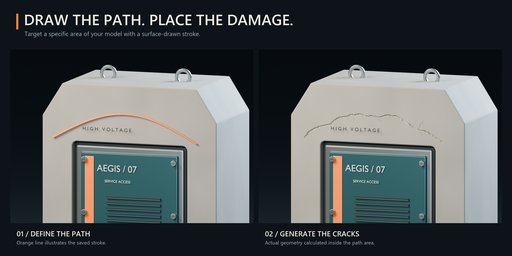
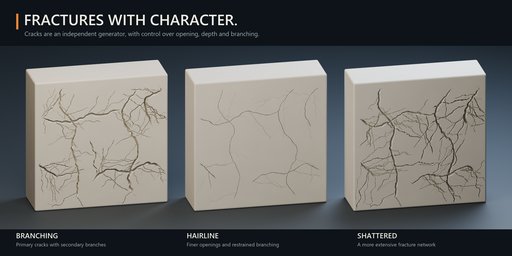
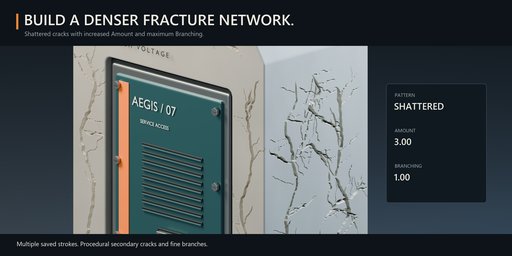
- Cracks: Branching, Hairline and Shattered — adjustable opening, depth and branching.
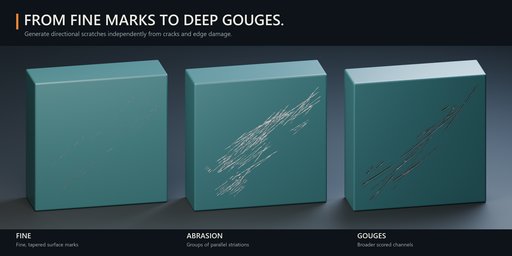
- Scratches: Fine, Abrasion and Gouges — control the width, depth and density of surface marks.
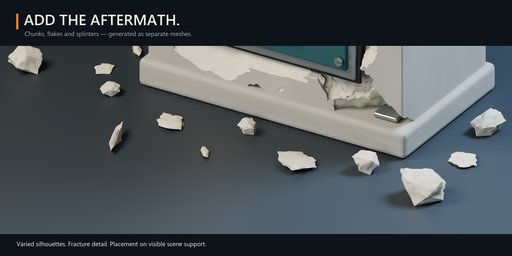
- Debris: detailed chunks, flakes and splinters placed on available support surfaces beneath the object.
Combine generators or use each independently.
Whole Object or Drawn Path
Distribute damage across a mesh or draw directly on its surface to control placement. Create multiple strokes, adjust their width and erase unwanted sections.
Protect important details with a painted mask or restrict damage to a selected material slot.
A flexible workflow
Choose Small, Medium or Heavy intensity, then refine the amount, size and random seed. Use Quick Preview to explore a lighter approximation before calculating the final result.
Background calculation includes percentage progress and cancellation. Update or remove damage before baking, or use Bake to Mesh to commit the visible result.
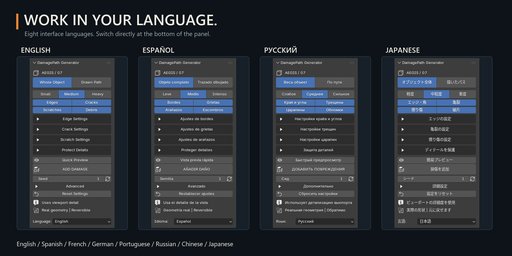
Eight interface languages
English, Spanish, French, German, Portuguese, Russian, Chinese and Japanese. The language selector is at the bottom of the panel.
Getting started
Install the ZIP through Edit > Preferences > Add-ons > Install from Disk. Select a mesh in Object Mode, press N in the 3D Viewport and open DamagePath.
Choose a placement mode, enable your damage types and generate the result.
Compatibility and workflow notes
Requires Blender 5.x. Tested in Blender 5.2.2 LTS.
Damage uses the current viewport geometry and must be recalculated after source changes. It does not automatically update throughout an animation. Complex meshes and dense damage can require longer calculations.
Quick Preview is an approximation. Debris placement uses support surfaces rather than a physics simulation.
Works locally without an internet connection or external asset libraries.
DamagePath Generator 1.5.0 — Created by Mars0hod


