
 Models
 Materials
 HDRIs
 Scenes
 Brushes
 Node Groups
 Printables
 Creators
 Creations
QuadSketch – Interactive Retopology for Blender
 add-on
QuadSketch is an interactive retopology add-on for Blender designed to help artists create, extend, refine, and connect clean quad topology directly over source meshes.
Interactive Retopology for Blender
QuadSketch is a workflow-focused retopology add-on for Blender, designed to make creating clean quad topology faster and more interactive.
Draw directly over your source mesh, guide edge flow, build and extend surfaces, connect separate topology patches, refine your mesh, and manage loops—all within a streamlined retopology workflow.
Built for character, creature, and organic modeling, QuadSketch gives artists direct control over topology while staying close to the original surface.
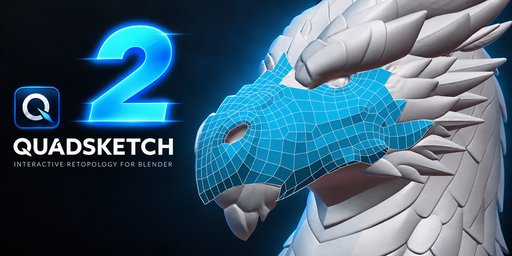
Key Features
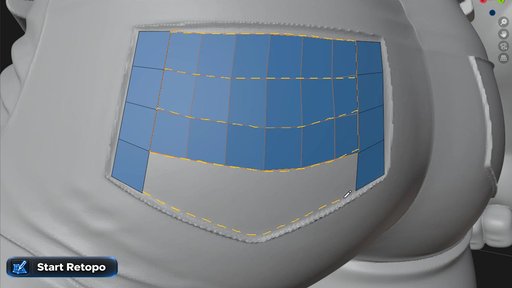
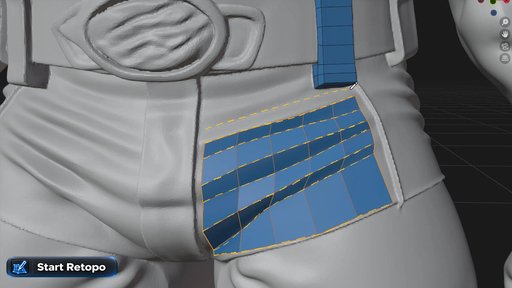
• Start Retopo — create quad topology directly from drawn strokes.
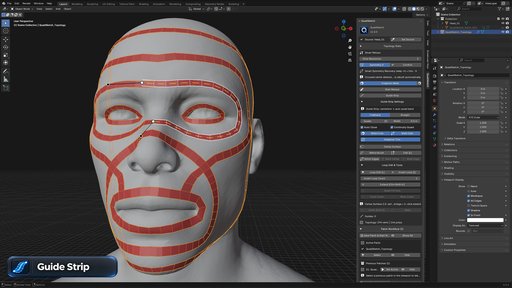
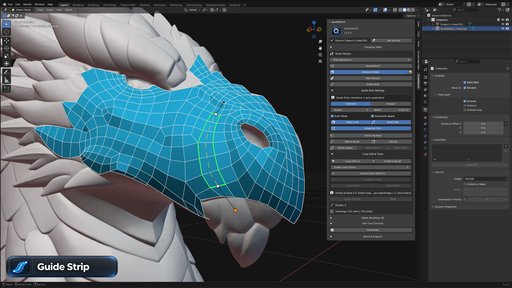
• Guide Strip — build controlled quad strips and define clean edge flow across complex surfaces.
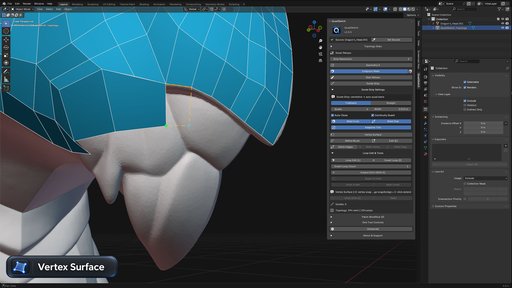
• Vertex Surface — create and extend topology with precise vertex-based control.
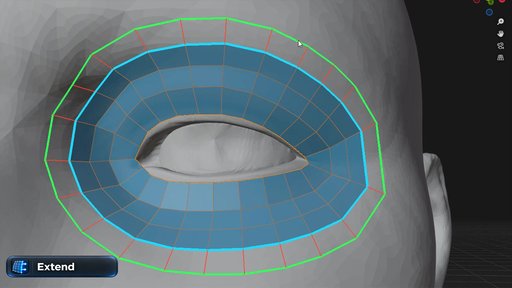
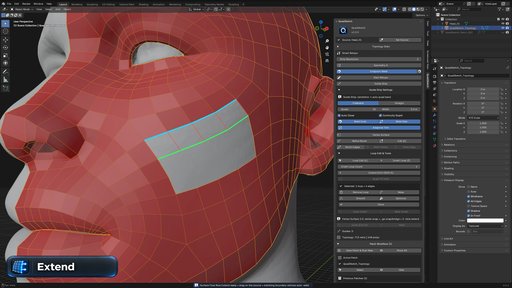
• Extend — continue existing topology while following the source surface.
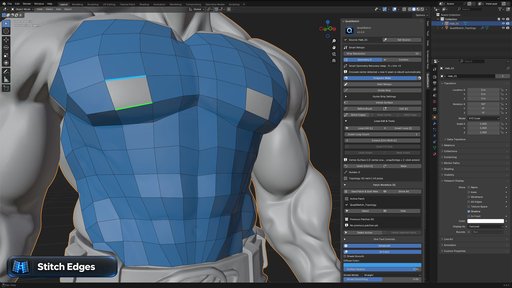
• Stitch Edges — connect separate topology patches into a continuous mesh.
• Weld Vertex & Weld Edge — merge and connect topology efficiently.
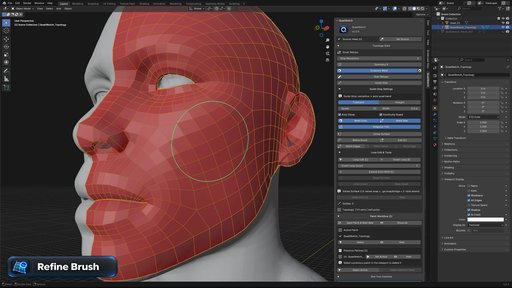
• Refine Brush & Move Brush — refine, smooth, and reposition topology directly on the surface.
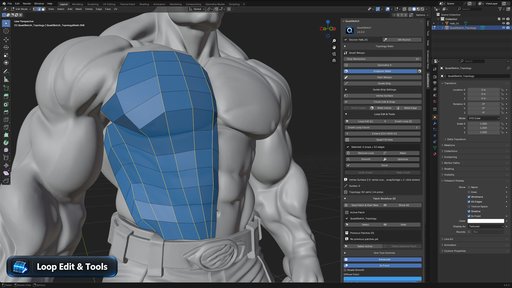
• Loop Edit & Tools — insert, remove, smooth, relax, and optimize topology loops.
• Counter Loop — create controlled loop structures around cylindrical and curved surfaces.
• Draw Patch — build quad patches with adjustable rows and columns.
• Circular Cap — create circular topology caps on suitable openings.
• Symmetry Workflow — speed up retopology on symmetrical models.
• Topology Statistics — monitor vertex and polygon counts directly in the QuadSketch panel.
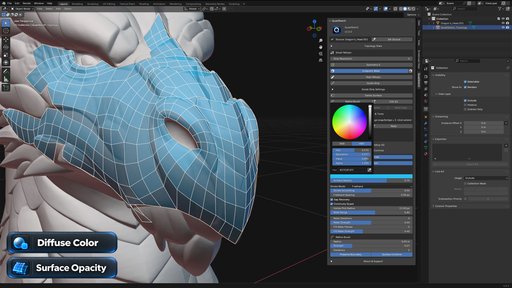
• Viewport Controls — customize topology color and surface opacity for better visibility.
Core Retopology Workflow
Editing & Refinement Tools
Additional Workflow & Viewport Controls
Requirements & Installation
Requirements
• Blender 4.2 or newer
• QuadSketch v2.0.0
Installation
- Open Blender and go to Edit > Preferences > Get Extensions.
- Open the Extensions menu and choose Install from Disk.
- Select the QuadSketch v2.0.0 extension ZIP file.
- Install the extension and make sure QuadSketch is enabled.
- Open the 3D Viewport and press N to open the sidebar.
- Select the QuadSketch tab.
Select your high-resolution source mesh, click Set Source, and you are ready to start retopologizing.
Documentation & Training
QuadSketch includes a complete PDF user guide and 15+ step-by-step video tutorials covering the main tools, workflows, and V2 features.
All training resources are accessible directly from inside QuadSketch.
Support & Updates
If you encounter a bug or compatibility issue, please include your Blender version, QuadSketch version, a short description of the issue, and a screenshot or video when possible.
Support, bug reports, and future updates for QuadSketch are provided through the product page.


