
 Models
 Materials
 HDRIs
 Scenes
 Brushes
 Node Groups
 Printables
 Creators
 Creations

P2_LeafForm Pro
 add-on
Turn leaf images into procedural, textured 3D assets in Blender. LeafForm handles silhouette extraction, irregular tessellation, surface shaping, stem-based placement, batch creation, and material setup.
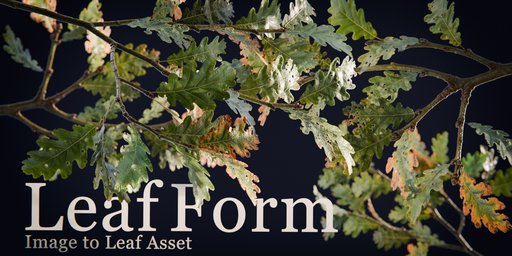
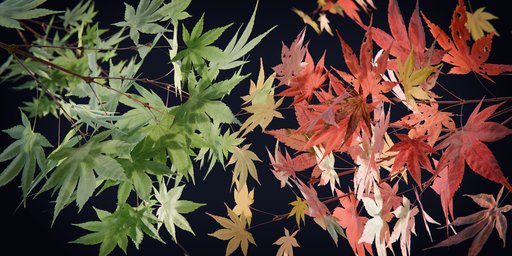
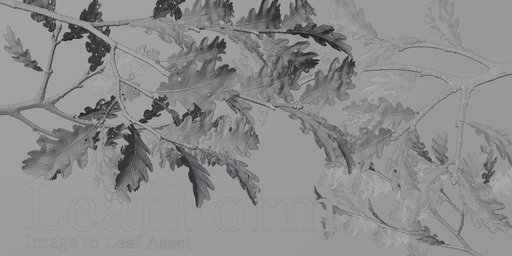
Turn leaf images into usable 3D assets.
LeafForm Pro turns a leaf image or prepared silhouette into a procedural, textured Blender mesh—handling silhouette extraction, irregular tessellation, surface shaping, stem-based placement, and material setup in one workflow.
Pro also includes front-and-back PBR texture baking and model export to GLB, glTF, USDC, or FBX.
More than a flat cutout.
LeafForm does more than place an alpha texture on a rectangular plane. The generated vertices are displaced to create a curved, uneven surface, giving a flat reference image spatial variation in the mesh itself.
Control the silhouette and mesh density.
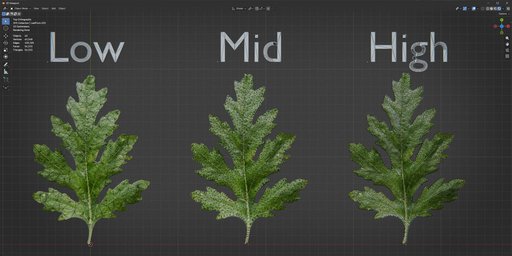
LeafForm uses boundary-aware irregular triangle tessellation. Adjust outline resampling and interior point spacing independently, so silhouette detail and internal density do not have to increase together.
Start with Low, Mid, or High presets, then fine-tune the exposed Geometry Nodes controls.
Place leaves from the stem side.
LeafForm estimates a likely stem endpoint and uses it as a local reference for the generated mesh. This provides a practical starting point for rotating, arranging, and instancing leaves.
Stem detection is heuristic and depends on the source silhouette. Use Refine Stem Detection or Flip Stem when the initial result needs adjustment.
Create a batch from multiple images.
Load one source image or queue a whole set. LeafForm creates one object per image and gives each result its own image-driven material, reducing repetitive setup when you need several leaf variations.
Stay procedural. Apply when you're ready.
Adjust the generated leaf through its Geometry Nodes controls. When the result is ready, use Apply Modifier to convert it into ordinary editable mesh data and continue modeling in Blender.
Generate. Bake. Export.
LeafForm Pro includes front-and-back PBR texture baking and model export.
- Bake Base Color, Roughness, Normal, Coat, and Sheen textures for both sides.
- Export the evaluated model as GLB, glTF, USDC, or FBX.
- Bake an evaluated copy while preserving the original LeafForm object.
Exported models use one double-sided material connected to the front-side textures. Back-side textures are saved separately for manual material setup in the destination application. Coat and Sheen support varies by export format and destination application.


