
 Models
 Materials
 HDRIs
HDRIs
 Scenes
 Brushes
 Node Groups
 Printables
 Creators
 Creations
Horizontal Sidebar Navigator
 add-on
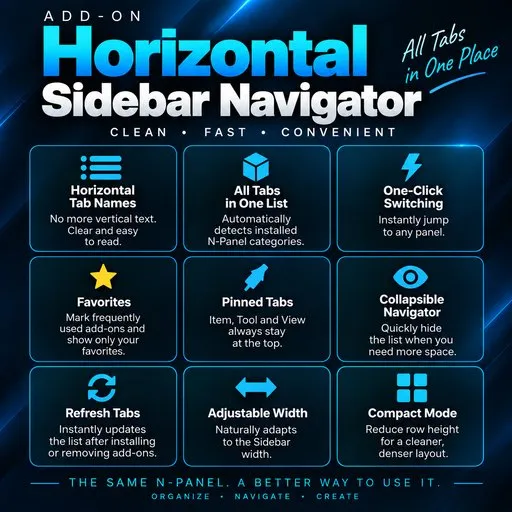
Organize all Blender N-Panel tabs into one clean horizontal list. Instantly switch between add-on panels, pin favorites, keep essential tabs at the top, and enjoy a faster, cleaner Blender workflow.
A Better Way to Navigate the Blender N-Panel
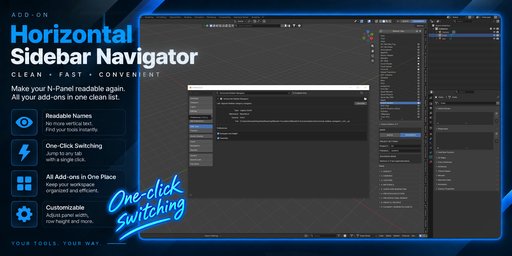
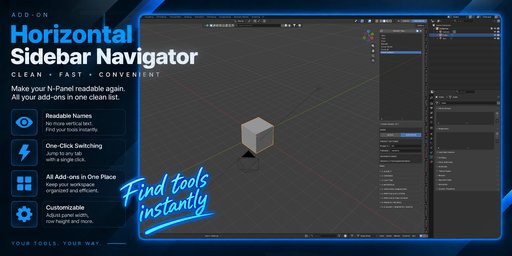
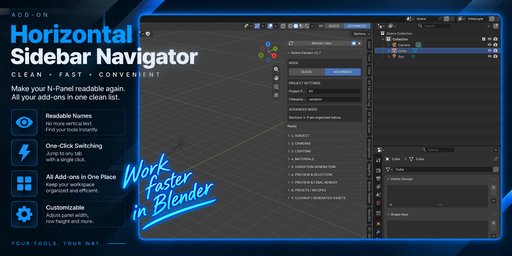
Horizontal Sidebar Navigator turns Blender’s crowded vertical N-Panel tabs into a clean, readable horizontal list.
It automatically detects installed N-Panel categories and keeps them accessible from one convenient navigator. No more rotating your head to read vertical tab names or searching through dozens of add-on panels.
Switch between panels with one click, mark frequently used tabs as favorites, and keep your workspace organized even with a large collection of Blender add-ons.
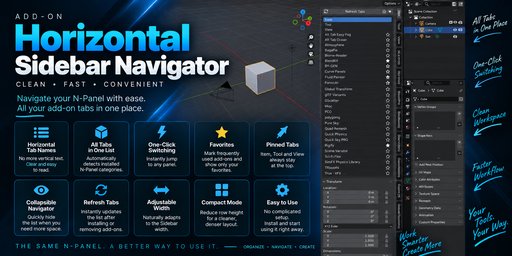
Everything in One Place
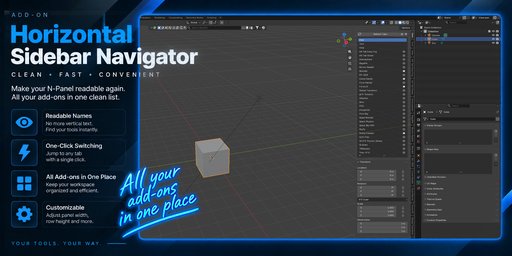
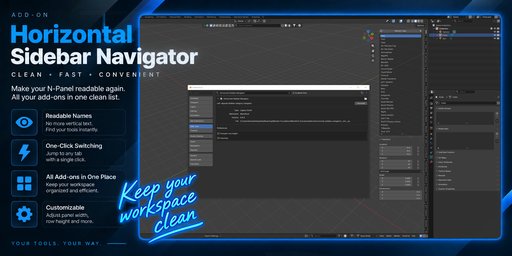
Key Features
• Automatically detects installed N-Panel tabs
• Readable horizontal tab names
• One-click panel switching
• Favorites system for frequently used tabs
• Favorites-only view
• Item, Tool and View always pinned at the top
• Refresh Tabs after installing or removing add-ons
• Collapsible navigator
• Adjustable Sidebar width
• Compact button mode
• Clean, lightweight interface
Built for Add-on Heavy Workflows
If you use many Blender add-ons, the standard N-Panel can quickly become difficult to navigate. Horizontal Sidebar Navigator is designed specifically for these larger workflows.
Keep all installed tabs available when you need them, or switch to Favorites and focus only on the tools you use most.
Simple Installation
Compatibility
Blender 5.2+
Installation
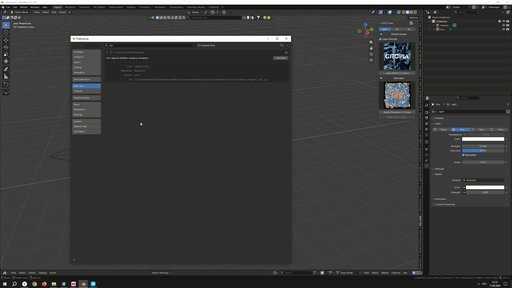
Download the ZIP file and install it through Blender Preferences → Add-ons → Install from Disk.
Enable Horizontal Sidebar Navigator, open the N-Panel in the 3D Viewport, and start navigating.
No complicated setup. No manual tab configuration.


