
 Models
 Materials
 HDRIs
HDRIs
 Scenes
 Brushes
 Node Groups
 Printables
 Creators
 Creations
On-Screen Key
 add-on
Show pressed keys and mouse buttons on screen
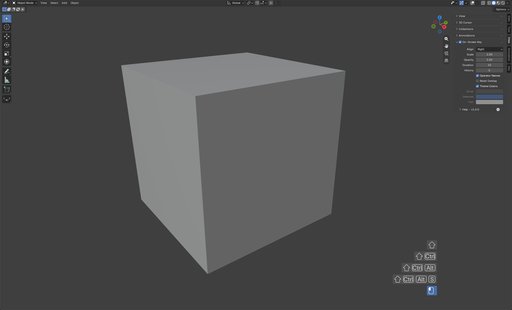
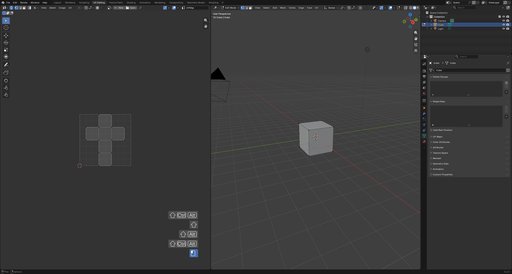
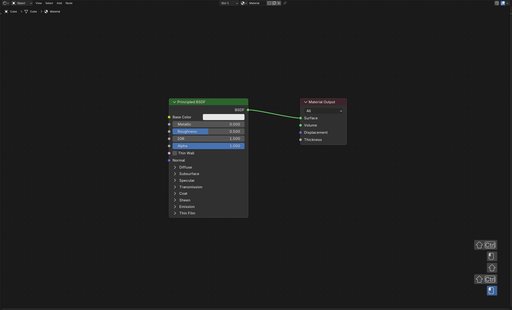
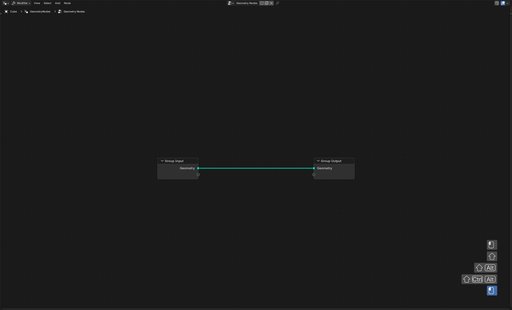
On-Screen Key is a Blender addon that displays your keystrokes and mouse input as a fading stack of operator-style boxes — each input a rounded widget with its native Blender event icons and text, exactly like the status bar. It draws directly inside the editor, so your inputs are always visible while recording, streaming, or teaching.
Features- Native event icons — keys render as Blender-style event icons with auto-fitting text, modifiers as Shift/Ctrl/Alt/OS glyphs
- Platform-correct keys — modifier glyphs match the platform (Cmd on macOS, Win on Windows), mirroring Blender's native rendering
- History stack — the last few inputs each render as their own operator-style box, newest at the bottom, each fading out over the key duration
- Mouse input — clicks, drags, double-clicks and scroll wheels each show their dedicated icon; held buttons stay lit; rapid scrolls in one direction group into a single entry
- Broad input coverage — letters, digits, F1–F24, numpad, punctuation and media keys, extra mouse buttons, trackpad gestures and NDOF devices
- Operator names — show the executed operator's label after the input, e.g. X Delete
- Theme aware — box and text colors follow the theme's Tool widget colors, or use custom colors
- Every editor — draws in the 3D Viewport, Image Editor, Node Editor and Video Sequencer, toggled from each editor's overlay panel
- Follows the active editor — the overlay tracks the editor under the mouse, so it always draws where you are working
- Auto-start — the toggle is remembered, so if it is left on the overlay starts automatically the next time Blender launches
- Help & links — a Help subpanel exposes the changelog popup, documentation, bug reporting and store links
| Setting | Description |
| ---------------- | ---------------------------------------------------- |
| Align | Left, Center or Right edge of the editor |
| Scale | Sizes the icons, box and margins (1.0–2.0) |
| Opacity | Opacity of the box, icons and text (0.1–1.0) |
| Duration | Seconds an input stays on screen (1–10) |
| History | Number of recent inputs kept in the stack (1–10) |
| Operator Names | Show the executed operator after the input |
| Reset Overlay | Clear the overlay when the active editor changes |
| Shortcut | Keyboard shortcut to toggle the overlay (empty for none) |
| Use Theme Colors | Fill boxes from the theme's Tool widget colors |
| Inner | Older box fill when theme colors are off |
| Selected | Newest box fill when theme colors are off |
| Text | Icon and keycap text tint when theme colors are off |
Join our Discord server to stay updated.


