
 Models
 Materials
 HDRIs
 Scenes
 Brushes
 Node Groups
 Printables
 Creators
 Creations
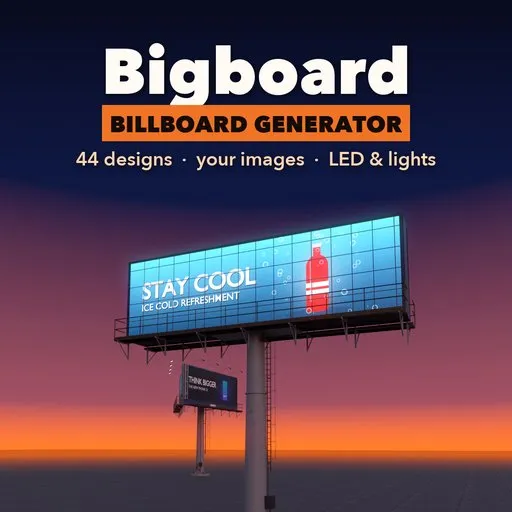
Bigboard – Billboard Generator for Blender
 add-on
Highway, rooftop, wall, street and LED billboards in one click: 44 designs, your own images or generated ads, catwalks, lights and weathering.
Explore all my Blender addons
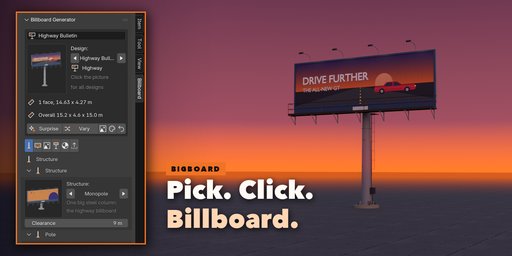
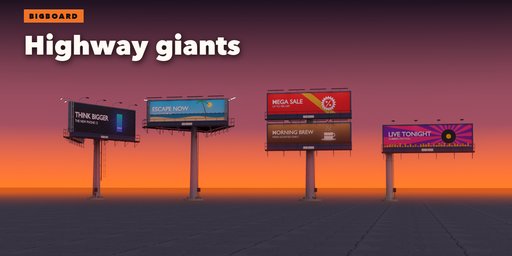
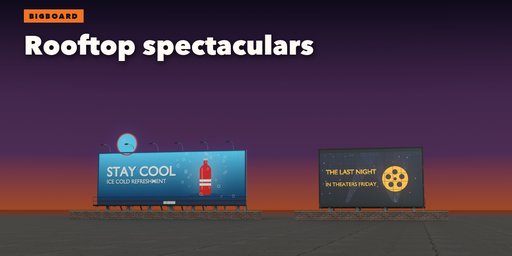
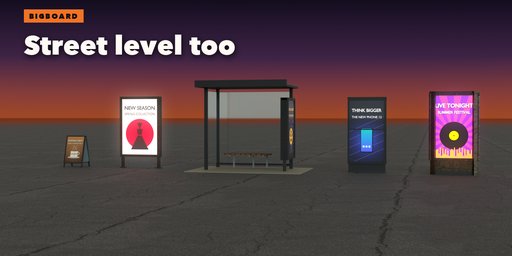
Billboard Generator builds complete, real-size advertising structures in one click: highway monopole bulletins, back-to-back and V-builds, three-sided boards, rooftop spectaculars, wallscapes, roadside posters on posts, city lights, bus shelters, mall totems, hanging screens and sidewalk A-boards.
Every board is fully procedural. Pick one of 44 designs from the picture gallery, then change the structure, display, size, layout, catwalks, ladder and lights live in the sidebar.
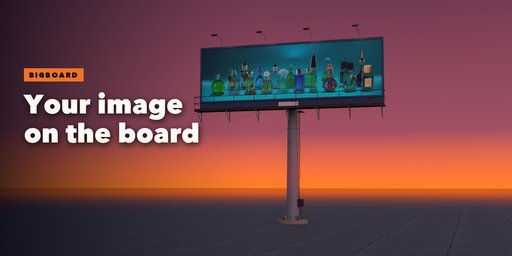
Put your own poster, product shot or render on any face with Fill, Fit or Stretch, or use one of 16 generated ad designs with your own headline as sharp mesh lettering.
Features
- 9 structures: monopole, posts, rooftop frame, wall, legs, totem, A-frame, bus shelter, hanging cables
- 6 layouts: single, back to back, V-build, three-sided, stacked, side by side
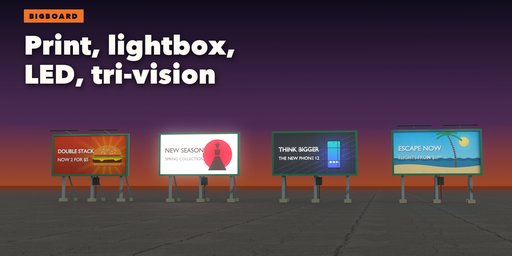
- 5 displays: printed vinyl, paper poster with seams and tears, backlit lightbox, LED screen with pixels and cabinets, rotating tri-vision
- Real standard sizes: US bulletins and posters, UK 48 and 96-sheet, 4x3, 18/1, city light, spectacular
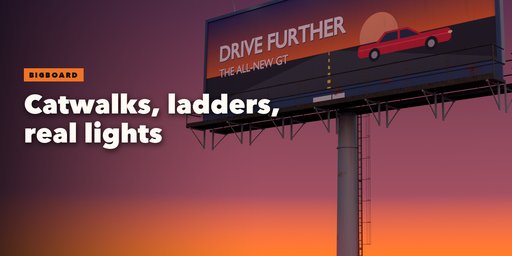
- Catwalks with grating and railings, caged ladders, goosenecks, floods, LED bars and shade lamps, optional real spot lights
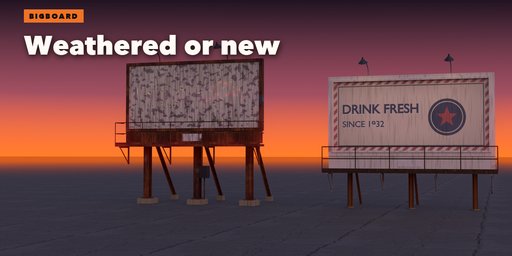
- Weathering: dirt streaks, rust, sun fade, torn posters, lights off
- Photo PBR textures (CC0) that work in EEVEE, Cycles and game engines
Requires Blender 4.2 or newer. Tested on Blender 4.2, 4.5 and 5.2 LTS.
How to use
Installation
In Blender open Edit, Preferences, Get Extensions, then use Install from Disk and pick the zip.
Usage
- Open the Billboard tab in the 3D viewport sidebar (N). With nothing selected, click the big picture to browse all 44 designs, then press Add Billboard. You can also use Shift+A, Billboard, or Surprise Me for a random board.
- Your Image adds the chosen design and asks for a picture file at once: your poster, product shot or render goes on the face. Fill crops it, Fit letterboxes it, Stretch fills the face exactly, and Size Face to Image matches the face to the picture.
- With a billboard selected, the tabs hold every setting: Structure (monopole, posts, rooftop, wall, legs, totem, A-frame, shelter, hanging; pole and post shapes), Face (display, standard size, layout, frame, apron, extension, tri-vision), Ads (generated designs, colors and headline lettering per face, or your images), Access & Lights (catwalks, railings, ladder, floodlights), Finish (paint, metals, dirt, rust, fade, glow, real spot lights) and Detail & Export.
- Surprise and Vary randomize the whole board or nudge it; the small buttons shuffle only the ads or only the finish. Reset goes back to the picked design.
- Convert to Mesh in Detail & Export keeps the board as a plain mesh for export to game engines; Delete removes it.
LED screens, lightboxes and city lights glow in both EEVEE and Cycles. Real sizes are in meters, so boards fit roads and buildings in your scene.
FAQ
Which Blender versions are supported?
Blender 4.2 and newer. It is tested on Blender 4.2, 4.5 and 5.2 LTS.
Can I put my own image or video frame on the board?
Yes. Load any image file (PNG, JPG, EXR...) per face with Fill, Fit or Stretch. Your file is never modified. For video, load an image sequence or movie into the face material afterwards; the face is a normal UV-mapped mesh.
Does it work in game engines?
Yes. Each billboard is one mesh with photo PBR textures (CC0) and a UV-mapped ad face. Convert to Mesh, then export to FBX or glTF for Unity, Unreal or Godot.
Are the sizes real?
Yes. Standard sizes include US 14x48 ft bulletins and 30-sheet posters, UK 48 and 96-sheet, 4x3, German 18/1, city light and spectaculars, all in meters. You can also type any width and height.
Does it work in EEVEE?
Yes, in both EEVEE and Cycles. LED screens, lightboxes and lamp heads glow, and you can add real spot lights that aim at the face.


