
 Models
 Materials
 HDRIs
 Scenes
 Brushes
 Node Groups
 Printables
 Creators
 Creations
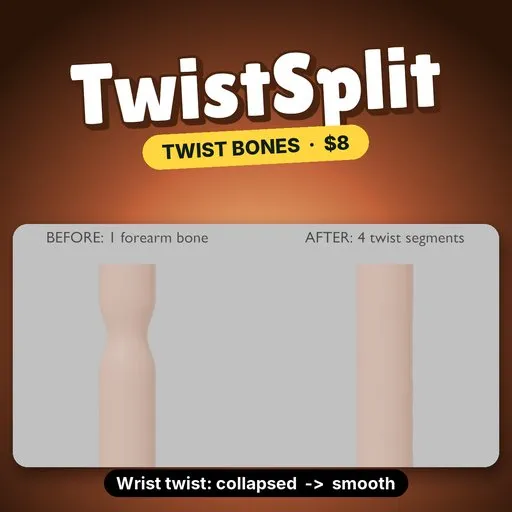
TwistSplit - Split Bones into Twist Segments with Weights
 add-on
Split a bone and its vertex weights into twist segments in one click, with an automatic twist setup that stops the candy-wrapper collapse at the wrist. Blender 4.2+, $8.
$8
$5.36
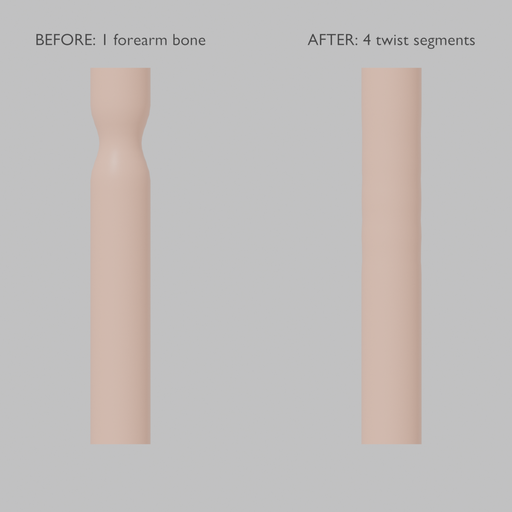
TwistSplit cuts a bone into equal segments, splits its vertex-group weights between them so the weight sums stay exact, and can add the twist constraints for you.
EVERYTHING IN- Split: replaces the active bone with 2 to 32 segments named <bone>.seg1, .seg2, and so on. Children are reattached, and the vertex group is split along the bone on every mesh skinned to the armature.
- Falloff: Linear (hat blend) or Smooth (smoothstep blend) between neighbouring segments.
- Twist Preset: the end bone's twist is copied onto the segments with Copy Rotation (Y axis only), growing toward the end of the limb.
- All Selected Bones: split every selected bone in one click.
- Mirror to Other Side: also splits the .L / .R twin.
- Add Demo: an arm with a skinned cylinder to try it on.
- Every action supports undo and reports how many bones, groups and weights changed.
- Install: Edit → Preferences → Get Extensions → Install from Disk, pick twistsplit-0.1.0.zip.
- N panel: in the 3D Viewport press N and open the TwistSplit tab.
- Pick a bone: select the armature, make the bone active (a forearm, say), set Segments.
- Split: turn on Twist Preset and press Split. Pose the end bone (the hand) and the twist spreads along the segments.
- Twist Preset needs the bone to have a child to copy from (the hand for a forearm). Without one, the bone is still split but no constraints are added.
- Use Smooth falloff for skin, Linear when you want the cleanest weight gradients to paint over.
On the demo run (arm with upper arm, forearm and hand bones, 1,148-vertex skinned tube), Blender 4.5 LTS, forearm split into 4 segments with Smooth falloff and Twist Preset, hand twisted 90°:
- Narrowest point of the tube at the wrist, as a fraction of the rest radius: 0.707 with one forearm bone, 0.981 after the split.
- Vertex weight sums: unchanged (largest error 0.0).
- The split itself took 9 ms.
- Blender 4.2 or newer (extension format). Tested on Blender 4.2, 4.5 and 5.2.
- Armature in Object or Pose mode with an active bone; skinned meshes are found through their Armature modifier.
- Segments are equal length along the bone. The twist copies the Y (roll) axis only.
- Weights are rewritten per vertex in Python, fine to roughly 100,000 vertices.
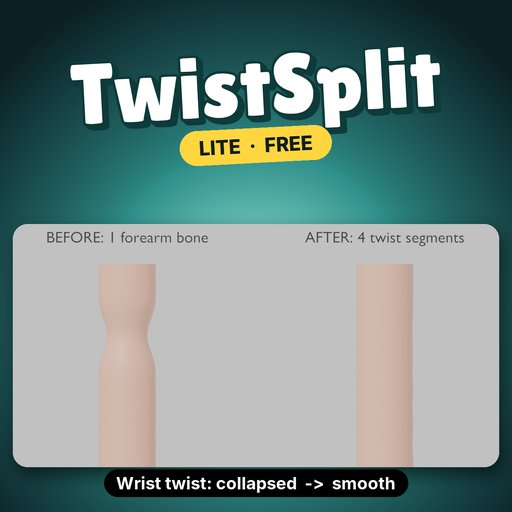
TwistSplit Lite is free: up to 3 segments, linear falloff, active bone only, no twist preset. Search TwistSplit Lite on Blendkit, try it on the demo, then come back for the rest.
Remove Lite before installing the full version.
By


