
 Models
 Materials
 HDRIs
 Scenes
 Brushes
 Node Groups
 Printables
 Creators
 Creations
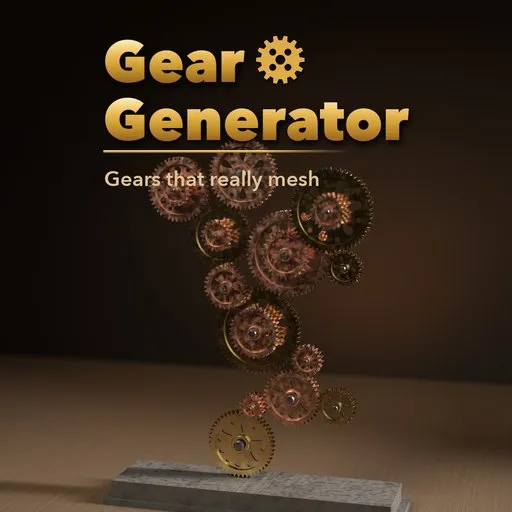
Cogwright – Gear Generator for Blender
 add-on
Real involute gears that mesh and turn at the right ratios: spur, helical, planetary, bevel, worm, rack, ratchet, escapements and full clock movements. 50 designs, live animation.
Explore all my Blender addons
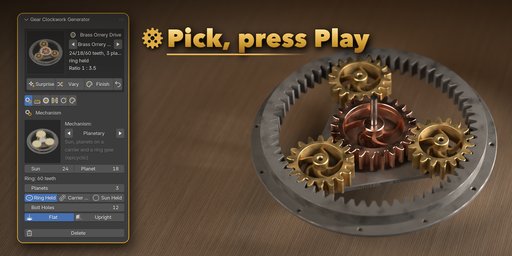
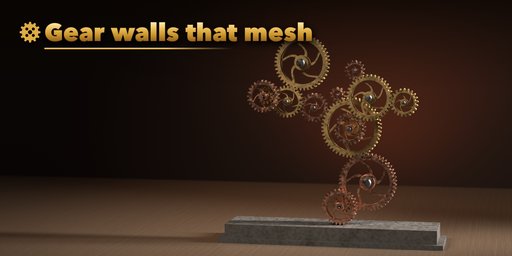
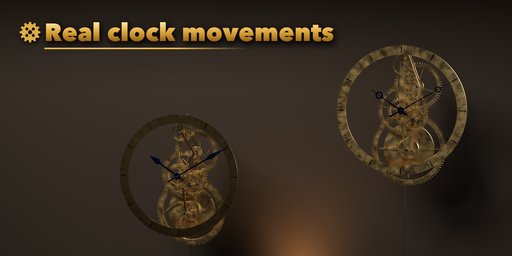
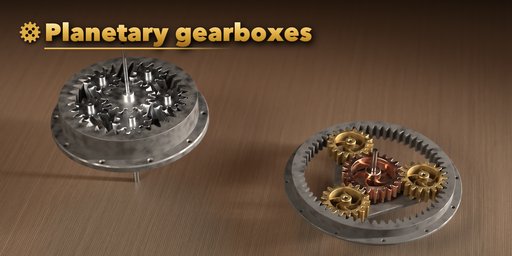
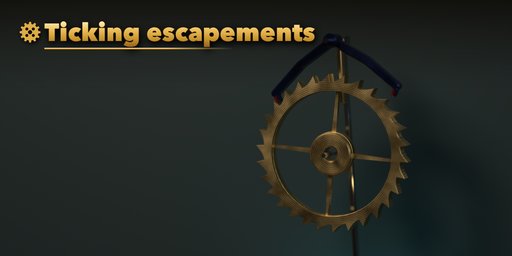
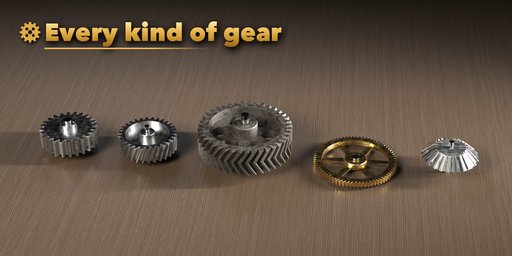
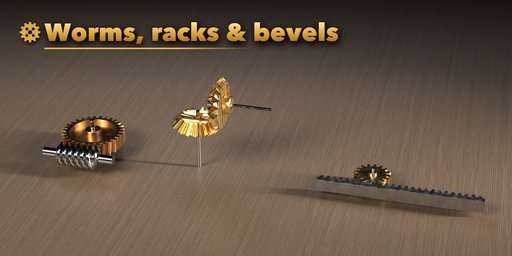
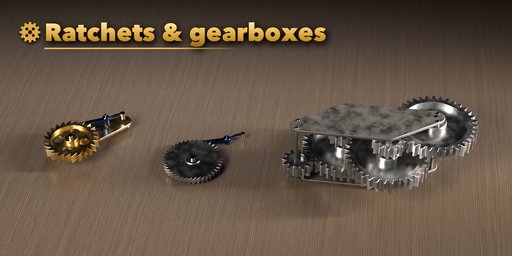
Cogwright builds gears that really mesh. Every tooth is a true involute (or a cycloidal clock tooth), every pair sits at its exact center distance and every gear is turned so its teeth fall into the gaps of its neighbor. Press Play and the whole mechanism runs at the right ratios, from a simple spur pair to a planetary gearbox, a worm drive or a pendulum clock that ticks beat by beat.
Pick one of 50 ready-made mechanisms from the picture gallery, then change anything: tooth count, module, pressure angle, helix angle, spokes, hub, frame or material. The sidebar shows the live ratio, center distance and pendulum beat, and one click gives you a surprise design, a variation or a new finish.
Gears and drives
- Spur, helical and herringbone gears with real involute teeth, profile shift for small pinions and backlash
- Internal ring gears, planetary sets (ring, carrier or sun held), straight, spiral and miter bevel gears
- Rack and pinion, single and multi-start worm drives, ratchet wheels with a clicking pawl and spring
- Simple and compound gear trains with zigzag, line or arc layouts, or your own teeth list
Clockwork
- Graham deadbeat, recoil anchor and club tooth escapements with a swinging pendulum
- Full clock movements: going train, motion works with a true 12 : 1 hour wheel, hands and chapter ring
- Plates with pillars and jewels, skeleton bridges or a single back plate
Steampunk and style
- Random gear walls where every gear meshes, with stacked gears on shared axles
- Solid, recessed, holed, spoked, curved spoke, clock crossing, slotted and filigree wheels
- PBR brass, bronze, copper, gold, steel, blued steel, cast iron, nylon and more, with spun finish and age
Animation
- Drivers that follow the frame (no keyframes), or bake keys for game engines with one click
- Each moving part is its own object with its pivot on its axle
Requires Blender 4.2 or newer. Tested on Blender 4.2, 4.5 and 5.2 LTS. Works in Cycles and EEVEE.
How to use
Installation
In Blender open Edit, Preferences, Get Extensions, then use Install from Disk and pick the gear_clockwork_generator zip.
Usage
- Open the Gear tab in the 3D viewport sidebar (N). Click the big picture to choose a design from the gallery, or browse a family below it, then press Add.
- With the mechanism (or any of its parts) selected, the card at the top switches the design with the arrows and shows the ratio and center distance. Surprise, Vary and Finish randomize it.
- The tabs hold every setting: Mechanism (kind, tooth counts, layout, planets, escapement, clock options), Teeth (module, profile, helical or herringbone, pressure angle), Wheels (web, spokes, hub, bore, shafts), Frame (plates, bridges, back plate, stand), Motion and Finish.
- Press Play: the gears turn at the right ratios. Motion sets the input speed (or the clock's time scale), reverses it, or bakes keyframes for export.
- Delete removes the mechanism with all its parts. Deselect everything to get back to the add screen.
FAQ
Which Blender versions are supported?
Blender 4.2 and newer. It is tested on Blender 4.2, 4.5 and 5.2 LTS.
Do the gears really mesh?
Yes. Teeth are true involute curves (or cycloidal clock teeth), center distances include profile shift, and each gear is phased so its teeth sit in the gaps of the next one. The animation keeps them meshed because every speed follows the tooth ratios.
Can I use the gears in a game engine?
Yes. Every part is a plain mesh with PBR materials and its pivot on its axle. Bake Keyframes turns the drivers into keys over your frame range, ready to export with FBX or glTF.
Can I set exact tooth counts and sizes?
Yes. Tooth counts, module, pressure angle (14.5, 20 or 25 degrees), helix angle, face width and backlash are all editable, and a gear train accepts a custom teeth list such as 60 8:64 8:60.


