
 Models
 Materials
 HDRIs
 Scenes
 Brushes
 Node Groups
 Printables
 Creators
 Creations
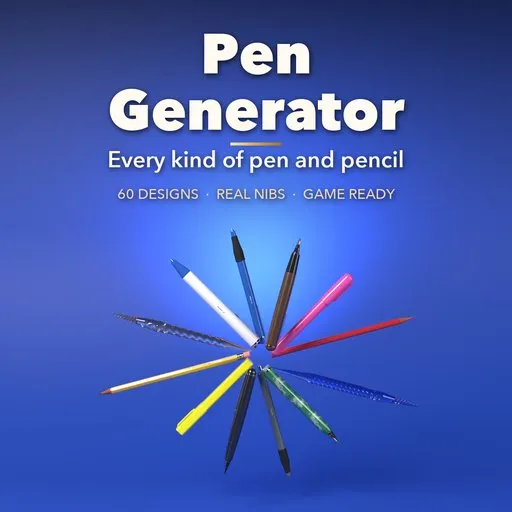
Pen Generator
 add-on
Photorealistic pens and pencils in one click: 60 designs from ballpoints, fountain pens and markers to pencils, quills and glass dip pens, with real nibs, caps, clips and game-ready PBR.
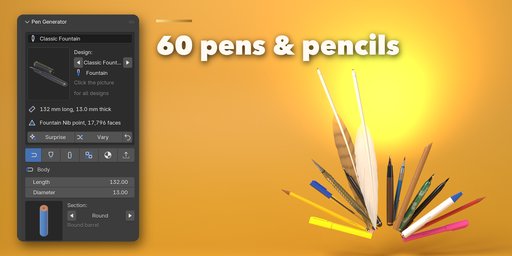
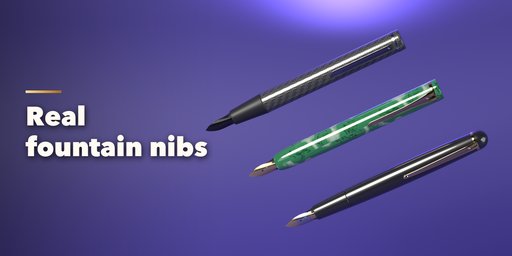
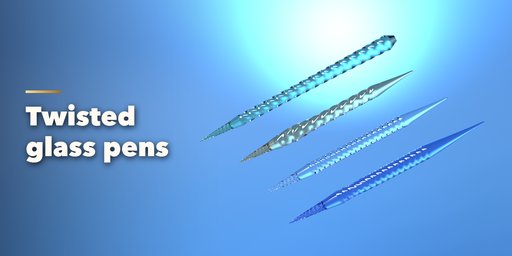
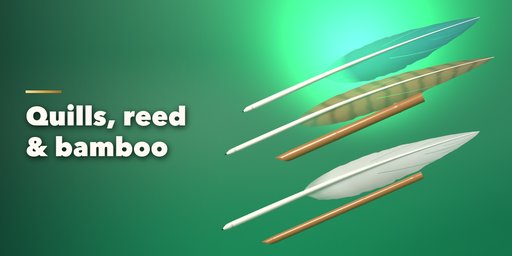
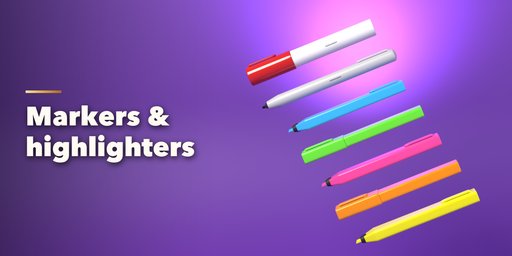
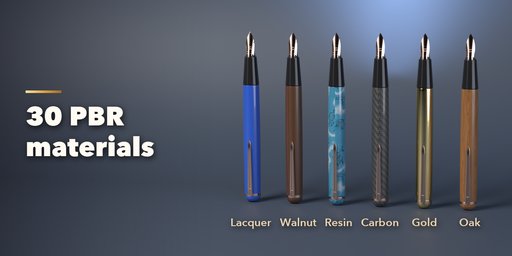
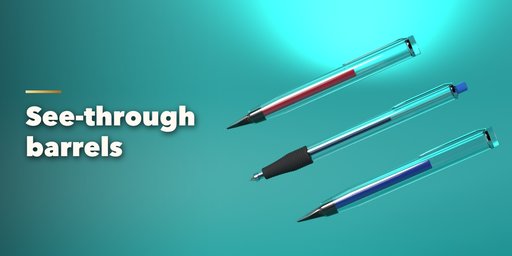
Pen Generator makes photorealistic pens and pencils in Blender with one click. Pick one of 60 ready-made designs in 10 families, from a stick ballpoint, a click pen and a four-color pen to gel pens, fineliners, fountain pens with two-tone gold nibs, highlighters and markers, HB and colored pencils, mechanical and clutch pencils, goose and pheasant quills, reed and bamboo pens, twisted glass dip pens, calligraphy holders, brush pens and styluses. Then change anything and watch it rebuild live.
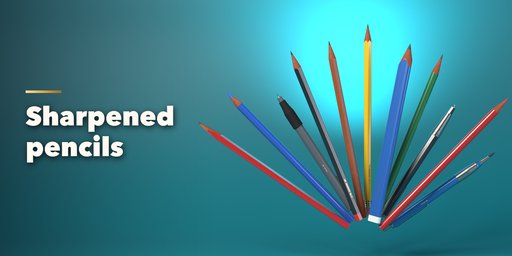
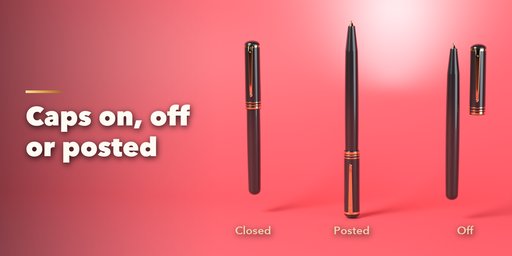
Every part is real: ball points in metal cones, fountain nibs with a slit, breather hole and feed, sharpened pencil cones that show the wood and the lead, felt chisels, brushes, quill cuts and spiral glass flutes. Caps go on, come off or post on the back, with clips, bands and finials. Grips can be smooth, ribbed, fluted, knurled or dotted, and barrels can be round, hexagonal, triangular, flat or oval, with cigar, tapered, waisted, flared or bulb silhouettes, flutes, spirals or bamboo knuckles.
Materials are real PBR: gloss and matte plastics, soft touch, lacquer, metallic paint, pearl, celluloid resin, carbon fiber, horn, feathers, clear demonstrator plastic and glass, chrome, steel, gold, brass and copper, and seven scanned woods from walnut and rosewood to cedar and bamboo.
Every pen is one mesh with UVs and shared materials, so it exports to Unity, Unreal, Godot, glTF and FBX as it renders. Choose a mesh detail from Low for game props to Ultra for close-ups.
Features
- 60 ready-made pens and pencils in 10 families, picked by picture
- 18 writing points: ball, needle, fineliner, lead, clutch, felt, chisel, brush, nibs, glass, quill, reed and stylus
- Caps on, off or posted, 6 clips, cap tops, bands and 13 end styles
- 9 barrel sections, 8 silhouettes, flutes, ribs, knurling, waves and bamboo nodes
- 30 PBR materials including real wood scans, glass, resin, carbon and metals
- Clear barrels show the refill and its ink level inside
- Lying, upright or point down poses, ready for desks and hands
- Surprise and Vary buttons, plus a whole set of pens in one click
- Game ready: one mesh, UVs, PBR materials, four mesh detail levels
- Picture sidebar with thumbnails, Shift+A menu, works in Cycles and EEVEE
Requires Blender 4.2 or newer. Tested on Blender 4.2, 4.5 and 5.2 LTS.
How to use
Installation
In Blender open Edit, Preferences, Get Extensions, then use Install from Disk and pick the pen_generator zip.
Usage
- Open the Pen tab in the 3D viewport sidebar (N). With no pen selected, click a family and a pen picture, then Add Pen to add it at the 3D cursor. You can also use Shift+A, Mesh, Pen, or Add a Set of Pens for a row of pens of one family.
- The card at the top shows the selected pen, its size and point. Click its picture to switch to another design. Surprise makes a random pen, Vary gives the same design a new size, colors and trim, and the arrow resets it.
- The icon tabs hold every setting: Body (length, diameter, section, silhouette, front section, pattern), Point (writing point, nib, lead, ink), Cap and Clip, Parts (end, grip, insides), Materials and Export (mesh detail, pose, finish as a plain mesh).
- The trash button deletes a pen together with materials nothing else uses.
Every pen is one mesh with PBR materials, so it exports to game engines with glTF or FBX. Use File, External Data, Pack Resources before sending a .blend to someone else.
FAQ
Which Blender versions are supported?
Blender 4.2 and newer. It is tested on Blender 4.2, 4.5 and 5.2 LTS.
Can I use the pens in Unity, Unreal or Godot?
Yes. Each pen is one plain mesh with UVs and Principled BSDF materials. Woods, resin and carbon use images, so glTF and FBX exports look the same in game engines. Choose Low mesh detail for many background props.
Which kinds of pens can it make?
Ballpoint, click, twist and four-color pens, gel pens, rollerballs, fineliners and technical pens, fountain pens, markers and highlighters, wooden and colored pencils, mechanical and clutch pencils, quills, reed and bamboo pens, glass dip pens, dip pens and calligraphy holders, brush pens and styluses. Every part can be mixed, so many more are possible.
Can a pen be held in a hand or animated?
Yes. The Tip Down pose puts the writing point at the object's origin, so you can parent the pen to a hand or animate it writing. Caps can be closed, posted on the back or put beside the pen.


