
 Models
 Materials
 HDRIs
HDRIs
 Scenes
 Brushes
 Node Groups
 Printables
 Creators
 Creations
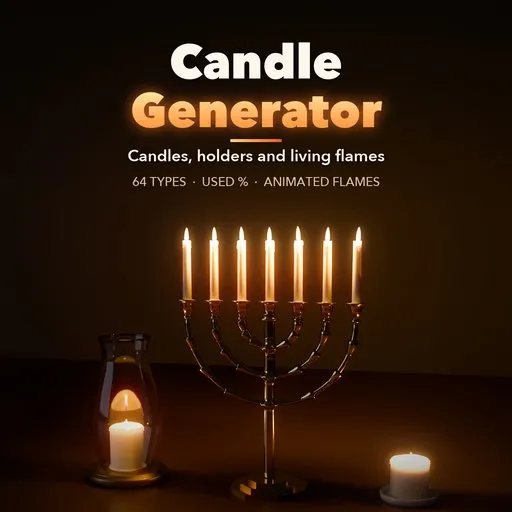
Candle Generator
 add-on
Photoreal procedural candles: 64 types from candlesticks to menorahs, lanterns, jars and cakes, a Used % burn with drips and melt pools, and animated flickering flames with lights.
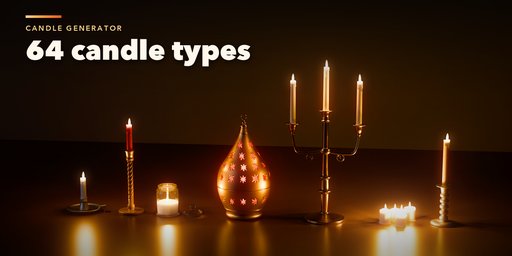
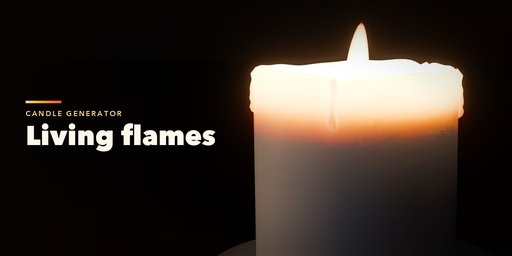
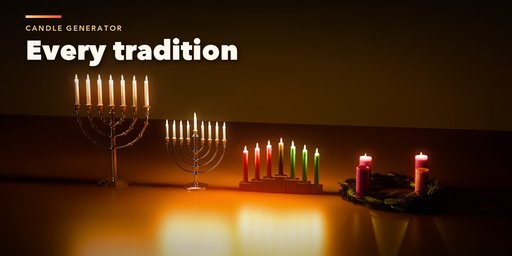
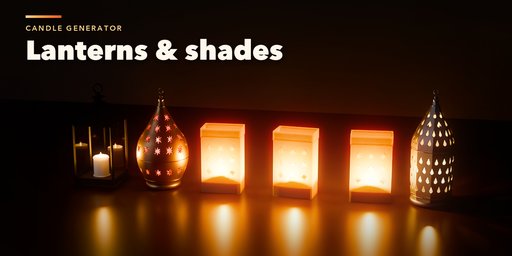
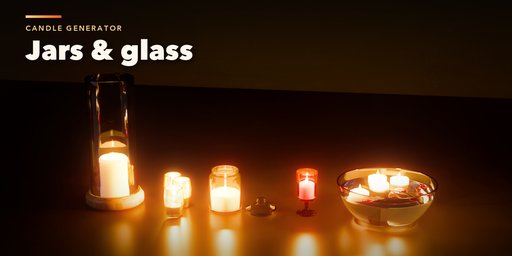
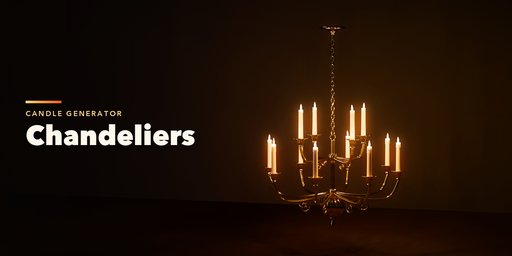
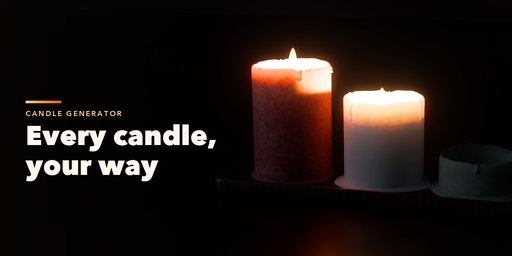
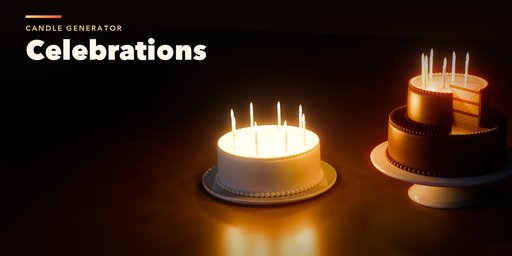
Candle Generator builds photorealistic candles inside Blender, complete with their holders, burning wax and animated flames. Pick one of 64 ready-made types from the gallery, from a single taper in a brass candlestick to a seven-branch temple menorah, a hanukkiah on any night, a kinara, an Advent wreath, a birthday cake, a Moroccan lantern throwing star patterns, floating candles or a church votive stand, then change anything you like.
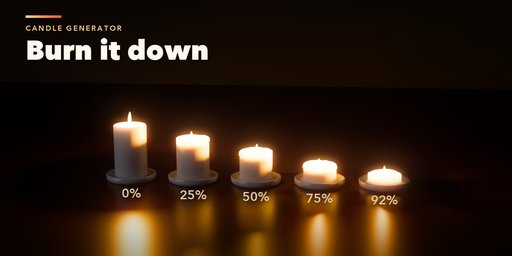
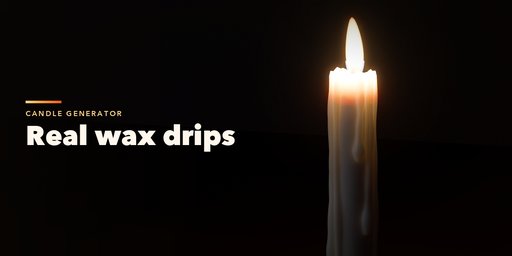
The burn is a single Used percentage. Candles shrink as they burn, the wax melts into a crater with a liquid pool, pillars tunnel, drips run down the sides and pool on the holder, and the wick chars and glows. Every candle in a holder can be lit, put out, removed or given its own burn, height and color.
Flames are three glowing shells (the yellow envelope, the white core and the blue base) that sway, flicker and lean in a draft on playback, each with its own flickering point light colored by temperature in Kelvin. Glass, jars and lanterns let the light out, paper shades glow and pierced metal casts patterns.
Features
- 64 candle types and 27 holder kinds: candlesticks, candelabras, menorah, hanukkiah, kinara, chandeliers, sconces, jars, votives, hurricanes, lanterns, diyas, Advent wreath, cakes and more
- Tapers, pillars, tealights, container, ball, braided and rolled beeswax candles with round, square, star, fluted and scalloped sections and twists
- Used % burn with melt pool, tunneling, drips and puddles
- Animated flames with sway, flicker, draft and per-flame flickering lights
- 9 wax types and 20 holder finishes (brass, silver, wrought iron, wood, marble, ceramic and more), 9 glass types
- Per-candle control: lit, burn, height and color for every position
- Live, non-destructive editing with presets, randomize and Make Static
- Works in Cycles and EEVEE
Requires Blender 4.2 or newer. Tested on Blender 4.2, 4.5 and 5.2 LTS.
How to use
Installation
In Blender open Edit, Preferences, Get Extensions, then use Install from Disk and pick the candle_generator zip.
Usage
- Open the Candle tab in the 3D viewport sidebar (N). With nothing selected, click the picture to choose a type from the gallery, then press the Add button below it. You can also use Shift+A, Mesh, Candle.
- The quick controls under the type card set how much of the candle is Used, whether it is lit and the flame size.
- The tabs hold every setting: Candle (form, size, section, twist, wicks), Burn (melt pool, tunneling, drips, puddles), Flame (size, color, motion, draft, lights), Holder (holder kind and its own controls), Look (wax, holder finishes, glass) and Each Candle (light, burn, height and color per position).
- Press Play to see the flames sway and flicker. Randomize gives new drips and flame rhythms.
- Make Static keeps the candle as plain meshes and lights; Delete removes it with all its parts.
Use Rendered view to see the flames and wax. If the wax looks grainy in EEVEE, turn off Wax Casts Shadows in the Flame tab's Light section.
FAQ
Which Blender versions are supported?
Blender 4.2 and newer. It is tested on Blender 4.2, 4.5 and 5.2 LTS.
Are the flames animated?
Yes. Flames sway, flicker and lean in a draft on playback through a Geometry Nodes modifier driven by scene time, and each flame's point light flickers with it. No keyframes are needed.
Does it work in EEVEE?
Yes, in both Cycles and EEVEE. Cycles gives the most realistic light through the wax. In EEVEE on Blender 5, turn off Wax Casts Shadows if the wax looks grainy.


