Models
 Materials
 HDRIs
HDRIs
 Scenes
 Brushes
 Node Groups
 Printables
 Creators
 Creations
Godot Bridge
 add-on
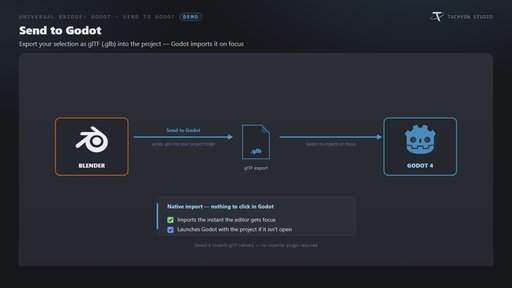
Send meshes into Godot 4 with native glTF import and bring exported glTF back into Blender. Reuse the editor, control exports and batch collections. Windows only; Godot installed separately.
From Blender to your Godot project.
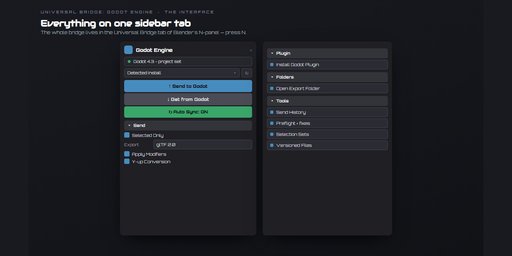
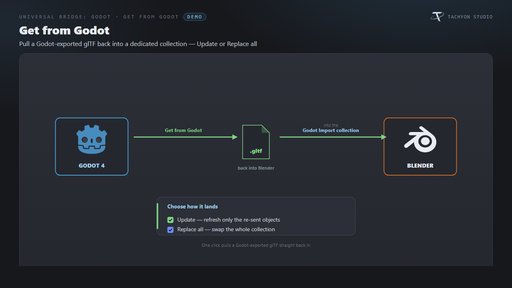
Send meshes into a Godot 4 project for native glTF import. Reuse or launch the editor, then bring exported glTF files back into Blender. Open Blender’s Universal Bridge sidebar tab with N.
Windows only. Godot 4 is required and is not included. Godot is a separate free download from godotengine.org. Tachyon Studio is independent of the Godot Foundation.
Tools included
- Send / Get: export selected meshes to your project and import returned glTF into a dedicated collection. Update matching objects or replace the import.
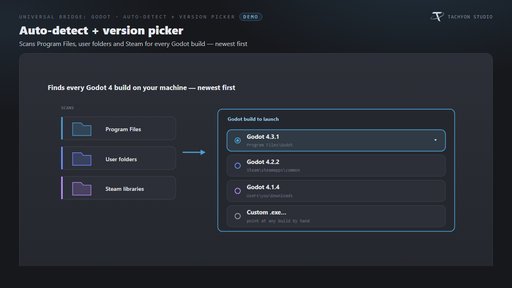
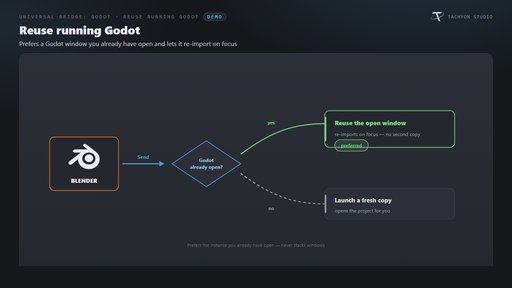
- Editor control: detect installed versions, choose a custom executable, launch Godot or reuse the running editor.
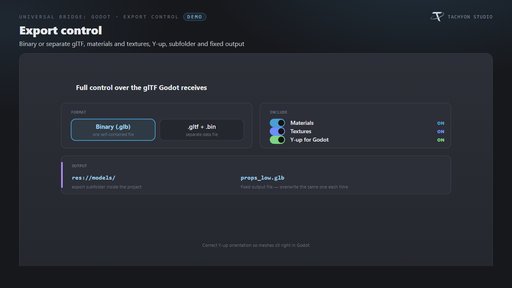
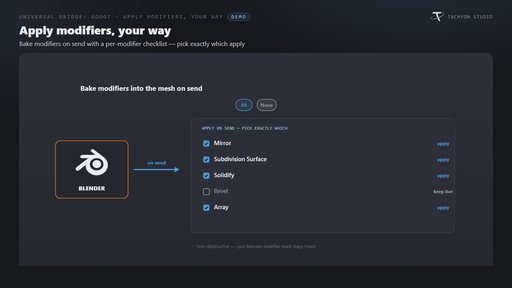
- Export control: GLB or separate glTF, materials, textures, orientation and output paths. Choose which modifiers to bake.
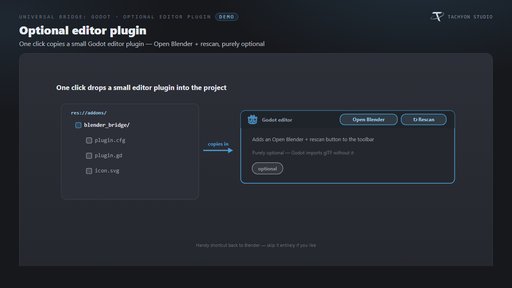
- Optional editor plugin: Open Blender and rescan controls; native glTF import works without the plugin.
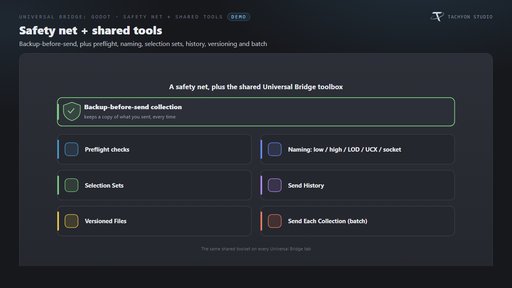
- Safety and shared tools: backup before sending, preflight, naming, selection sets, history, versioned files and collection batching.
- Icon preferences: branded, monochrome or native icons, with meaningful status colors.
Requirements and setup
This download is the Blender 4.2–5.2 extension. The separate classic Blender 3.3–4.1 installer is not included. Windows only; macOS and Linux are unsupported. Install Godot 4.x separately and choose its executable and your project path. The bridge uses local file exchange. Universal Bridge Manager is included; the bridge works independently.
Documentation and support
Installation and workflow documentation · Tachyon Studio Discord support
Created by Tachyon Studio.