
 Models
 Materials
 HDRIs
 Scenes
 Brushes
 Node Groups
 Printables
 Creators
 Creations
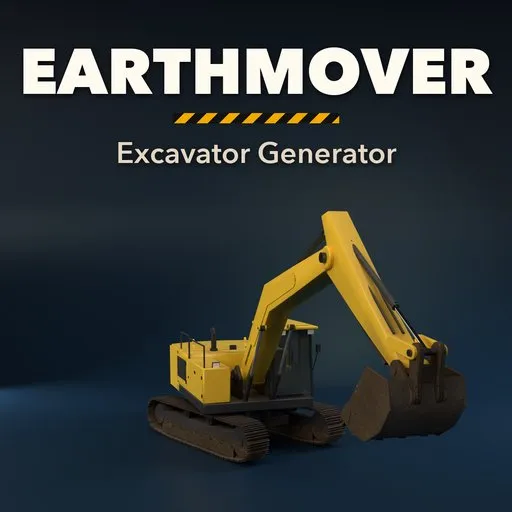
Earthmover – Excavator Generator for Blender
 add-on
Rigged construction machines: 54 excavators, dozers, loaders, rollers, dump trucks and graders whose hydraulic cylinders follow every pose, with liveries and wear.
Explore all my Blender addons
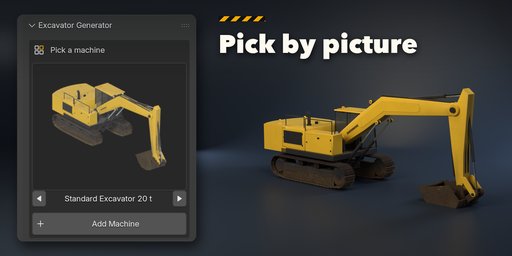
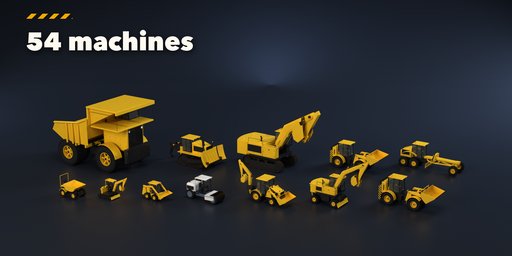
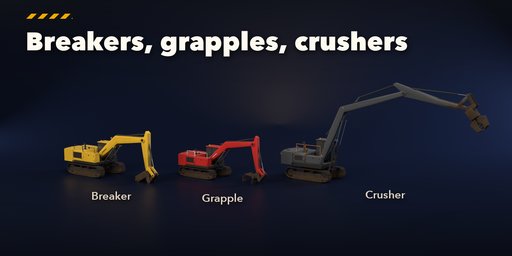
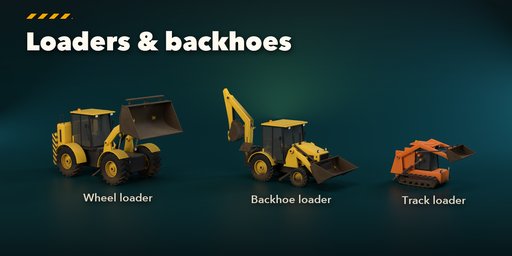
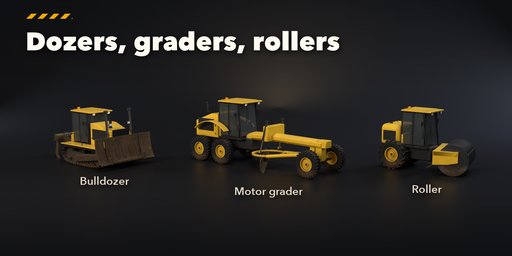
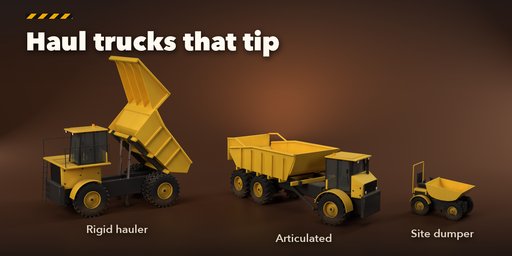
Earthmover builds construction machines inside Blender: crawler, mini and wheeled excavators, backhoe loaders, wheel loaders, skid steers and compact track loaders, bulldozers, road rollers, rigid and articulated dump trucks, site dumpers and motor graders. Pick one of 54 designs modeled on the machines working on real sites, from a 1 t micro digger to a 90 t mining excavator, then change anything and watch it rebuild live.
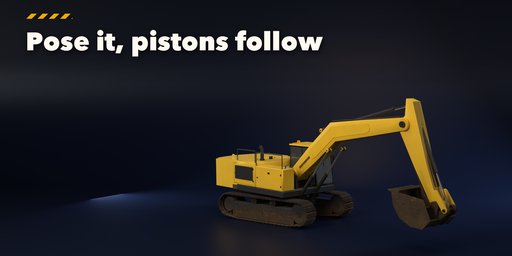
Every machine comes rigged. Booms, sticks, buckets, loader arms, blades, rippers, stabilizers, dump bodies and the articulation joint each have one slider, and the hydraulic cylinders follow every pose: barrels and rods slide in and out, the bucket linkage folds like the real four-bar, and telescopic hoists extend in stages. Pick a pose (Travel, Dig, Reach, Dump, Rest) with one click, or keyframe the sliders to animate a full dig cycle.
Tools and attachments include dig, trench, ditch and rock buckets, a hydraulic breaker, a sorting grapple, a ripper tooth and crusher jaws; loaders take general, rock, high volume and 4-in-1 buckets or pallet forks. Dozers get straight, semi-U, U and angle blades with single or multi shank rippers.
Finish
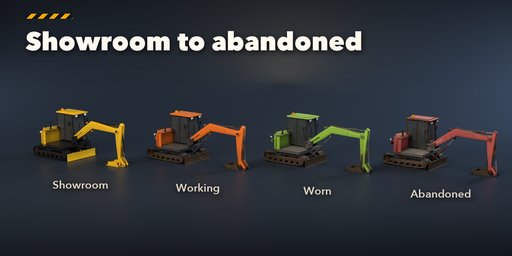
Choose a livery (construction yellow, earthmover orange, lime, red, blue, white, green, gunmetal, sand or your own colors) and a condition from showroom clean to working, worn or abandoned: chipped edges, caked mud rising from the ground, dust and rust, all with PBR materials that also export to game engines.
Features
- 54 designs in 10 families, 12 machine kinds
- Rigged hydraulics: cylinders and linkages follow every pose
- One-click poses and keyframing for animation
- Steel tracks with triple or single grousers, rubber tracks, road pads and big earthmover tyres
- Cabs, canopies, handrails, ladders, mirrors, beacons and work lights
- 8 excavator tools, 5 loader tools, 4 blades, rippers and dump bodies
- Liveries and wear: edge chipping, mud, dust, rust and faded paint
- Picture-driven sidebar, Surprise and Vary buttons, Shift+A menu
- Works in Cycles and EEVEE
Requires Blender 4.2 or newer. Tested on Blender 4.2, 4.5 and 5.2 LTS.
How to use
Installation
In Blender open Edit, Preferences, Get Extensions, then use Install from Disk and pick the excavator_generator zip.
Usage
- Open the Excavator tab in the 3D viewport sidebar (N). With nothing selected, click the picture to choose one of the 54 designs, or browse the ten families, and add it at the 3D cursor. You can also use Shift+A, Mesh, Construction Machine.
- Select any part of a machine to edit it. The card at the top shows the design; Surprise makes a new random machine, Vary changes the current one a little, the palette button picks a random livery and wear, the tool button swaps the attachment and the arrow resets the design.
- The tabs hold every setting: Machine (kind, tracks or wheels, size), Work (arm, tool, loader, blade, ripper, dump body, rollers), Body (upper, cab, extras), Finish (livery, colors, condition, mud, dust, rust, lights), Pose (one-click poses, joint sliders, Key Pose) and Parts (detail, seed, rebuild, delete).
- To animate, set a pose, press Key Pose, move to another frame and repeat. The pose values live on the machine's root object.
FAQ
Which Blender versions are supported?
Blender 4.2 and newer. It is tested on Blender 4.2, 4.5 and 5.2 LTS.
Can I animate the machines?
Yes. Every joint is one slider on the machine's root object, and the hydraulic cylinders follow automatically. Keyframe the sliders (Key Pose does all of them at once) to animate digging, lifting or tipping.
Can I use the machines in a game engine?
Yes. The parts are ordinary meshes with PBR materials (base color, roughness, metallic, normal). Apply or bake the wear into textures for engines that do not read Blender's attributes.


