
 Models
 Materials
 HDRIs
 Scenes
 Brushes
 Node Groups
 Printables
 Creators
 Creations
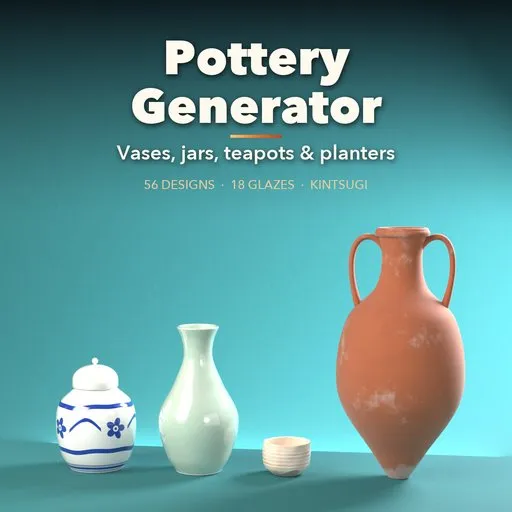
Pottery Generator - Vase, Pot & Ceramic Generator for Blender
 add-on
Realistic vases, jars, planters, bowls, mugs and teapots: 56 designs, 18 real glazes, kintsugi, cracks and aging. Live sliders, editable profile, PBR materials for games.
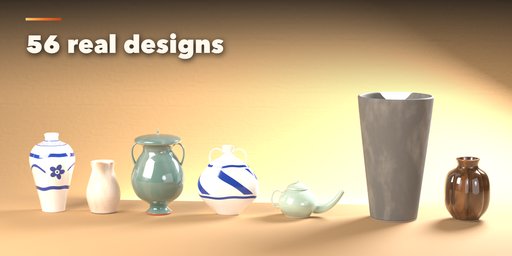
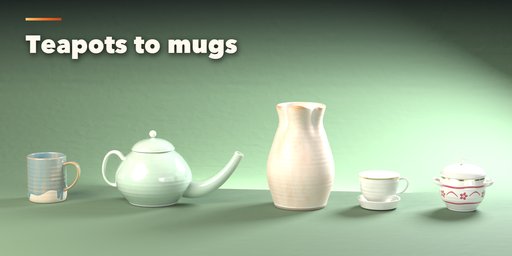
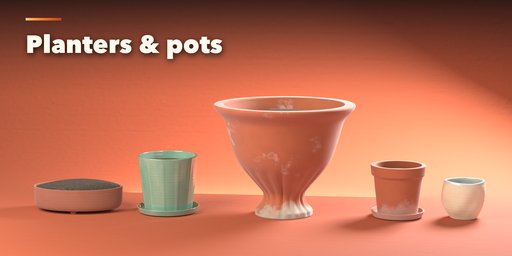
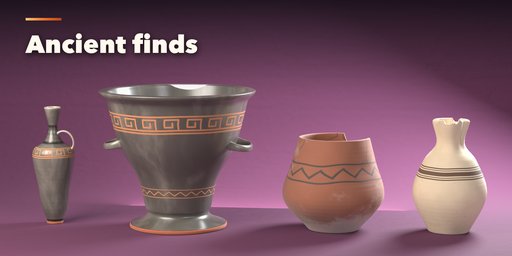
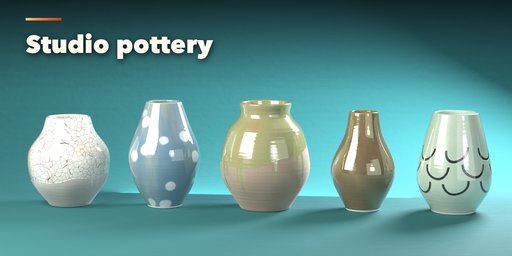
Pottery Generator builds realistic vases, jars, pots, planters, bowls, mugs and teapots in one click. Pick one of 56 real designs from a picture gallery in the sidebar, then change anything: the side profile, size, rim, foot, handles, spout, lid, clay body and glaze. The pot rebuilds live while you drag a slider.
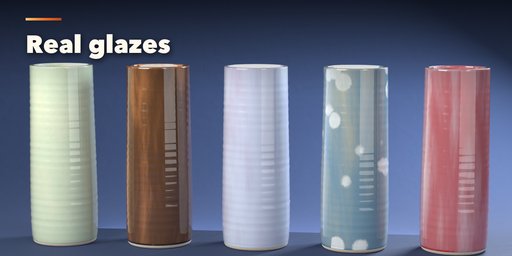
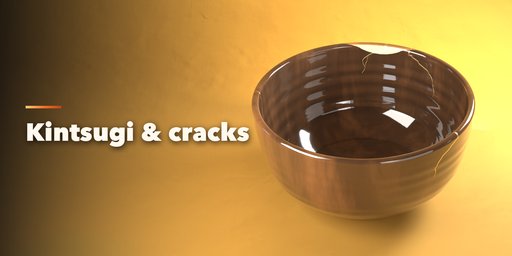
Glazes look like the real thing. Celadon, tenmoku, chun, shino, crackle, raku, crystalline, flambé, ash, salt and luster glazes pool in the hollows, break on the edges and run in drips over bare clay. Add painted bands, gold lines, kintsugi seams, hairline or deep cracks, chipped rims, dirt, lime crust and moss for old garden pots and excavated finds.
Features
- 56 designs in 7 families: vases, jars and urns, planters, tableware, ancient, Asian and studio pottery
- Picture gallery in the sidebar, plus a Surprise randomizer
- Editable side profile with points, or draw your own curve
- Round, lobed, fluted, square and faceted plans, twist and lean
- Handles, spouts, lids, feet, saucers and soil or water fill
- 8 clay bodies and 18 glaze types with pooling, breaking and drips
- Decorations, cracks, kintsugi, chips, broken shards and aging
- PBR materials that bake for game engines, and one click to plain meshes
- Photo studio button: seamless backdrop, softbox lights and camera
Requires Blender 4.2 or newer. Tested on Blender 4.2, 4.5 and 5.2 LTS.
How to use
Installation
In Blender open Edit, Preferences, Get Extensions, open the menu at the top right and choose Install from Disk, then pick the zip. Blender 4.2 or newer.
Usage
- Open the sidebar in the 3D viewport (N) and the Pottery tab.
- Click a design picture to add a pot at the 3D cursor, or use Add, Mesh, Pottery.
- Change the shape, rim, foot, parts, clay, glaze, cracks and age in the tabs. Everything rebuilds live.
- Press Surprise for random variations.
- Photo Studio adds a backdrop, lights and a camera for a product render.
- Convert to Mesh copies the pot as plain meshes for export, sculpting or game engines.
FAQ
Which Blender versions are supported?
Blender 4.2 and newer. It is tested on Blender 4.2, 4.5 and 5.2 LTS.
Can I use the pots in a game engine?
Yes. The materials are PBR, and Convert to Mesh turns a pot into plain meshes with its maps packed, ready to export as FBX or glTF.
Can I make my own shapes?
Yes. Edit the side profile points in the Shape tab, or draw a curve in the front view and use it as the profile.


