Models
 Materials
 HDRIs
 Scenes
 Brushes
 Node Groups
 Printables
 Creators
 Creations
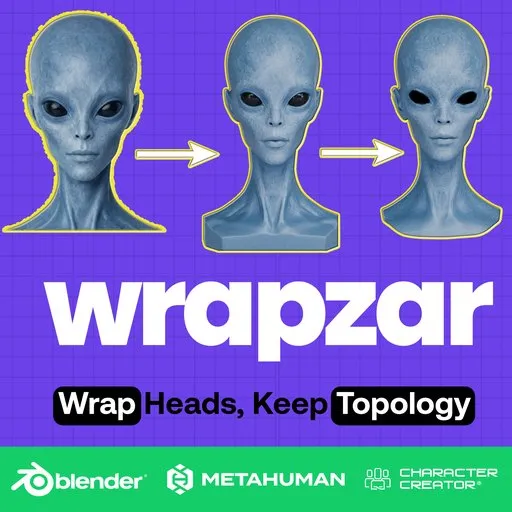
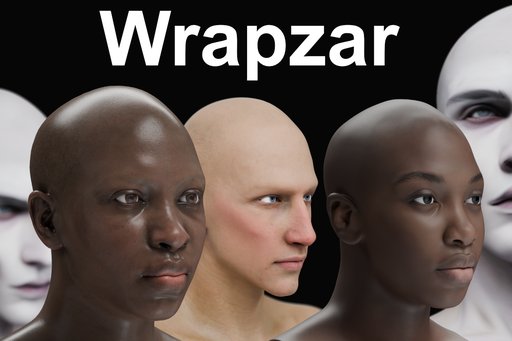
WrapZar - Head Wrapping for Blender
 add-on
WrapZar wraps any head model — scan, sculpt or AI-made — onto your trusted basemesh inside Blender. Topology, UVs and vertex groups stay intact, and the source textures relocate onto your own atlas.
System Requirements and DOCS:
Blender version --> Blender 5.1 or newer
Windows --> Windows x64 — fully tested
macOS --> Apple Silicon (arm64) — supported, not yet battle-tested
Linux --> Linux x64 — supported, not yet battle-tested
DOCS --> https://shorturl.at/LA9x4
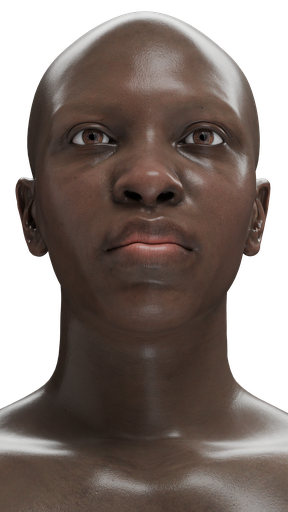
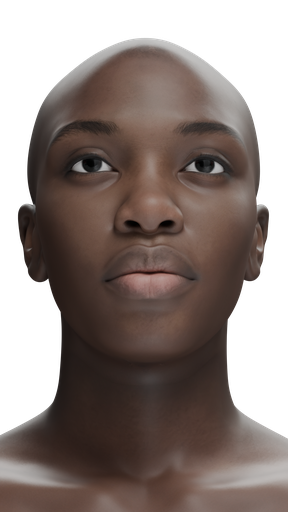
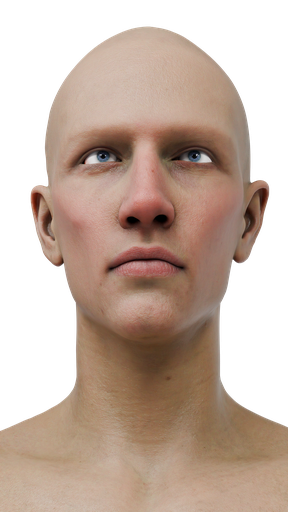
Daz3D template → AI-generated head
Wrap any head onto any sculpt, Scan, capture, AI-made Head, etc
WrapZar is a head-wrapping toolkit that lives inside Blender. Pin landmarks or draw splines, conform your basemesh to any source model — scanned, sculpted, or AI-generated — and relocate its textures onto your own UV layout, all without leaving the viewport.
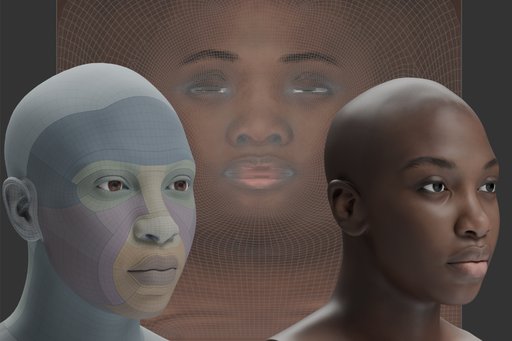
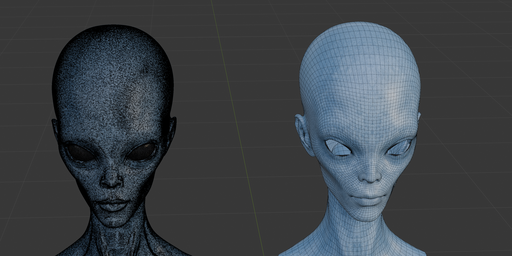
Clean topology on dense sources
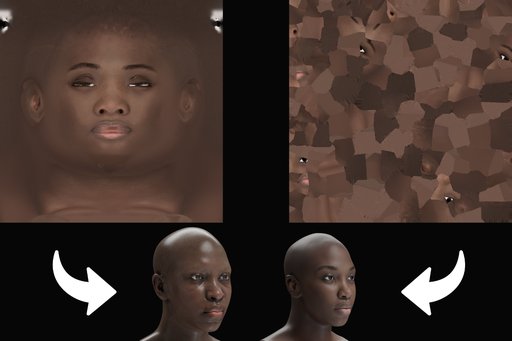
Source texture → your atlas
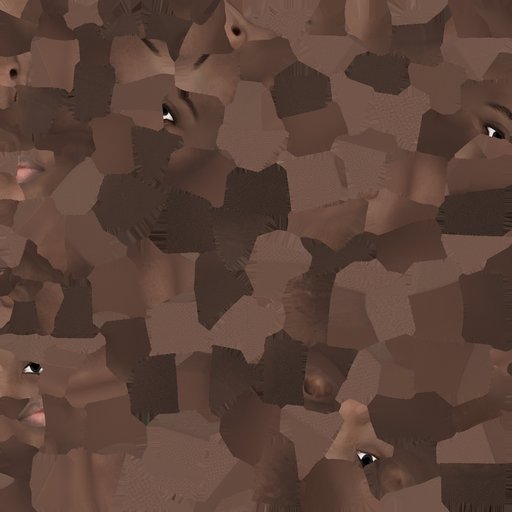
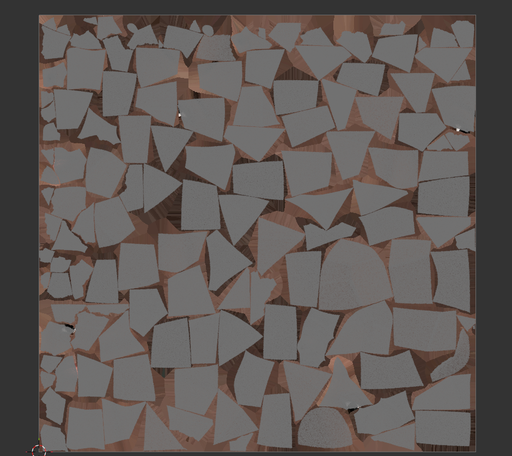
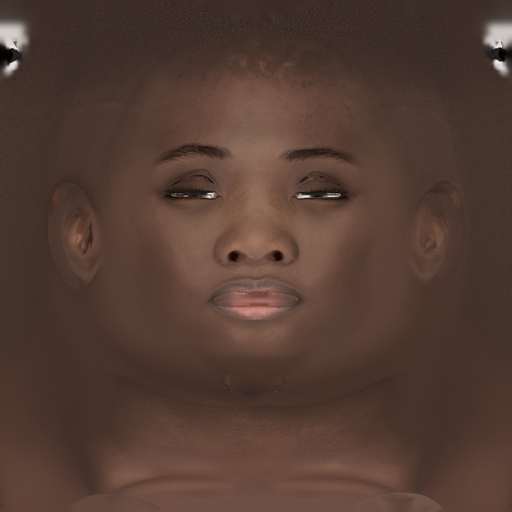
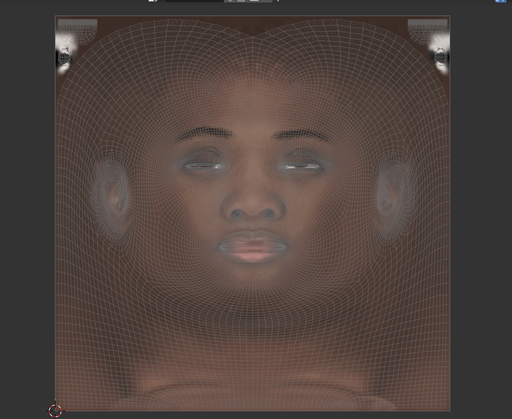
Your basemesh is an investment. WrapZar makes it pay off on every head.
Every head model is different, but your UV layout, your vertex groups and your carefully placed edge loops should not be rebuilt for each one. WrapZar moves the mesh you already trust onto the shape in front of you — then hands you the textures to match.
No re-topology. No re-unwrapping. No starting from zero.
In a practical sense, it does three jobs in one panel.
Points & Splines
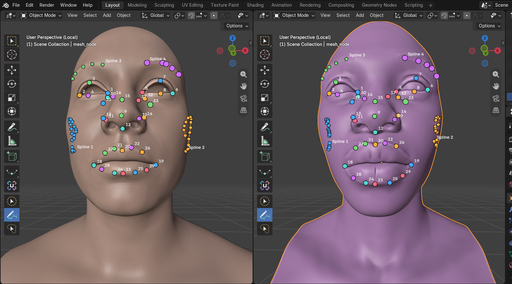
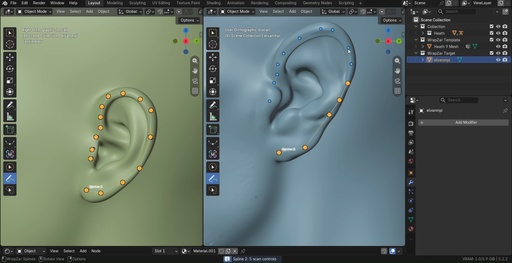
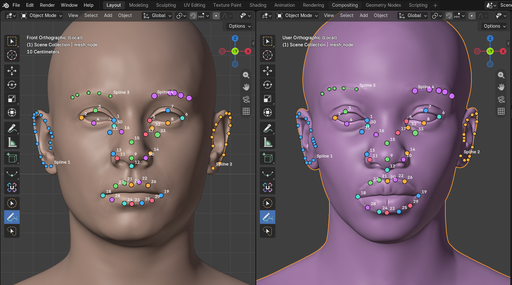
Tell the wrap where the features are — one click at a time, or a whole brow line in one stroke.
- Split pair views with synced cameras — template left, target right
- Click-to-pin pairs you can drag to slide and Ctrl-click to remove
- Named surface splines that sample into dozens of pairs each
- Import and export pair sets to reuse across sessions
Conform & Preserve
The template moves onto the source. Its topology, UVs and vertex groups do not.
- A production wrap engine tuned for full heads, plus a lighter engine for quick pulls
- Free faces keep mouth bags and eye cavities from gluing to the source
- Background solve with live progress, cancellation and warm starts
- Bundled head templates ready to wrap out of the box
Relocate Texture
Bake the source model's photos into your template's atlas and fill what the surface cannot see.
- Batch queue — relocate every source image in one run
- UDIM-aware transfer up to 16K atlases
- Distance-limited projection that refuses to smear across gaps
- Automatic edge fill so seams and padding stay clean