
 Models
 Materials
 HDRIs
 Scenes
 Brushes
 Node Groups
 Printables
 Creators
 Creations
Campcraft - Tent Generator
 add-on
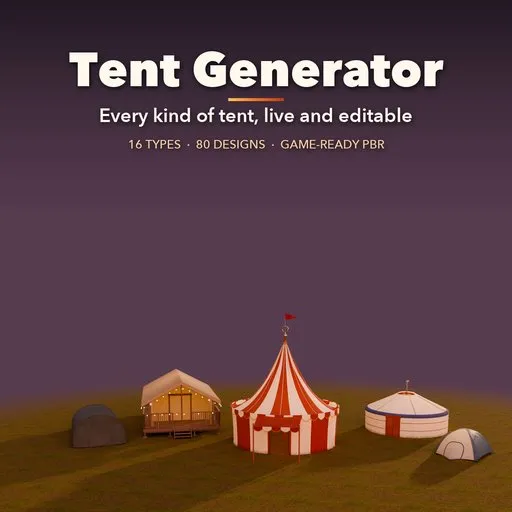
Tent generator: 16 tent types and 80 designs, from domes and yurts to glamping lodges, marquees and royal tents. Real fabric drape, doors, guy lines, furnished interiors and lights, all live and editable, with game-ready PBR.
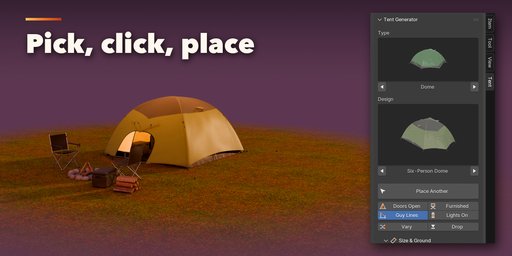


Campcraft is a tent generator for Blender. Every tent is one live, editable object: pick a type, click a design, and drag any slider to watch the tent rebuild on the spot. Fabric drapes like real cloth with tension folds, sagging panels and wind billow, poles bend through their sleeves, guy lines run out to stakes on the ground, and the whole tent follows the terrain it stands on.
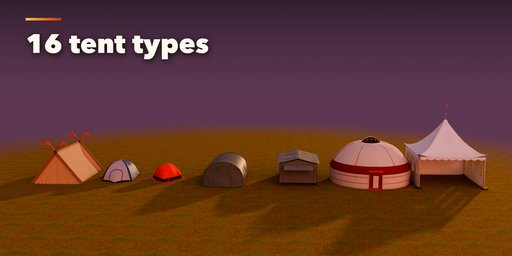
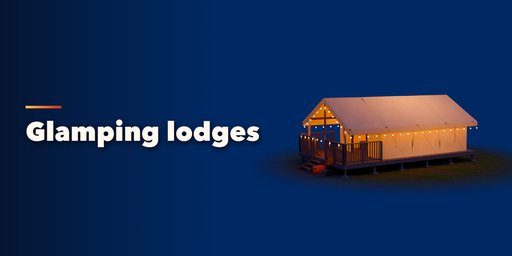
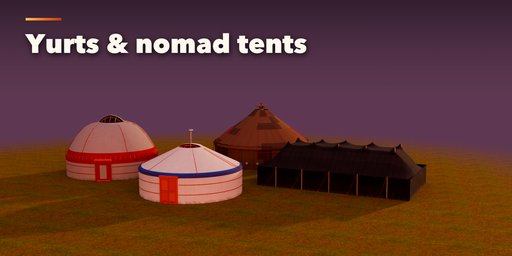
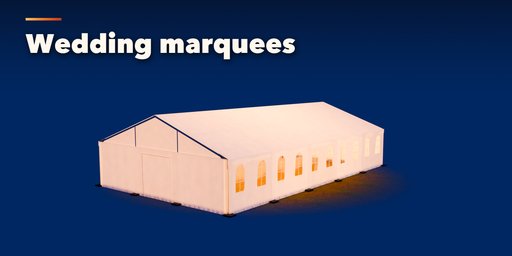
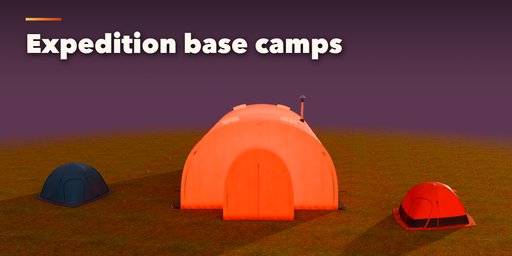
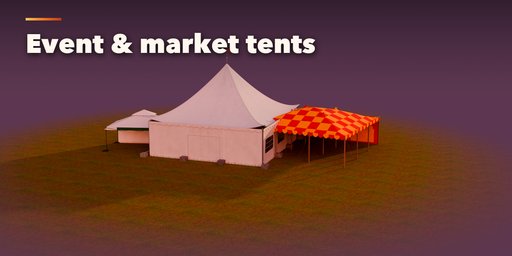
16 tent types and 80 ready-made designs cover backpacking domes and four-season geodesics, tunnel tents, family cabins, glamping safari lodges on timber decks, wedding marquees, pagodas and market canopies, expedition base camp halls, and cultural tents from around the world: the Ottoman otağ, Mongolian and Kazakh yurts, Yörük black hair tents, Viking and Roman tents, Nenets chum, wigwams and South Asian shamianas.
Open the doors, switch on the lights or furnish the inside with one click. Camping, glamping, nomad, expedition, event and medieval interiors fill the floor with beds, rugs, lanterns, cushions, tables and chairs that always fit the tent.
Features
- 16 tent types, 80 designs with real-world sizes, picture-based type and design picker
- Place Tent: the tent follows the surface under the mouse, the wheel turns it, Q/E change design
- Quick toggles: Doors Open, Guy Lines, Furnished, Lights On, Vary and Drop to Ground
- Full control of size, structure, fabric, doors and windows, rigging, interior and look
- Realistic fabric with sag, folds and wind; canvas, nylon, polycotton, PVC, felt, hair and more
- Furnished interiors, string lights and lanterns that glow in Cycles and EEVEE
- Game-ready PBR materials, three detail levels and Convert to Mesh for export
- Follows sloped terrain, with stakes and guy lines that land on the ground
Requires Blender 4.2 or newer. Tested on Blender 4.2, 4.5 and 5.2 LTS.
How to use
Installation
In Blender open Edit, Preferences, Get Extensions, then use Install from Disk (the arrow menu at the top right) and pick the tent_generator zip. Enable it if it is not enabled.
Making a tent
- In the 3D Viewport press N to open the sidebar and select the Tent tab.
- Pick a tent type and a design from the picture grids.
- Click Place Tent: the tent follows the surface under the mouse, the mouse wheel turns it, Q and E change the design, and a click places it. Or use Add, Tent to put one at the 3D cursor.
- Use the quick toggles (Doors Open, Guy Lines, Furnished, Lights On) and the panels below (Size & Ground, Structure, Fabric, Doors, Rigging, Interior, Look) to change anything. The tent rebuilds live.
- In Detail & Output choose Low, Medium or High detail, and use Convert to Mesh to get a plain mesh for export to a game engine.
FAQ
Which Blender versions are supported?
Blender 4.2 and newer. It is tested on Blender 4.2, 4.5 and 5.2 LTS.
Can I use the tents in a game engine?
Yes. Materials are PBR and image based, there are three detail levels, and Convert to Mesh turns a tent into a plain mesh you can export as FBX, glTF or OBJ.
Can I edit a tent after placing it?
Yes. Every tent keeps all its settings on the object, so you can change the type, design, size, fabric, doors, rigging and interior at any time and it rebuilds live.
Does it work in EEVEE?
Yes, in both Cycles and EEVEE, including the glowing lanterns and string lights.


