
 Models
 Materials
 HDRIs
 Scenes
 Brushes
 Node Groups
 Printables
 Creators
 Creations
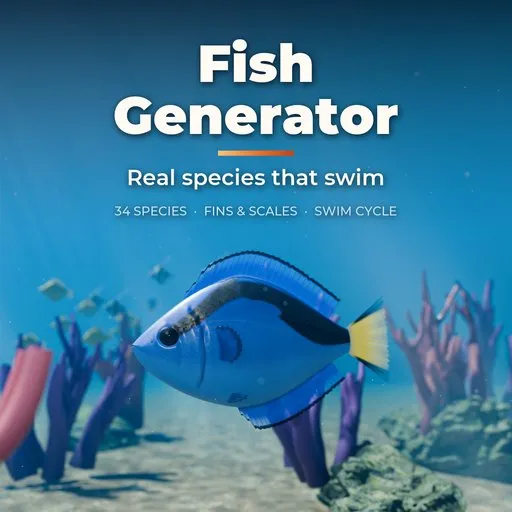
Fish Generator
 add-on
Rigged, animated fish in one click: 34 species from clownfish and koi to tuna, eels, rays and sharks, with real fins, scales, eyes and a swim cycle.
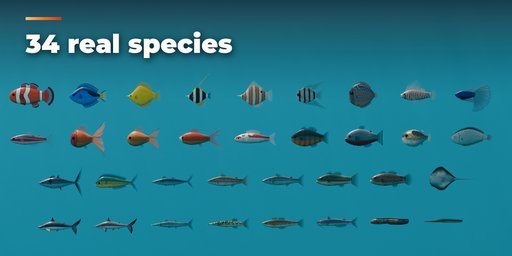
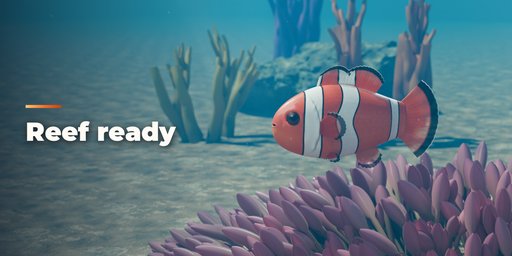
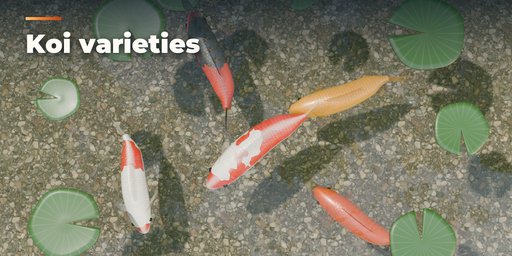
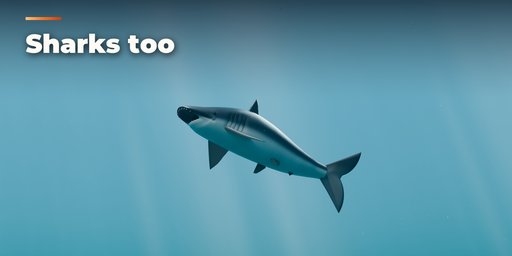
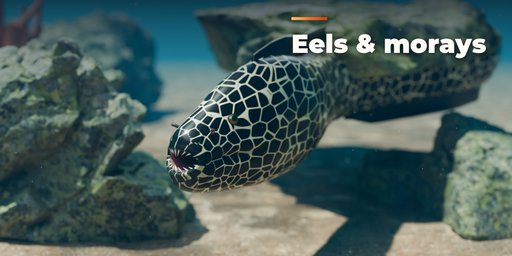
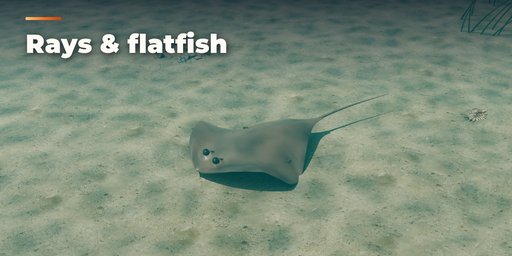
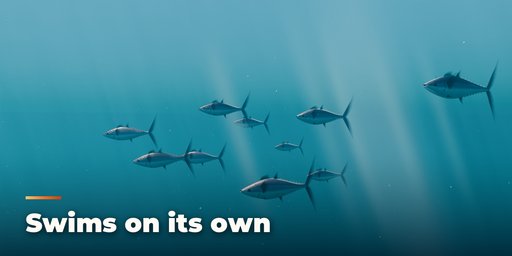
Fish Generator builds rigged, animated fish in one click, from a clownfish or a koi to a bluefin tuna, a moray eel, a flounder lying on the sea floor or a great white shark. Pick one of 34 species presets, press Surprise for a new fish, or shape your own with sliders that rebuild the fish live.
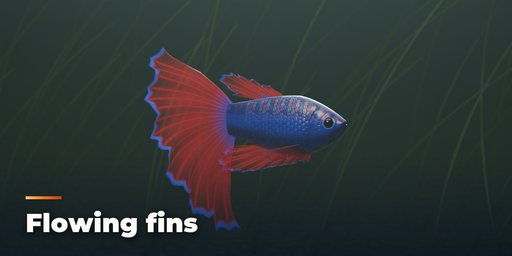
Every fish is made from real anatomy instead of a blob: the body section of its family, thin translucent fins with bony rays between the membranes, a gill cover with its slit, a lateral line, nostrils, a mouth with lips and teeth, and eyes with a painted iris, a pupil and a clear cornea.
Species
- Fusiform swimmers: tuna, salmon, trout, bass, cod, mackerel, mahi-mahi, grouper
- Deep-bodied reef and aquarium fish: angelfish, discus, butterflyfish, tangs, piranha, bluegill, Moorish idol, clownfish, betta, lionfish, neon tetra
- Eels and long hunters: European eel, moray, barracuda, pike
- Round and fancy fish: pufferfish, oranda, fantail and comet goldfish, koi
- Flatfish and rays: flounder with both eyes on top, stingray with wing waves and a whip tail
- Sharks and bottom dwellers: great white, blacktip reef shark, channel catfish
Skin and materials
- Real overlapping scales (cycloid, ctenoid, placoid or none) as colour, normal and roughness maps
- Species patterns with crisp edges: clownfish bands, trout spots, mackerel stripes, koi patches
- Countershading, silver guanine sheen, iridescence and a wet subsurface look
Swim animation
- A looping swim cycle baked onto a real armature: eel waves, tuna tail beats, goldfish fin rowing and ray wing waves, with fin flutter
- Speed, amplitude, wavelength and forward travel are adjustable
Game ready
- Clean quad topology, one UV map with packed textures, PBR materials and vertex weights, so the fish exports to game engines as a normal skinned mesh
Requires Blender 4.2 or newer. Tested on Blender 4.2, 4.5 and 5.2 LTS.
How to use
Installation
In Blender open Edit, Preferences, Get Extensions, then use Install from Disk and pick the zip.
Adding a fish
- Open the sidebar in the 3D viewport (N) and go to the Fish tab, or use Shift+A, Fish.
- Pick a species from the preview grid and press Add Fish.
- With the fish selected, change the species, press Surprise for a random fish, Variation to vary the shape or Colours for a new colouring.
Shaping
The sub-panels Body Shape, Head, Eyes & Mouth, Fins, Scales & Skin and Colour & Pattern hold every setting. Changes rebuild the fish live; textures are painted at half size while you drag and refined a moment later.
Animation
Every fish has an armature with a looping swim action. Press Play in the panel, or change speed, amplitude and wavelength in the Swim Animation panel. Turn Animate off for a still pose.
Export
The fish is an armature with mesh children (body, fins, eyes, details), each with one UV map and packed PBR textures. Export with FBX or glTF as a skinned mesh with its animation.
Scripting
from fish_generator import generator
root = generator.create_fish(bpy.context, "KOI", location=(0, 0, 0))
FAQ
Which Blender versions are supported?
Blender 4.2 and newer. It is tested on Blender 4.2, 4.5 and 5.2 LTS.
Can I use the fish in a game engine?
Yes. Each fish is a skinned mesh with one UV map, PBR textures and a looping swim action on its armature, so it exports with FBX or glTF.
Does it need any external textures?
No. Scales, patterns and fin textures are painted by the addon for every fish and packed into the blend file when you save.


