
 Models
 Materials
 HDRIs
 Scenes
 Brushes
 Node Groups
 Printables
 Creators
 Creations
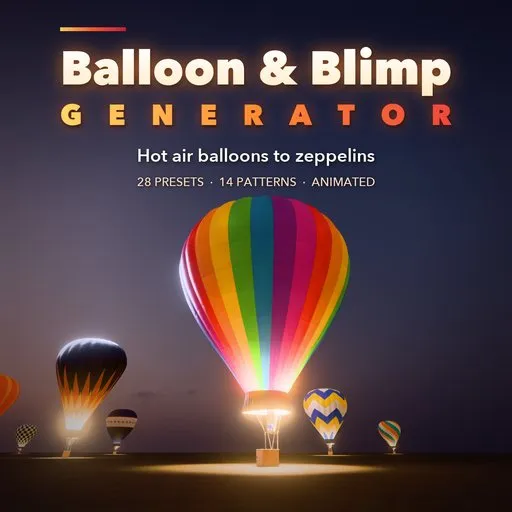
Balloon & Blimp Generator
 add-on
Photoreal procedural hot air balloons, gas balloons, blimps, zeppelins and aerostats: 28 presets, 8 envelope shapes, 14 patterns, woven baskets with burners. Animated, PBR.
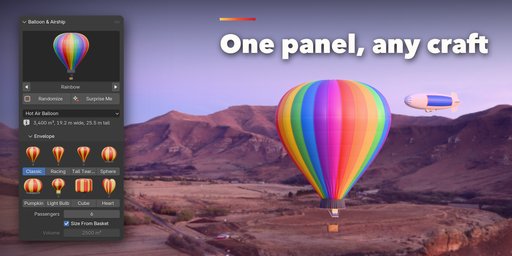
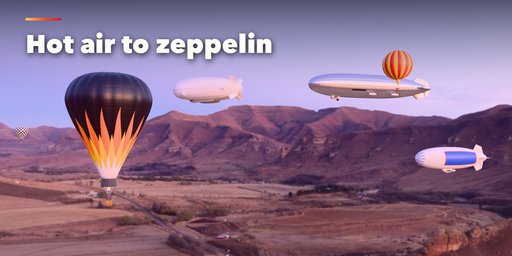
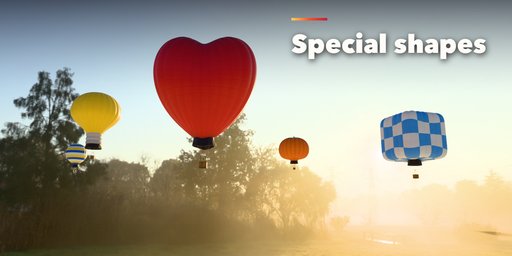
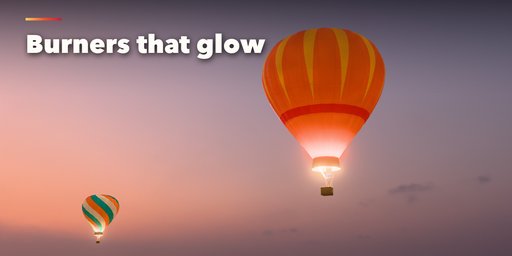
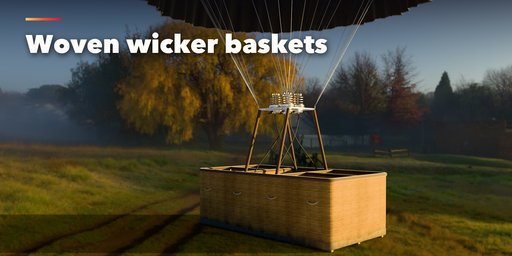
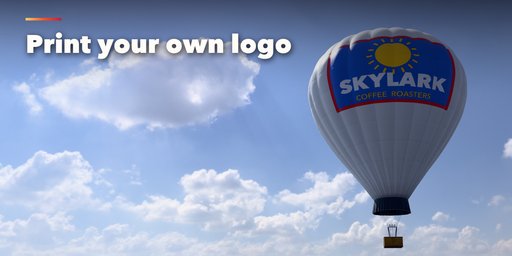
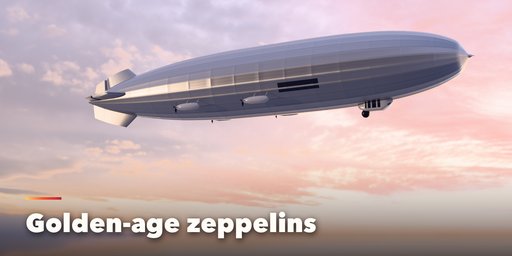
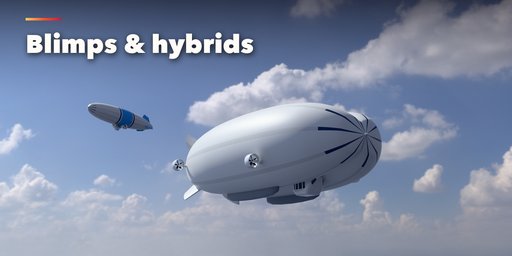
Balloon & Blimp Generator builds photorealistic lighter-than-air craft inside Blender: hot air balloons from one-person cloudhoppers to 24-passenger ride balloons, special shapes, gas balloons in their rope nets, non-rigid blimps, golden-age rigid zeppelins, modern hybrid airships, radar aerostats and small tethered advertising blimps. Pick one of 28 presets from pictures, press Add, then change anything. Every setting rebuilds the craft live.
The envelopes are made like the real thing. Each gore is a separate fabric panel between raised load tapes, the fabric bulges softly between the tapes and folds near the mouth, the horizontal panels carry double-stitched seams and every panel has its own slight dye-lot tint, so nothing looks like a smooth CG balloon. The crown has a parachute vent with its centering lines, the mouth a load ring, a scoop skirt and stainless flying wires down to the burner frame.
The baskets are woven wicker with leather-trimmed step holes, a suede rim roll, rawhide bands, ash runners, rope handles and partitions for the pilot and passenger compartments. On top sit single, double, triple or quad burners with vaporizing coils, jet rings, pilot lights and blast valves, fed by padded propane cylinders through sagging hoses.
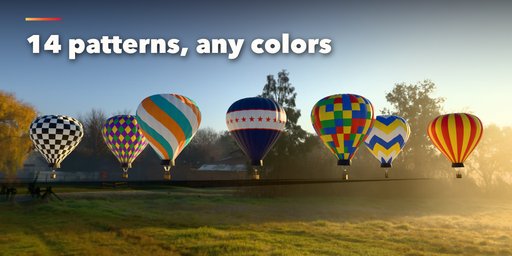
Patterns are painted along the real seams, so stripes, checks and chevrons never cross a tape and never z-fight.
Features
- 28 presets: classic, rainbow, flame racer, chevrons, checkerboard, harlequin, spiral, sunburst, stars, patchwork, sponsor banner, passenger 16 and 24, cloudhopper, gas balloons, blimp, sightseeing airship, zeppelin, hybrid, radar aerostat and ad blimp
- 8 envelope shapes: classic, racing, tall teardrop, sphere, pumpkin, light bulb, cube and heart
- 14 patterns with up to 4 colors, plus banner panels that print your own logo image
- 1 to 24 passengers: the basket, partitions, burners, cylinders and envelope volume follow
- Blimps, rigid zeppelins with girder frames, twin-lobed hybrids and tethered aerostats with fins, gondolas, engine cars, ducted or open props and mooring lines
- Rip-stop nylon, polyester laminate, doped silver and rubberized fabric finishes
- Gentle bobbing and drift, pulsing burner flames and spinning propellers on the timeline
- Randomize and Surprise Me for endless new crafts
- Real-world scale in meters, PBR materials that export to game engines, Make Static for export
Requires Blender 4.2 or newer. Tested on Blender 4.2, 4.5 and 5.2 LTS.
How to use
Installation
In Blender open Edit, Preferences, Get Extensions, then use Install from Disk and pick the balloon_blimp_generator zip.
Usage
- Open the Balloon tab in the 3D viewport sidebar (N). Click the picture to choose a preset and press Add to place the craft at the 3D cursor. You can also use Shift+A, Balloon & Airship.
- With a craft selected, the picture applies another preset to it. Randomize makes a new craft of the same kind; Surprise Me can also change the kind. The Craft menu switches between hot air balloon, gas balloon, blimp, rigid zeppelin, hybrid airship and aerostat.
- Envelope picks the shape from thumbnails and sets the passengers (the envelope volume follows unless you switch off Size From Basket). Airship sets the length, slenderness, fins, propulsion, gondola and windows.
- Pattern & Colors picks one of 14 patterns from thumbnails and up to four colors. The Sponsor Banner pattern prints any image you load on both flanks.
- Basket & Burners, Fabric Details, Flight & Animation and Seed & Output hold the finer settings: basket style and partitions, burner and cylinder counts, gores, panels, load tapes, bulge, wrinkles, vent, skirt, flying wires, altitude, burner flames, bobbing and drift, seed, detail level, Rebuild and Make Static.
Every craft is built in meters at real-world size. Materials are Principled BSDF with image textures, so the meshes export to game engines; Make Static turns a craft into plain objects for export or hand editing.
FAQ
Which Blender versions are supported?
Blender 4.2 and newer. It is tested on Blender 4.2, 4.5 and 5.2 LTS.
Can I animate the balloons and airships?
Yes. Turn on Animate in Flight & Animation: the craft bobs gently and drifts, burner flames pulse and propellers spin, all driven by the timeline. Every part is an ordinary object under one Motion empty, so you can also keyframe the craft yourself.
Can I put my own logo on the envelope?
Yes. Choose the Sponsor Banner pattern and load an image in Pattern & Colors. It is printed on banner panels on both sides of the balloon or along the flanks of a blimp.
Can I use the crafts in a game engine?
Yes. Materials use Principled BSDF with image textures and the pattern is a single texture per craft. Make Static turns the craft into plain mesh objects ready to export as FBX or glTF, and Low detail gives lighter meshes.


